4-Cut Photos on iPhone or Galaxy (2026 Guide)
The short answer
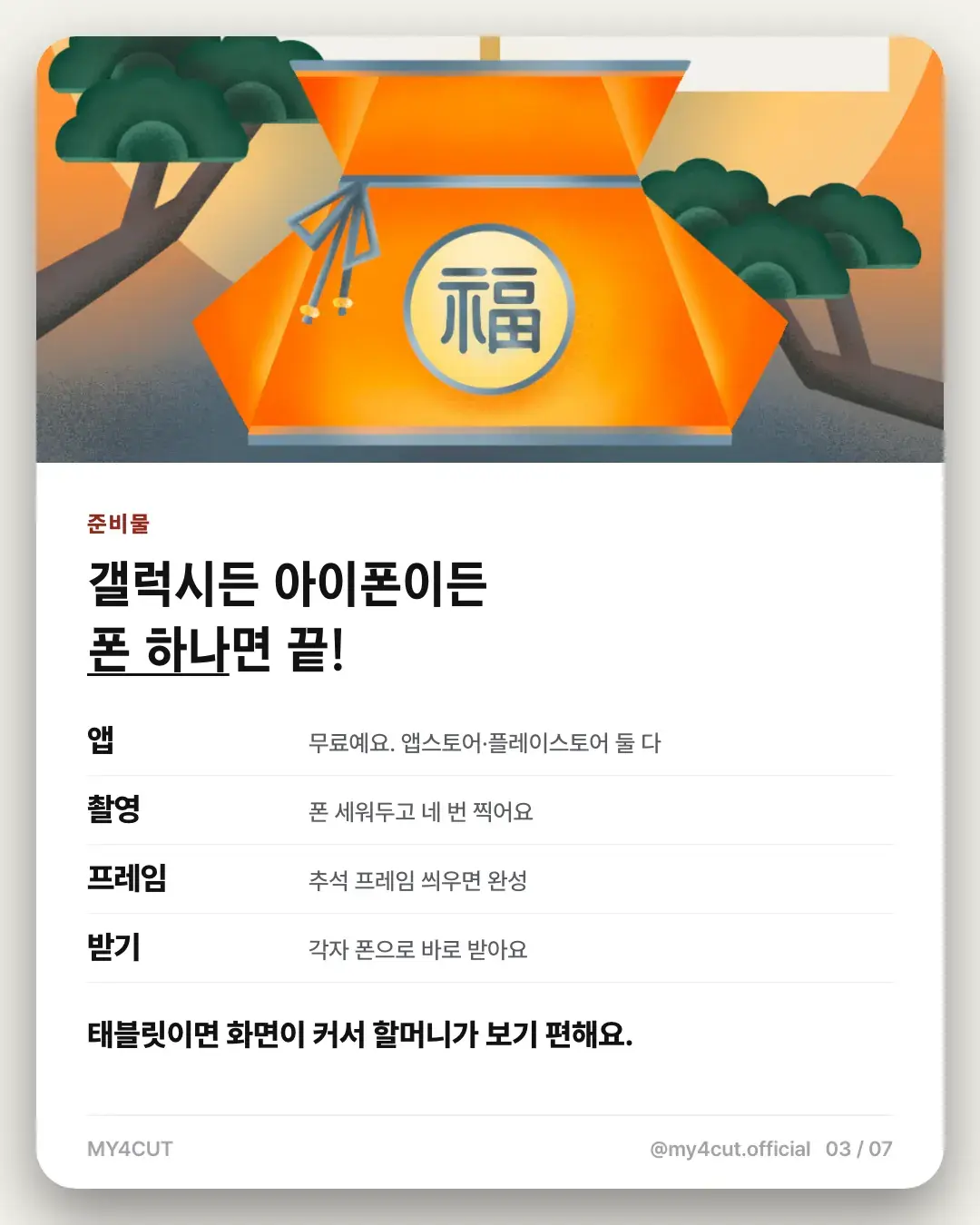
One phone is enough for 4-cut photos, iPhone or Galaxy. The app is free on the App Store and Google Play: take four shots with the front camera, add a frame, and it saves straight to your gallery. A stand and bright natural light make the result better.
Can you really do this with a smartphone?
Short answer: absolutely yes.
Modern smartphone cameras rival dedicated photo booths.
With my4cut app, you can apply frames and shoot in one go.
What you need
Smartphone (iPhone or Galaxy)
Tripod or phone stand (cheap ones work fine)
Good lighting (natural light or ring light)
my4cut app (App Store / Google Play)
iPhone settings
Settings → Camera → Enable Grid (helps with framing)
Use Portrait mode for background blur
Adjust exposure: tap screen, slide sun icon up
Set 3s or 10s timer for self-timer shots
Galaxy settings
Camera → Settings → Enable guidelines
Use Portrait mode for blur effect
Brightness: tap and use slider to adjust
Use voice commands or palm gesture for hands-free shooting
Pro tips
Face a window for flattering natural light.
Angle slightly above eye level for a slimming effect.
Vary your expressions/poses across the 4 shots.
Solid color walls make the cleanest backgrounds.
Apply frames with my4cut
1. Download app and tap 'Shoot'
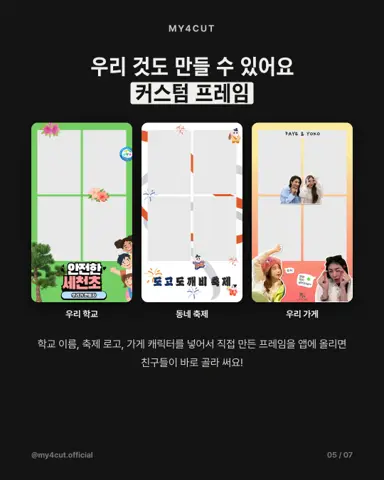
2. Pick a frame (aesthetic, character, custom)
3. Take 4 photos (3-second intervals)
4. Save or share via QR
Want prints too?
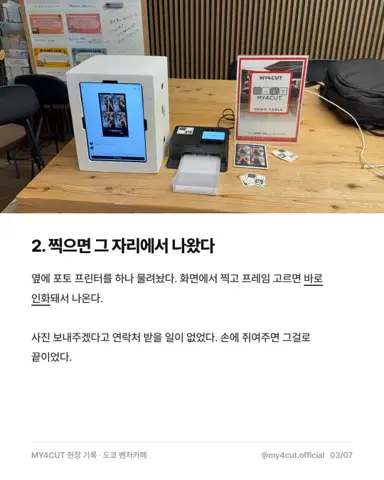
Connect a photo printer like Canon SELPHY CP1500 for instant prints.
Or use convenience store print services (save file, upload).
4x6 inch (10x15cm) paper fits 4-cut layouts perfectly.
What do I need to set up with just a phone?
You need a phone and the app. The app is free; prop the phone up, take four shots and add a frame. Everyone can get the finished photo on their own phone by QR code.
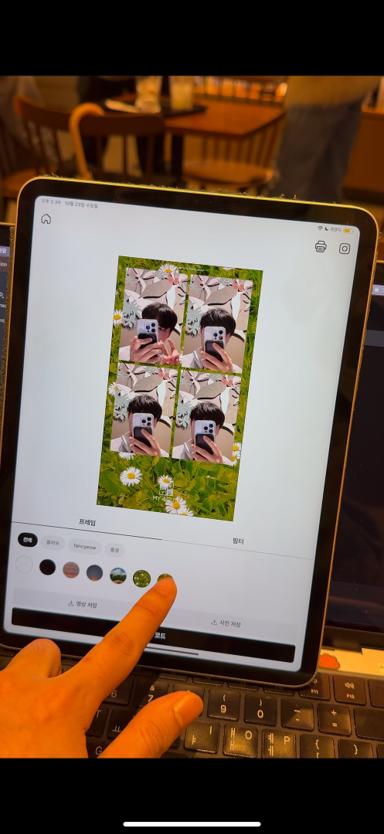
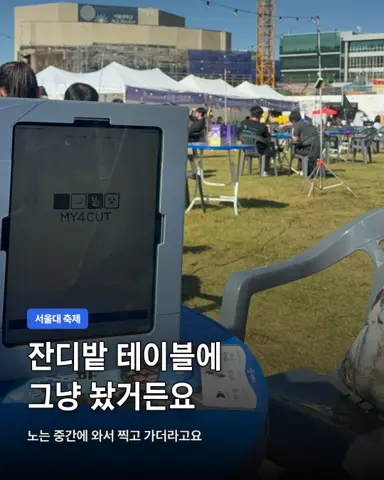
When the phone is on a dining table, I set it slightly below eye level so nobody has to lift their chin. I found that shooting a family 4-cut with a grandmother at Chuseok. A tablet has a bigger screen, which is easier for older family members to see.
How does it go from shooting to saving?
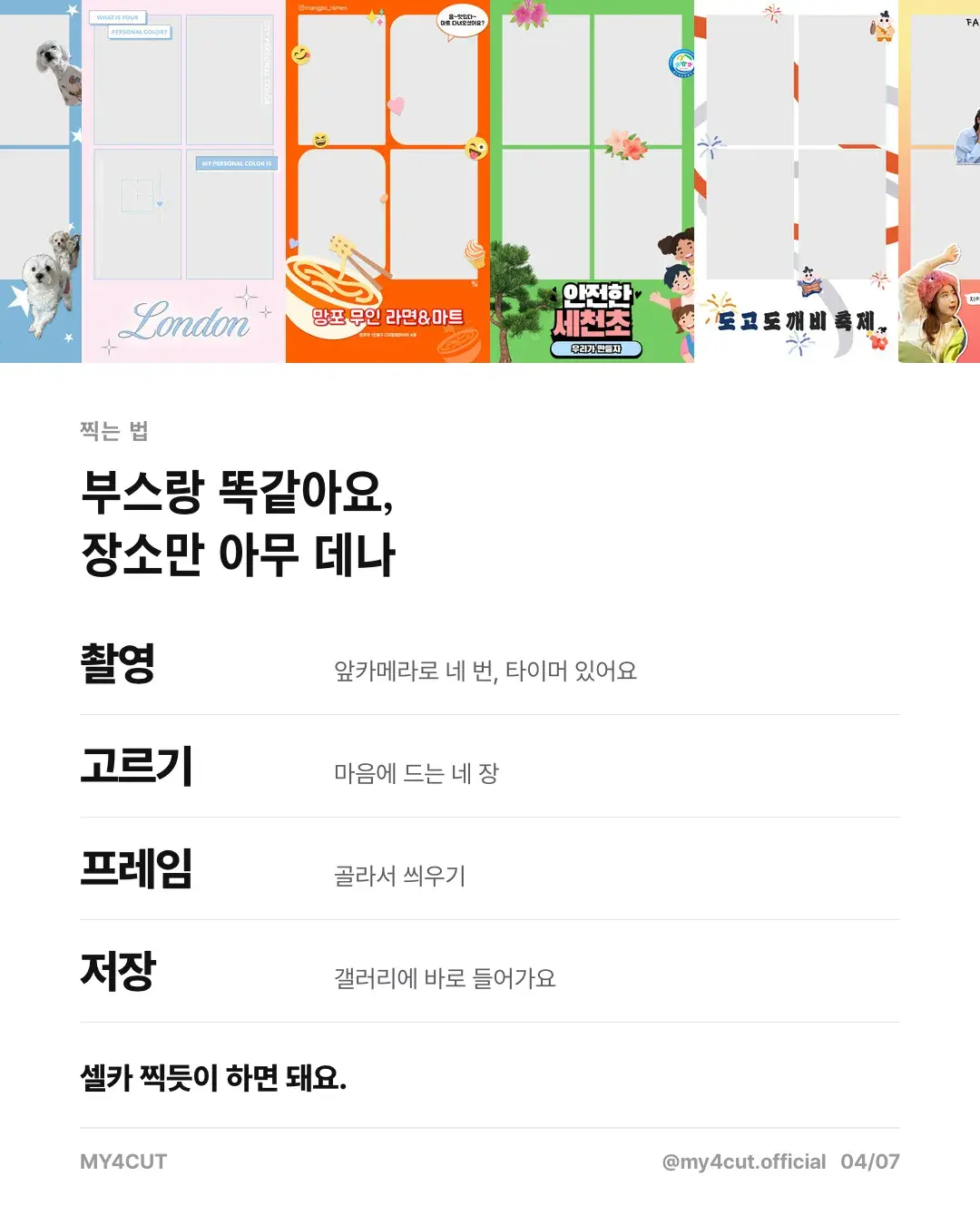
You take four shots with the front camera and there is a timer. Then you pick the four you like, choose a frame, and save. The photo goes straight to your gallery.
It follows the same order as a booth, and you can do it anywhere. Shoot like a selfie.
How do I choose a frame?
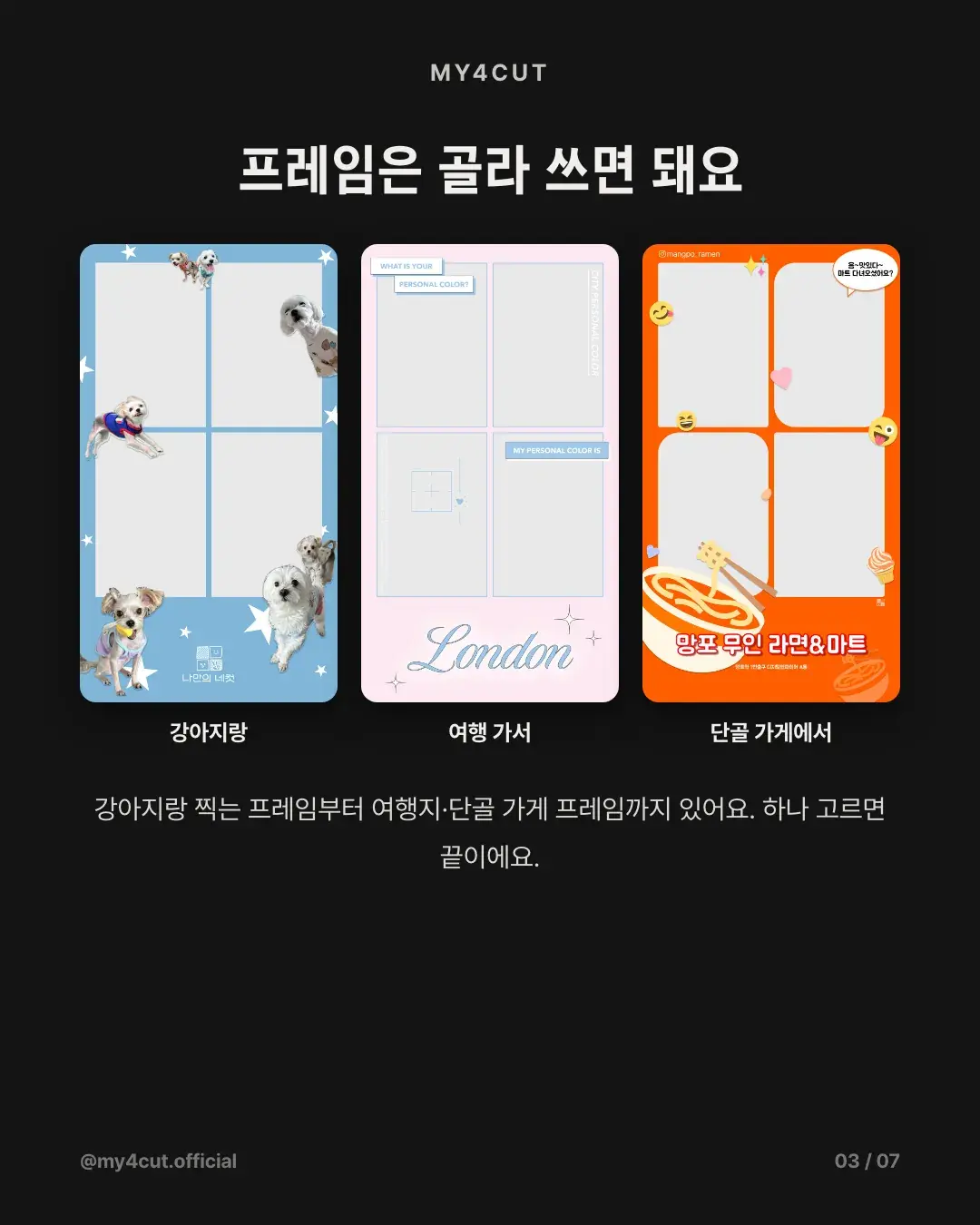
Pick one in the app to match the occasion, such as a dog frame, a travel frame or a neighborhood shop frame. For a frame with your school or shop name, make one in the web frame maker and upload it.
Frequently Asked Questions
Is iPhone or Galaxy better for 4-cut photos?
Can I shoot without a tripod?
Front camera or back camera?
How much does printing cost?
Where is the finished photo saved?
Does the same app work on an iPad?
Ready to shoot?
Start taking 4-cut photos on your phone with my4cut.
Download appYour phone becomes the photo booth
MY4CUT is a 4-cut photo booth app with a countdown timer, frames, filters and QR sharing. Free on iOS and Android.