
MY4CUT for Business
Run 4-cut photo booths at events from one console
Software for event agencies, booth operators and venues. Put your client's frames and logo on every event and manage all your booths from the web. For now booths run in free mode and you collect fees on site yourself. Guest QR payments are coming soon.
No card required. Before installing, try it in your browser
Ready on site in three steps
- STEP 1
Install the booth app and pair with a 6-digit code
Open the Windows, Mac or iPad app and enter the code from the console. You can also run the booth in a browser.
- STEP 2
Create the event in the console and attach booths
Set the event name, client logo, frames, stickers, price and output options, then choose which booths run it. Booths pick it up within a minute.
- STEP 3
Guests shoot, decorate and take it home
Frame choice, countdown shots, filters and stickers, print and QR download, each step on a timer. Send the client a gallery link with every photo.
For now, you collect fees on site
Corporate events, weddings, activations, venues
Free mode
Guests shoot right away. If you charge, collect it yourself on site (cash, card terminal and so on). Sessions and photos are tracked per event.
Venues, pop-ups, festivals
QR payment (coming soon)
We're building guest payment on their own phone before the shoot. You'll be able to turn it on in the console when it opens.

Use the gear you have
- Windows
- Canon DSLRs over USB (EDSDK-supported models), webcams and capture cards. Prints to any Windows photo printer.
- Mac
- Webcams and capture cards, printing to any macOS printer.
- iPad & iPhone
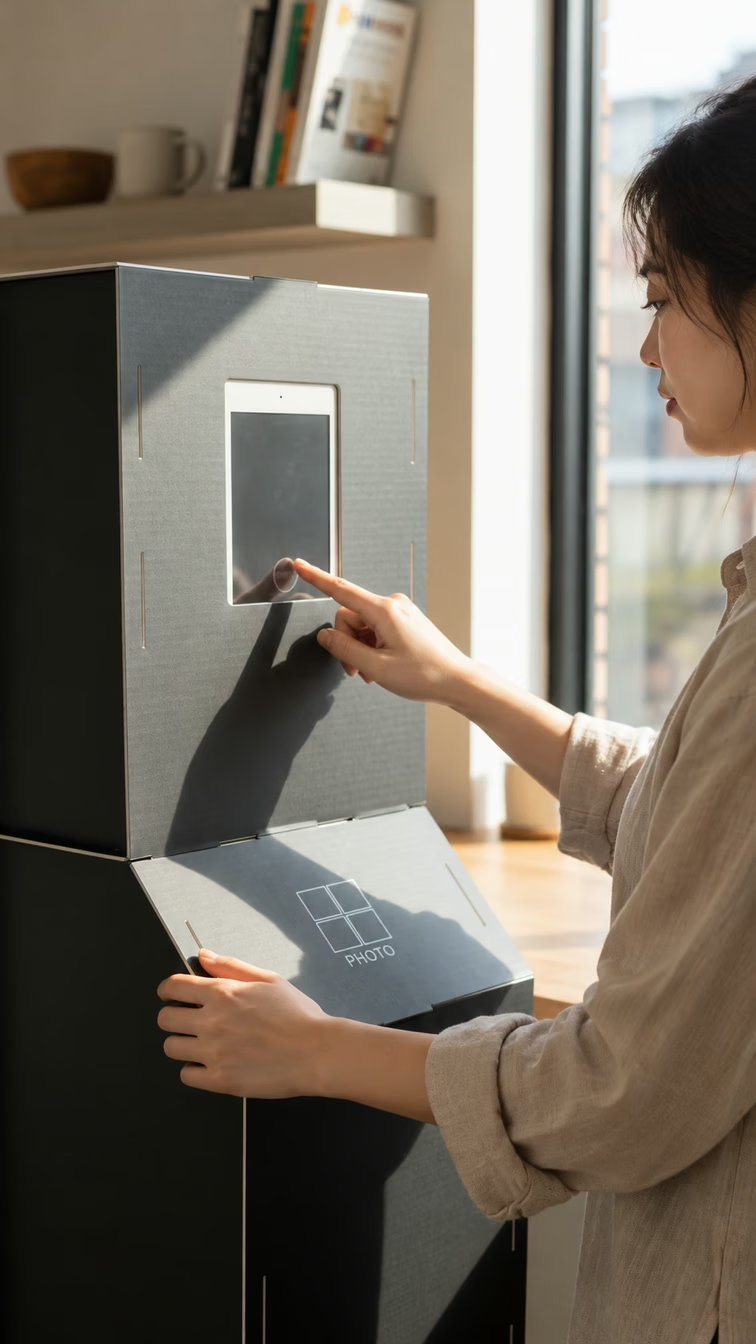
- Runs in the MY4CUT Business app. Slot it into a mini booth and you're set.
- Browser
- Open /business/booth in Chrome to try it with a webcam and browser printing, no install.
Web console
Manage everything from the web, even when you're not on site.
Events
Frames, stickers, logo and price per event, booths attached, and a gallery link for the client.
Devices
Online status, last seen, camera and printer for every booth, with remote settings.
Shoots
Sessions and photos by date or event. Payments and payouts are coming soon.
Branding
Every photo carries your logo and a download QR. Upload your own stickers too.
Coming from LumaBooth or another booth app?
MY4CUT for Business is built for Korean-style 4-cut photos and on-site payments. Here's what changes.
4-cut layouts by default
2x2 frames and 4x6 prints (single or two side by side) out of the box. Shoot 5 to 8 and let guests pick 4.
MY4CUT frames as-is
Pick frames made in the MY4CUT app or web editor and put them on the booth.
On-site payment coming soon
Guest QR payment and payouts are in progress. For now use free mode and collect fees yourself.
Check each service for its own features and pricing.
One plan, every feature
MY4CUT Business is $14.99 a month with 2 devices included. Each extra device adds $7.99 a month. Yearly is the price of 10 months.
See pricingFAQ
- What happens after the trial?
- After 14 days the booth shows a 'Subscription ended' message instead of the camera. Email hello@myfourcut.com to continue. Your devices, events and sales stay.
- How do I charge guests?
- Right now booths run in free mode, so you collect fees on site yourself. Guest QR payment is coming soon.
- What if the internet drops?
- The booth shows a notice and continues when it reconnects. Payment confirmation and photo QR need a connection.
- Which printers work?
- Any photo printer your Windows PC or Mac sees. See the hardware table on the download page and run a test print from the operator menu.
Put a booth at your next event
Every feature free for 14 days.