10 Birthday Party Photo Booth Ideas (2026)
The short answer
A birthday party photo booth needs an app, a stand and a backdrop like balloons. Make a frame with the guest of honor’s name beforehand and let guests receive their photos by QR code on their own phones, and it works at the party without a printer.
Why a photo booth at a birthday party?
Cutting the cake, opening presents... birthday highlights deserve to be captured.
A photo booth lets guests naturally take photos and makes the birthday person feel special.
Photo booth rental $400+ vs my4cut app free. The choice is clear.
Ideas 1-3: Themed frames
1. Birth year frame: Show birth year and current age (e.g., 1995 → 31)
2. Zodiac frame: Add the zodiac animal of the year
3. Color theme: Match the party colors (pink party, gold party, etc.)
Ideas 4-6: Props
4. Speech bubbles: 'Happy Birthday!' 'Getting old!' etc.
5. Party hats & glasses: Cheap props from dollar stores
6. Number balloons: Place age balloons in the background
Ideas 7-10: Setup tips
7. Background: Balloon wall, glitter curtain, or solid color wall
8. Lighting: Warm light (2700K-3000K) flatters skin tones
9. Stand height: Waist to chest height is most comfortable
10. QR sharing: Instant QR sharing lets guests save immediately
Budget setup (under $50)
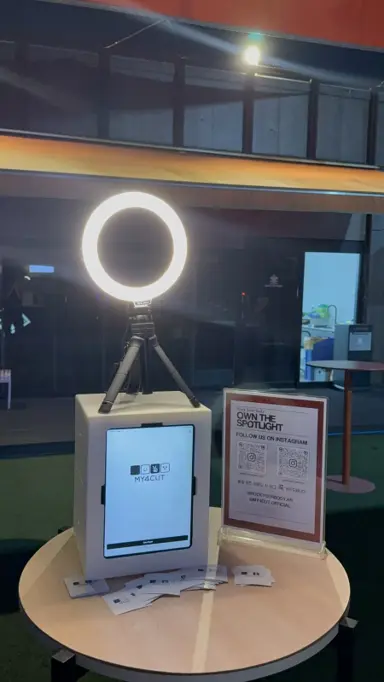
iPad stand: Amazon/dollar store ($10-20)
Balloon set: Dollar store ($5-10)
Glitter curtain: Dollar store ($3)
Props: Party hats, glasses ($5)
my4cut app: Free
Total: About $30-50 for a pro-level photo zone!
Create custom frames
Make frames with the birthday person's name and date in my4cut app.
Design in Canva, upload as PNG, done!
Match your party colors and theme for a cohesive look.
How do you put the birthday person’s name on the frame?
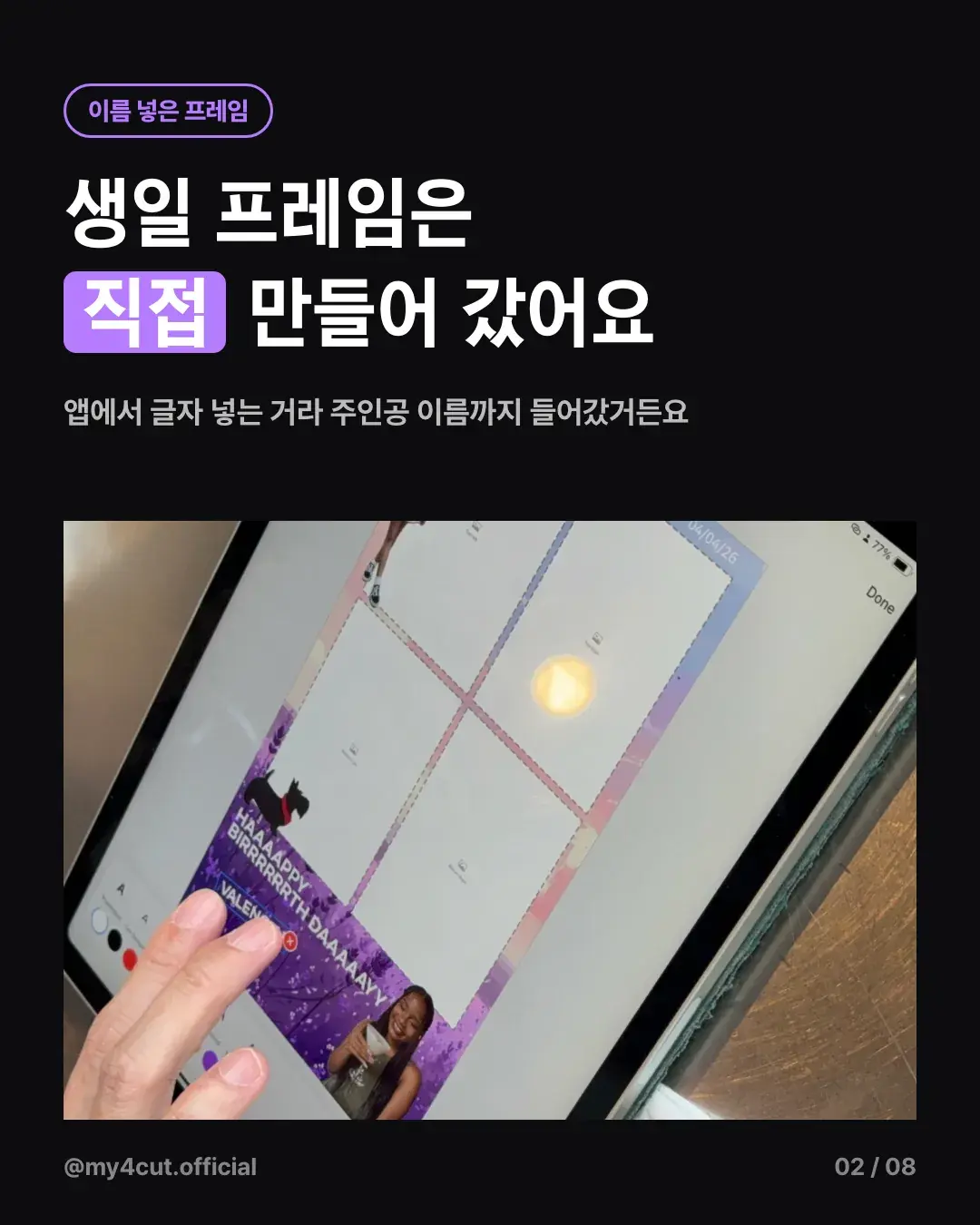
For a friend’s birthday party in the US, I made a purple glitter birthday frame in the app before the party started. Since you type the text in the app, the name of the guest of honor went right into the frame.
It was a frame that existed only for that party, so guests liked that strip the most. Think of it as adding a name to the themed frames in ideas 1 to 3 above.
Where did you put the booth?
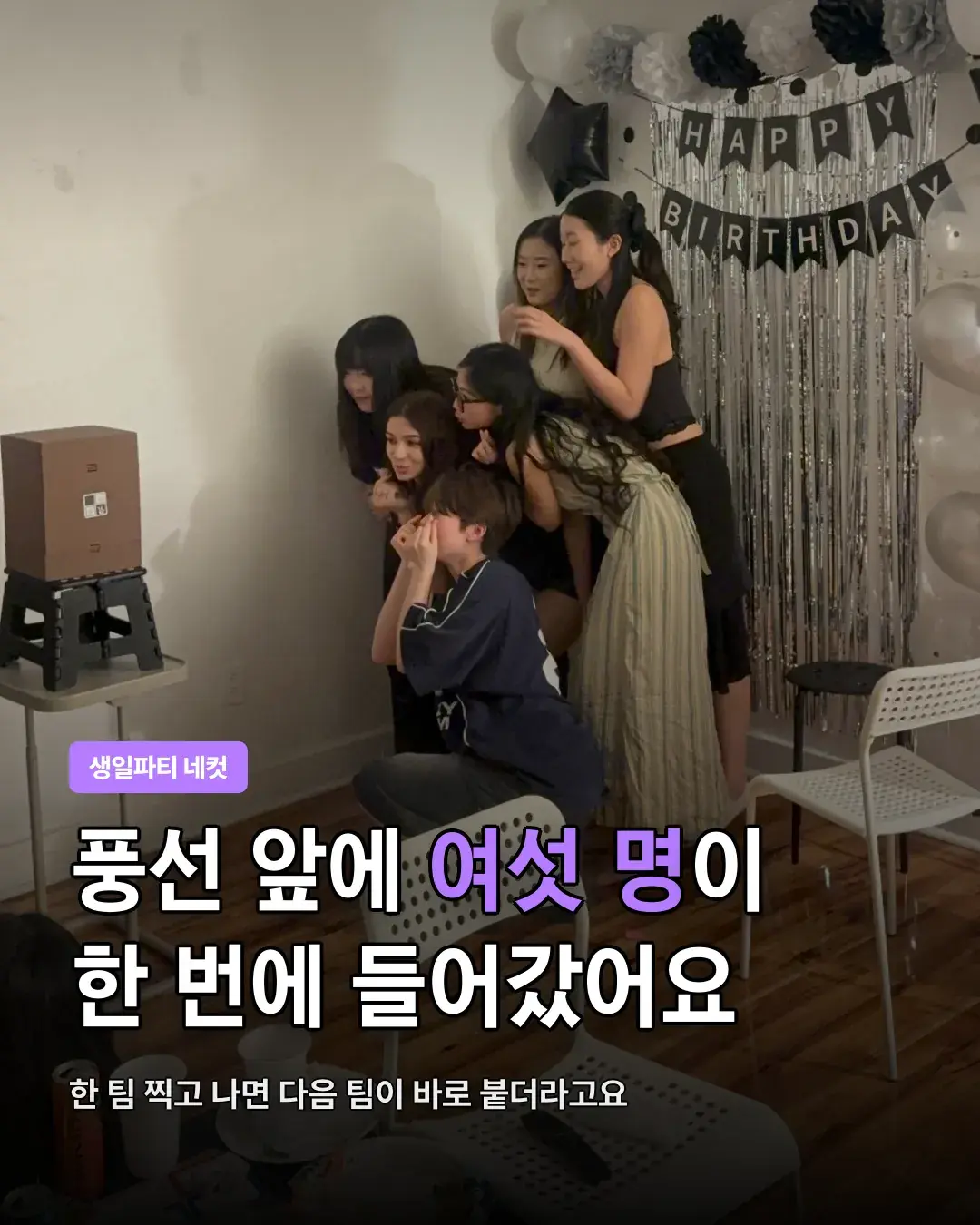
I did not set it up on the floor. I put the brown mini booth box on a black folding stool in front of the balloons. Behind it were black, white and silver balloons, a HAPPY BIRTHDAY garland and a silver curtain.
Six people squeezed in front of the balloons at once and posed. When one group finished, the next group stepped right in, and they took turns.
How did guests get their photos?
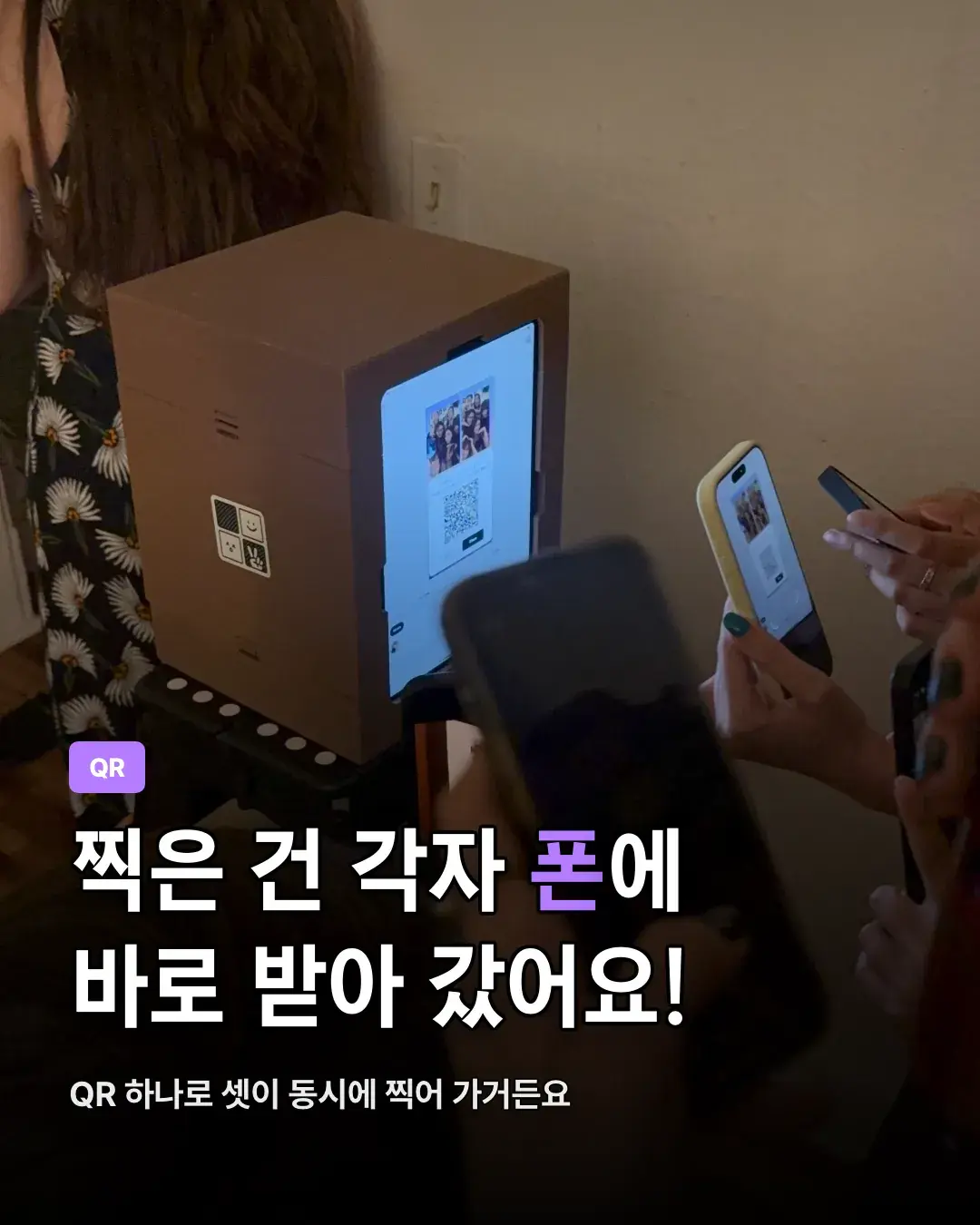
They got the photos on their own phones by QR code. One QR code let three people scan at the same time.
As soon as they received them, everyone looked at their phones and laughed again. They could pass the photos around on the spot without printing, so having no printer was not a problem.
Frequently Asked Questions
How much does a birthday photo booth cost?
Can kids use it for their birthday party?
How do I make custom birthday frames?
Do I need a printer for the photo booth?
How many people can take a photo together?
Can I put the birthday person’s name on the frame?
How do many guests get their photos?
Ready to set up your birthday photo booth?
Create special birthday memories with my4cut.
Start freeSet up an event booth with your logo and frame
The MY4CUT app has logo customization, dedicated event frames and an admin password lock. Guests get their strip on their own phone by QR code.