Hackathon Photo Booth: One Counter Spot, Power Only
The short answer
A hackathon photo booth needed one counter spot and one power cable. We put the program name on the frame, let guests get photos by QR code, and the gallery filled up team by team. We ran it this way at two hackathons in March 2026, on March 22 and March 28.
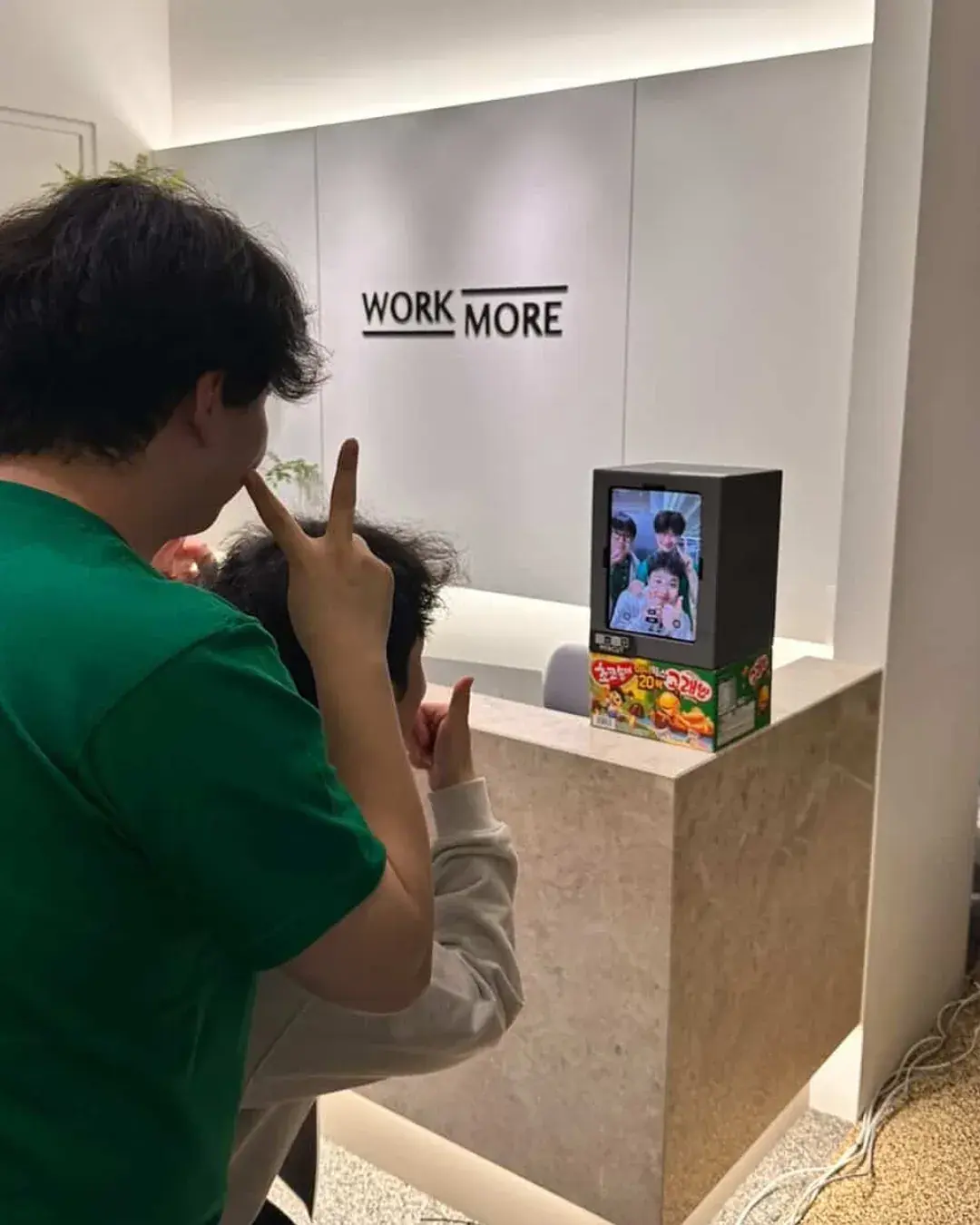
What does a photo booth look like at a hackathon?
People at a hackathon sit in front of laptops all day. A booth gives them a short reason to stand up, take one photo and go back. We set one up twice.
On March 22 we had a booth at the Black & White Developer THE Hackathon at WORKMORE, an event put together by EO, BZCF and WORKMORE. On March 28 we had one at Ddalkkakthon, run by a vibe coding club, where teams build a service with AI in 8 hours.
The setup was the same both times. This post only covers how we placed a 4-cut booth. If you want the story of running a university hackathon, that case is here.
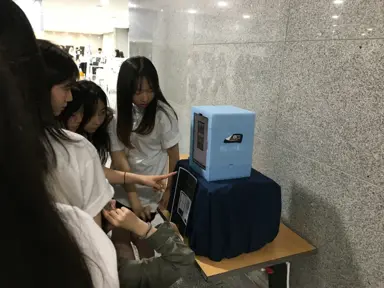
The gallery filling up team by team also means teams came and shot together. At a hackathon it felt natural for people who work together to stand up together. Even with no set break time, a booth in plain sight turns into a place to catch your breath for a minute.
Where did we put the booth?
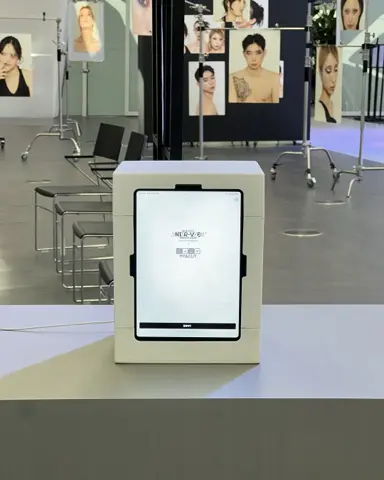
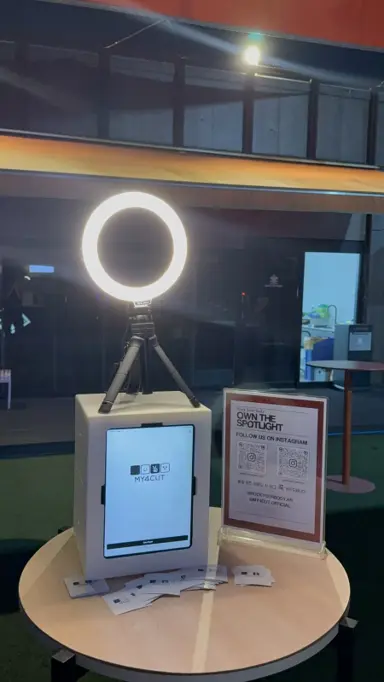
On one counter spot. At WORKMORE it sat on the lobby counter near the hall full of laptops. At Ddalkkakthon it sat on a table next to the banner.
Setup meant plugging in the power. No tripod, no extra light. The iPad is inside the booth, so there was nothing else to stand up.
At a busy event the spot matters. Close to the laptop seats makes it easy to stand up, shoot and go back.
One counter spot is enough, so pick a place people already pass, like next to the info desk, in the lobby or at the hall entrance. Not having to build a new space mattered at an event like a hackathon.
- What we needed: one booth, one counter or table spot, one power outlet
- What we did not use: a tripod, a separate light, a staffed station
How did the two hackathons differ in how we placed the booth?
At the Black & White Developer hackathon the booth sat on the lobby counter. People got up from the hall full of laptops and walked over to shoot. The event name went under the frame, and the gallery gathered one strip per team.
Ddalkkakthon is an event where teams build a service with AI in 8 hours, so it was short and dense. The booth sat on a table, and the organizers put our logo on the event banner too. The frame had speech-bubble lines that fit the mood of the event.
One event used the event name at the bottom of the frame, the other used speech bubbles for mood. Either way the frame was made in the app on the day, so it could change to fit each event. That helps where every event needs its own frame.
How did we make the event frame?
We made the frame in the app on the day with the custom frame feature. No outside designer, and it did not take long.
For the Black & White Developer hackathon we put the program name at the bottom of the frame, so you can tell which event a photo came from. For Ddalkkakthon we put speech-bubble lines inside the frame, such as an invitation into the vibe coding world.
For Ddalkkakthon we told the organizers that if they gave us their account, the frame could be made in the frame store right away. You upload the event logo, name and bubble text in the app.
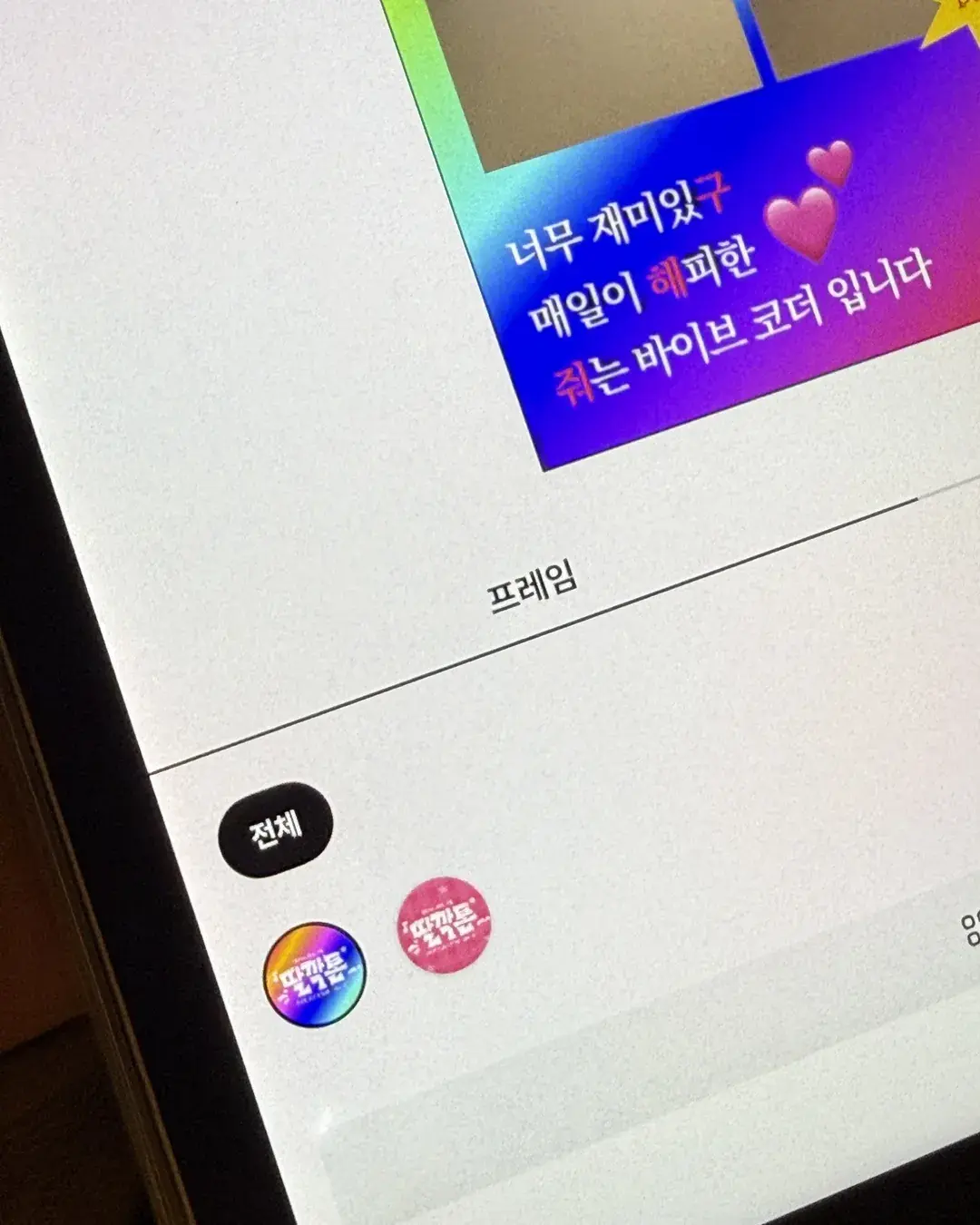
How do guests get their photos?
By QR code. When the shoot ends, a QR appears on the iPad screen and guests scan it with their phone camera.
Nobody had to install the app. The photo opens in the browser, so with a crowd of strangers we barely had to explain anything.
We did not use a printer. With no paper or ink to manage, the booth was much lighter to bring. If your event wants prints, see the event checklist for what to prepare.
On the booth side you can open the gallery screen and see which photos are piling up. That is where we saw the strips stacking up team by team.
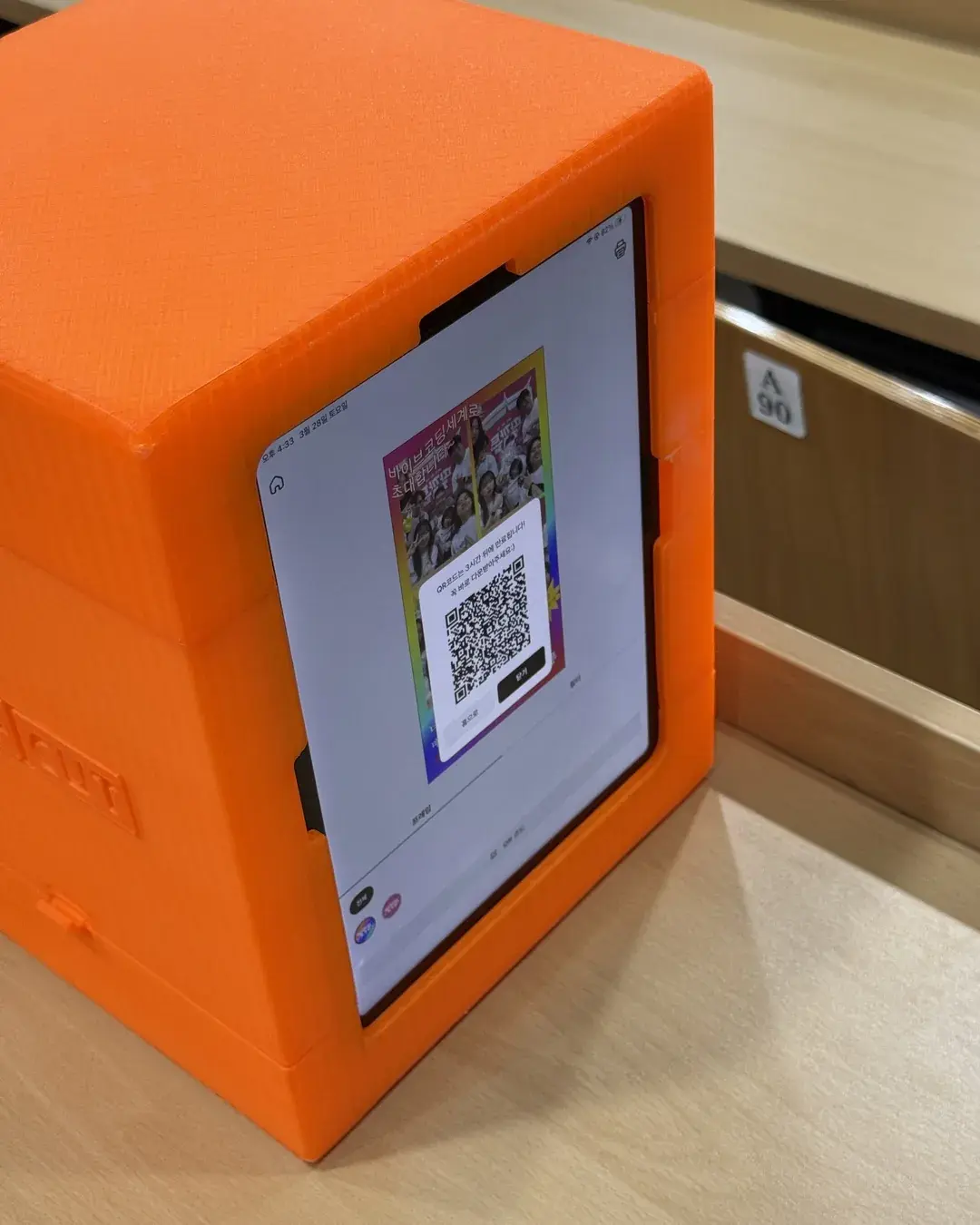
What ended up in the gallery?
When we opened the gallery, it had one strip per team. Teams in matching green shirts and teams in black shirts had all come by once.
Because the event name was printed on the frame, the whole gallery read as one event at a glance. After a hackathon, code is not the only thing left.
At Ddalkkakthon, once the 8 hours were up, people gathered in front of the banner and took one more together, holding what they had just built.
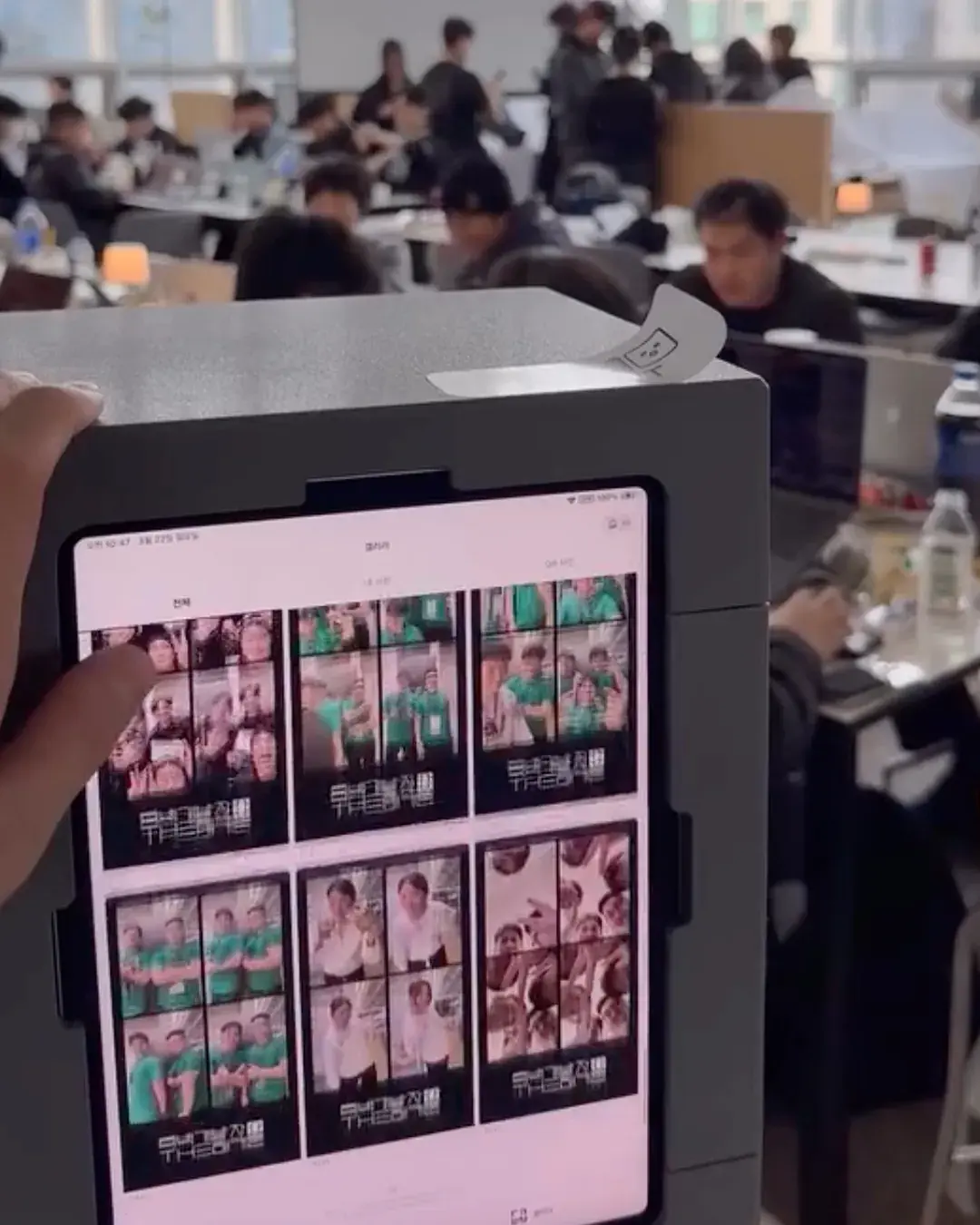
What should you check before putting a booth at a hackathon?
This is the order we settled on after doing it twice. Nothing in it is complicated.
The list of things to bring is short, but a few things need deciding before the event: the frame text, the booth spot and where the power is. Once those are set, all that is left on the day is putting the booth down and plugging it in.
- Check where the outlet is. If the counter is far from power, bring an extension cord.
- Get the program name and logo before the event so the frame takes less time on the day.
- If the iPad is left alone at the counter, set the admin password lock so settings stay put.
- QR delivery needs guests' phones to be online, so put the venue Wi-Fi info next to the booth.
- Rental and purchase terms are on the booth rental page.
Frequently Asked Questions
How much space does a hackathon photo booth need?
Do hackathon participants need to install the app to get their photos?
How do you make a frame with the event name on it?
Can you run a hackathon booth without a printer?
Who sets up the booth?
Want a booth spot at your event?
Event frames with your name on them can be made in the app. See what kinds of frames you can make.
See custom framesSet up an event booth with your logo and frame
The MY4CUT app has logo customization, dedicated event frames and an admin password lock. Guests get their strip on their own phone by QR code.