Demo Day Photo Booth: One Lobby Table Is Enough
The short answer
A demo day photo booth needs one meeting-room table, a mini booth, and a power cord. At SOPT 38 THE CHECKPOINT, we ran it with one booth and no camera, lights, printer, or operating staff. We made the two event-logo frames in the app that same day.
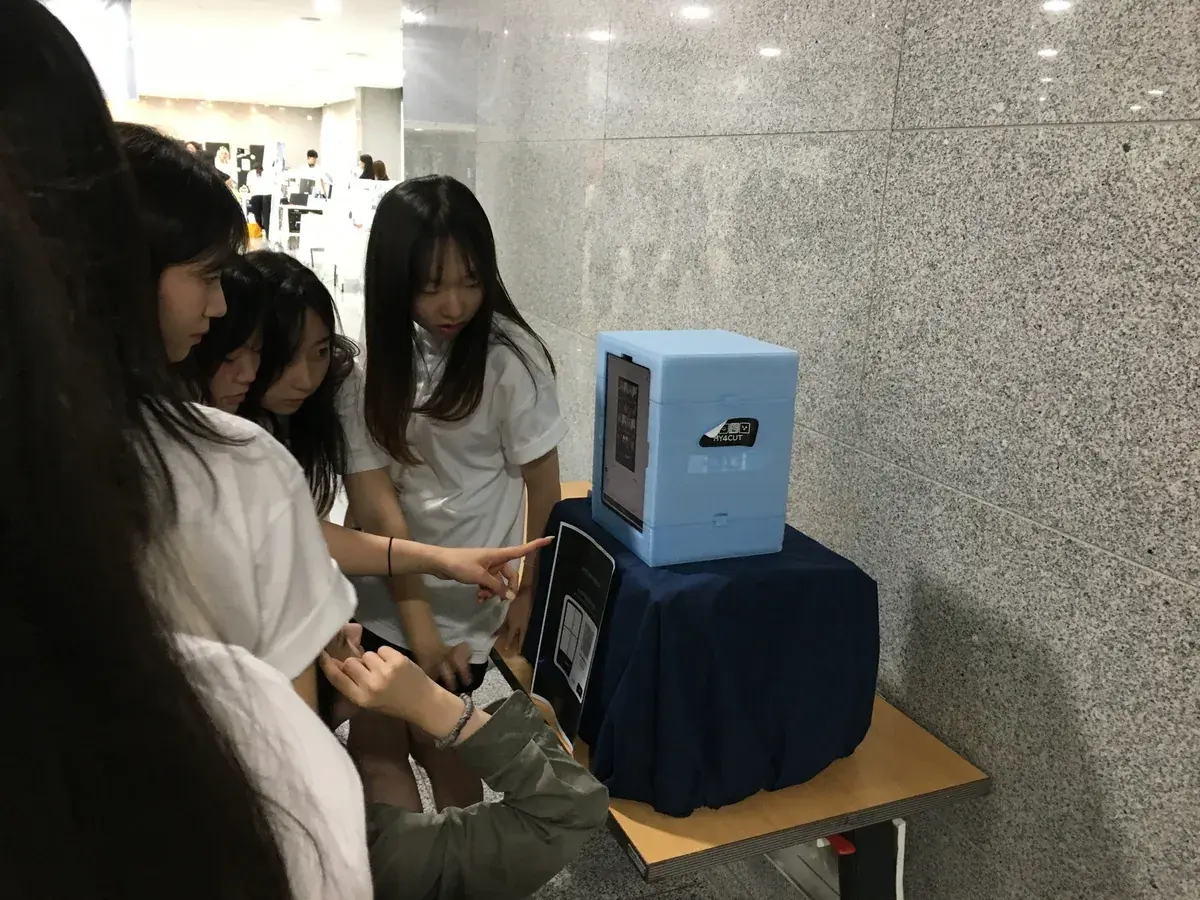
On a conference table, plugged in, done
July 18, National Assembly Members' Office Building. my4cut joined SOPT's 38th demo day, THE CHECKPOINT.
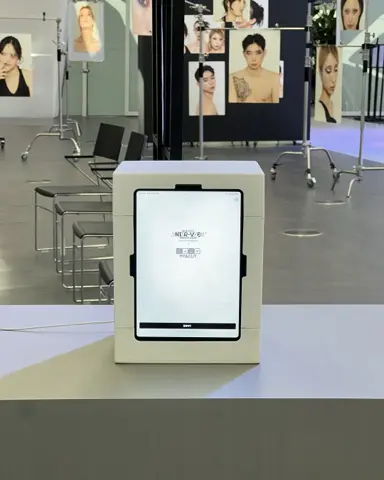
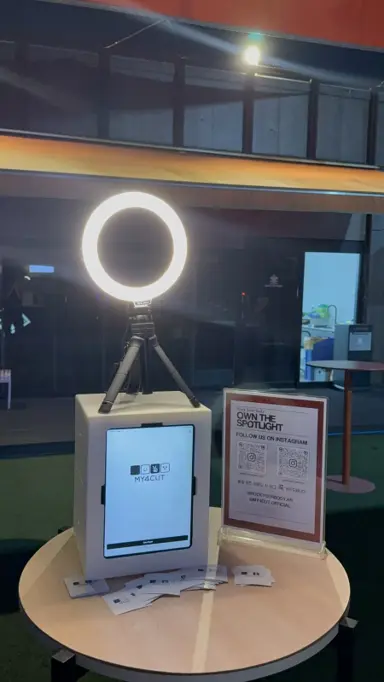
Presentations ran in the main hall while we took one slot in the lobby corridor. No tripod, no lighting; the iPad sits inside the booth.
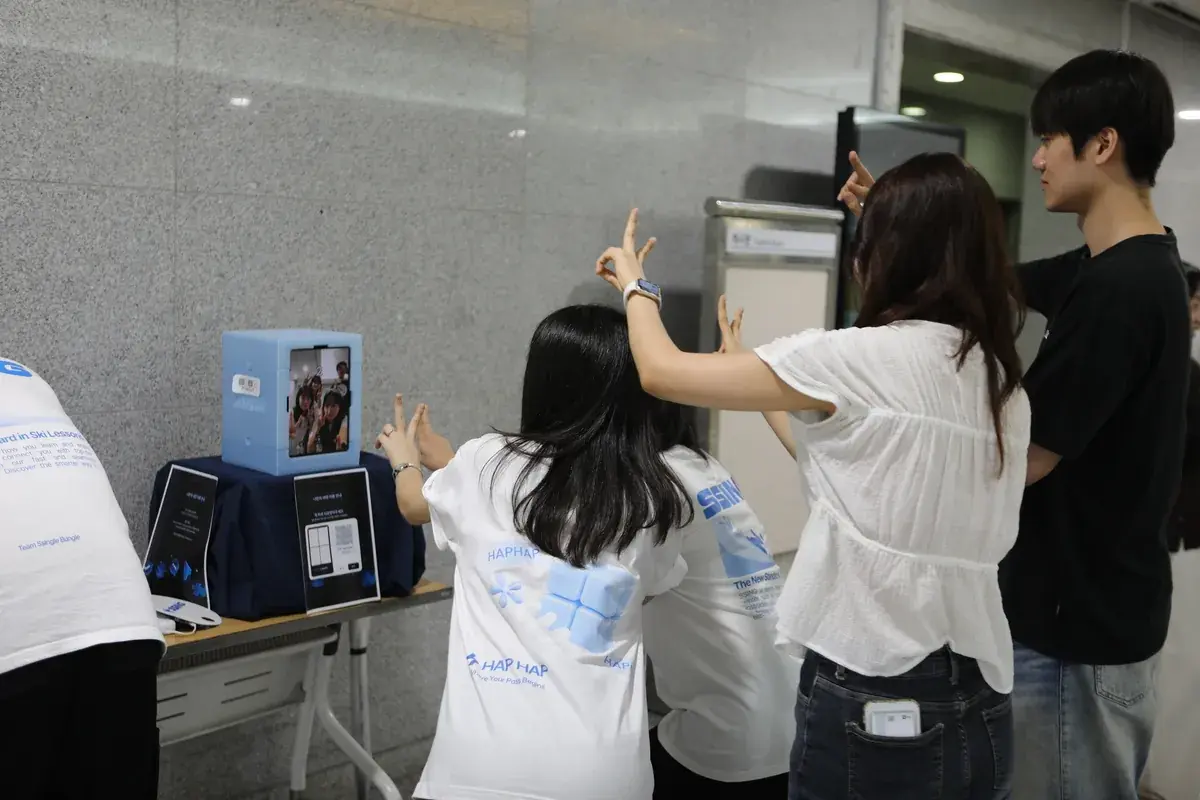
Eight people in one shot
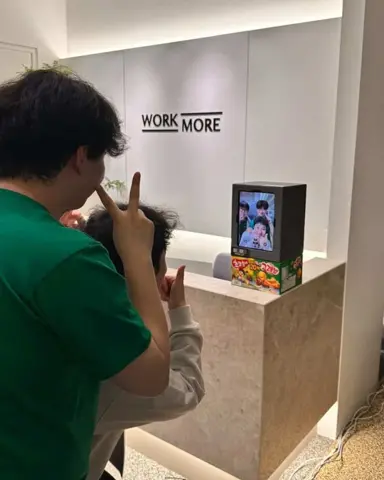
People walking by kept stopping. With no line to manage, they tapped the screen and piled in, eight to a shot.
Afterwards one QR sends the photo to each phone. It opens in the browser without the app.
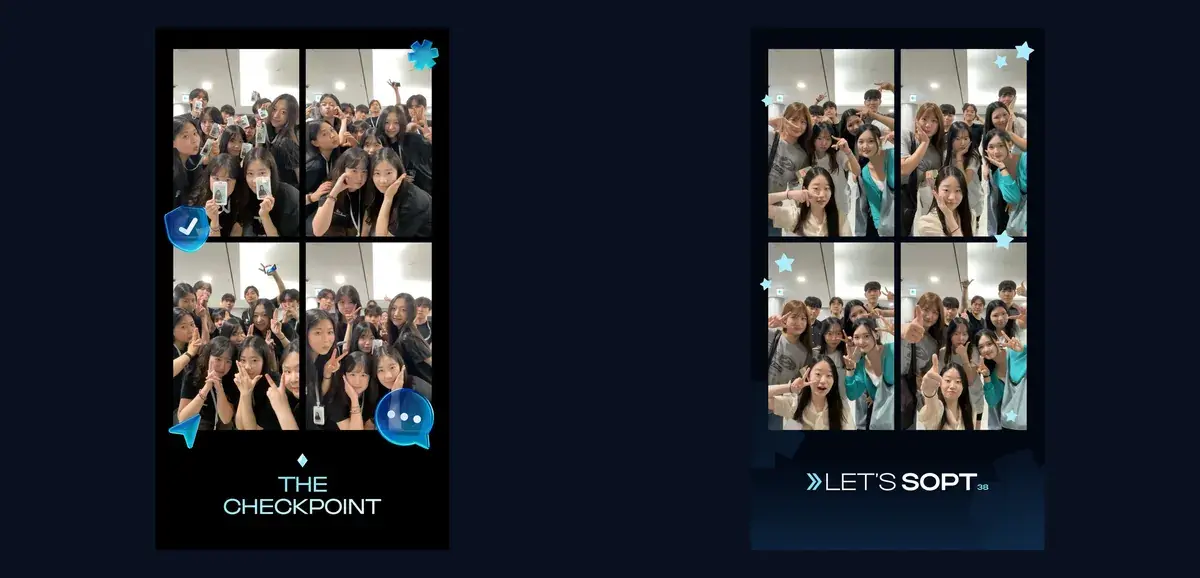
Two frames made in the app that day
THE CHECKPOINT and LET'S SOPT 38, with the logo and event wording, made on site.
School events, club demo days, after-parties: one table slot and it runs the same day.
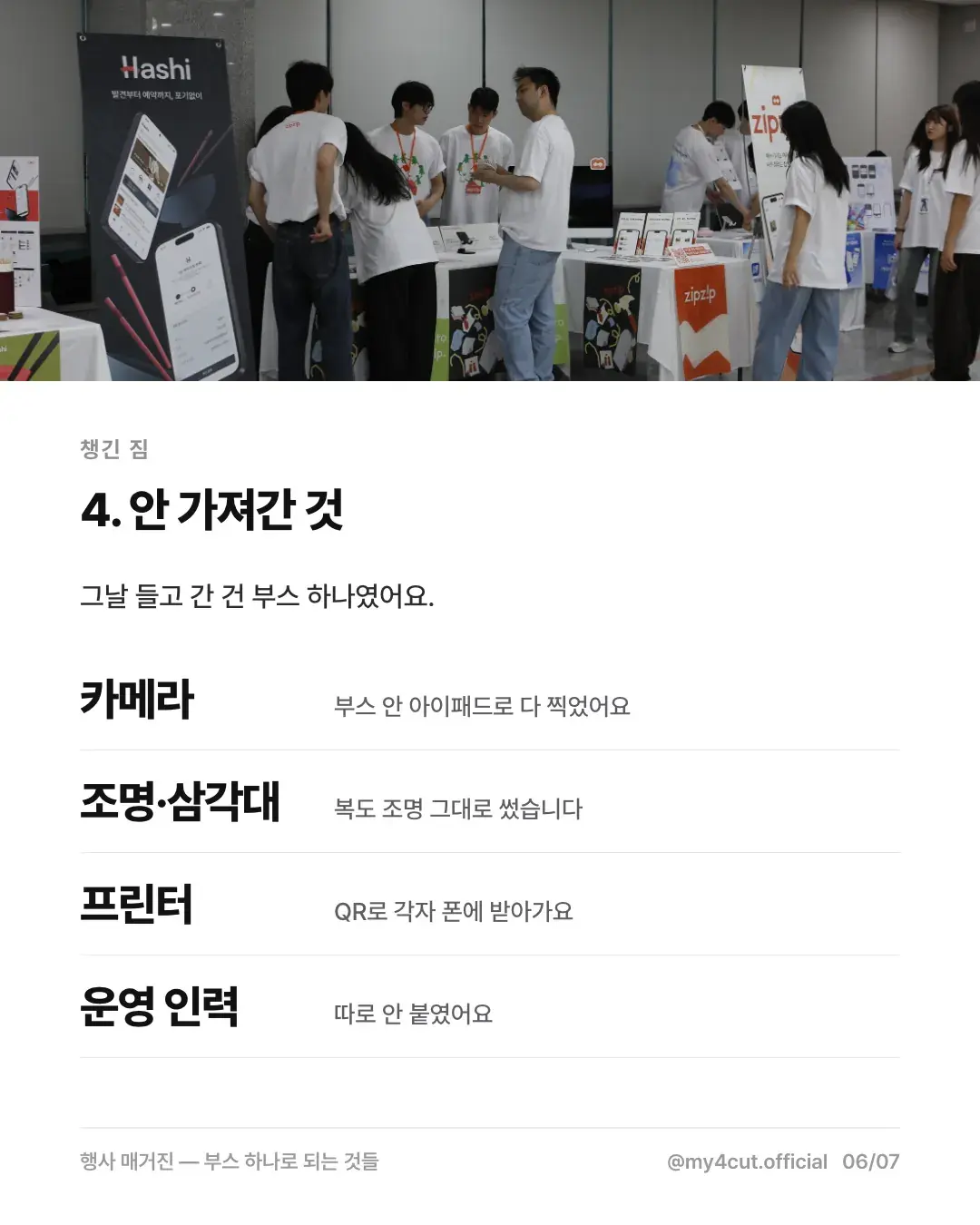
What can we leave at home?
On July 18 we carried one booth into the lobby of the National Assembly Members' Office Building. This is the list our card post called what we did not bring.
The card post says more than 100 people came and the hall was nearly full. A single spot in the lobby corridor ran on this setup.
- Camera: the iPad inside the booth took every shot.
- Lights and tripod: we used the corridor lighting as it was.
- Printer: not needed, since everyone took photos by QR.
- Operating staff: we did not assign any.
How do we prepare for our own demo day?
Here is the order we followed at SOPT.
- Reserve one meeting-room table. While talks ran in the main hall, we ran the booth separately in the lobby corridor.
- The iPad sits inside the booth, so there is nothing to assemble. We set it down and plugged it in.
- Make a frame with the event logo and text in the app. We did not outsource it. The frame template guide shows how.
- After shooting, everyone gets the photo by QR on their own phone. It opens in a browser, so no app install is needed.
What does the photo people keep say on it?
The frame carries the event name, not our logo: THE CHECKPOINT and LET'S SOPT 38.
The four-cut a participant takes home becomes proof they were at this event. School events, club demo days, and academic society after-parties work the same way.
Frequently Asked Questions
How much space does an event photo booth need?
Can we make the frame on the day of the event?
Does it work for group photos?
Does a demo day photo booth need a printer?
Do we need separate operating staff?
Bring a booth to your demo day
Booth options and pricing are in the shop; frames can be made in the frame maker right now.
See the boothSet up an event booth with your logo and frame
The MY4CUT app has logo customization, dedicated event frames and an admin password lock. Guests get their strip on their own phone by QR code.