Church Photo Booth: One Desk Space in the Lobby
The short answer
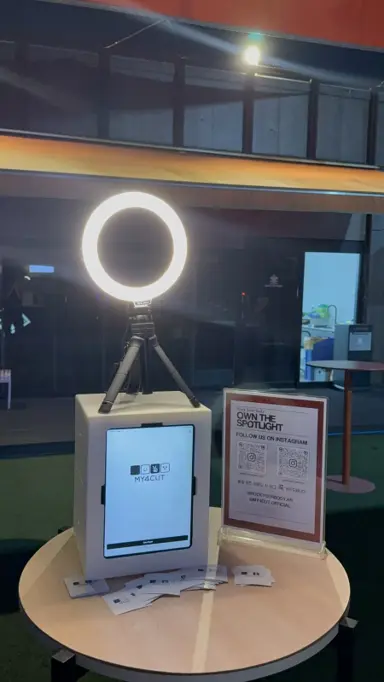
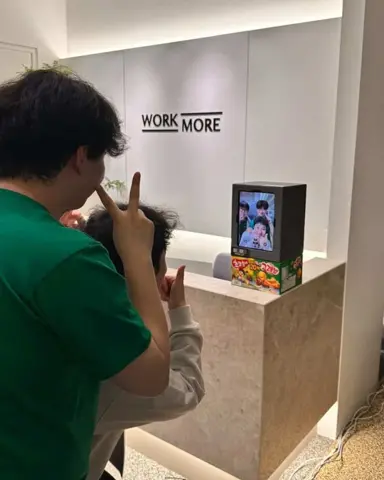
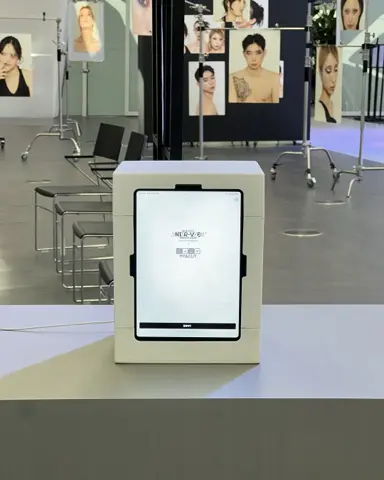
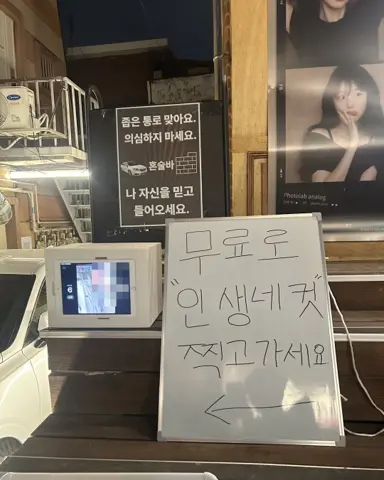
A church photo booth is a mini booth with an iPad slid in, set on one desk in the lobby. You make a frame with the church name and a verse in the app, and everyone saves the photo to their phone by QR. At Gwangyang Dongsan Church's youth group, the back row and the pastor all fit in one shot.
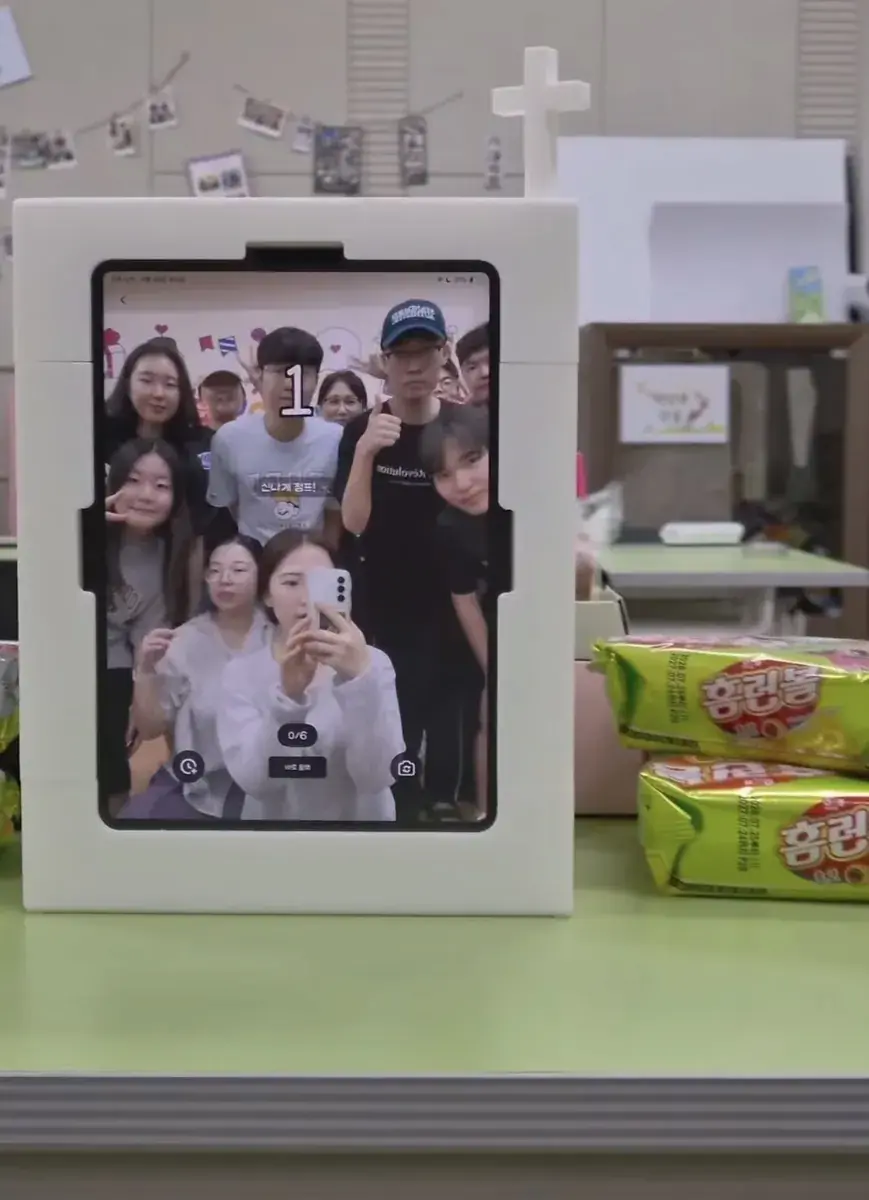
The one who takes the photos is never in them
After a retreat or a welcome event, look through the photos and the person who took them is missing from every one.
So we built a church mini booth that only needs an iPad. Add the cross ornament on top and nobody walks past it in the lobby.
Tap the screen once, a countdown starts, and four shots are taken. The photographer steps in with everyone else.
Your church's own frame, made in the app
In the my4cut app you can add your church name, logo, and a Bible verse to make your own frame. You can also build it in the web frame maker and upload it to the app.
Photos go straight to each person's phone via QR. If you have an AirPrint photo printer such as the Canon CP1500, you can print on site too.
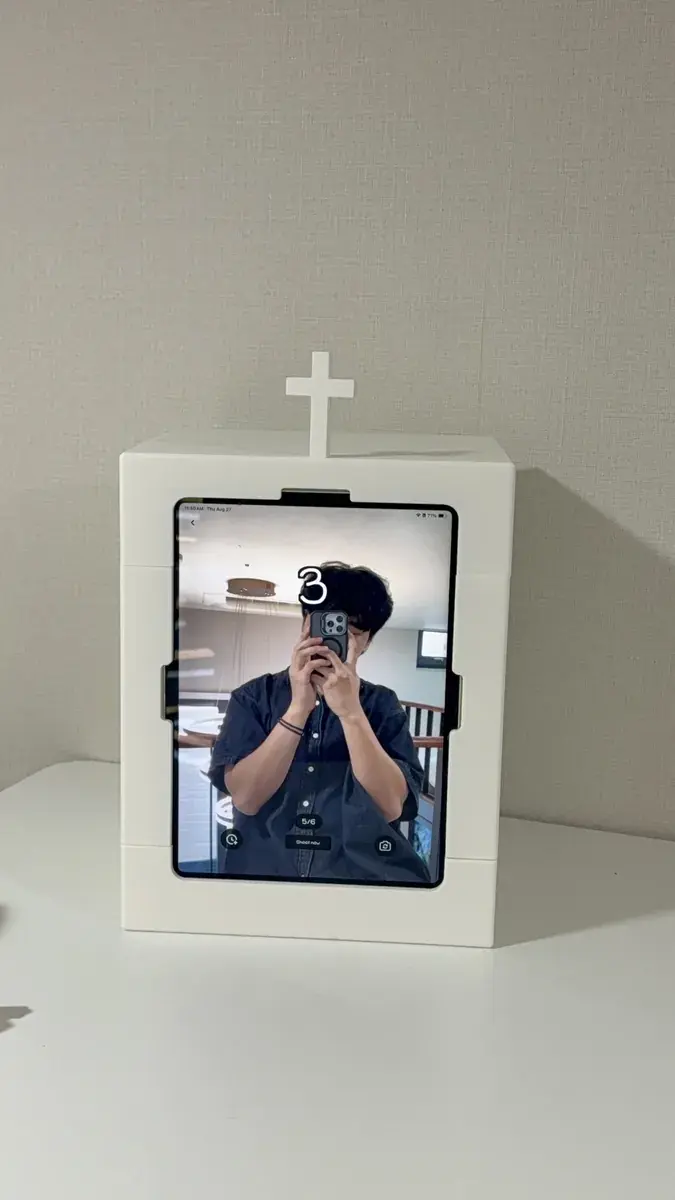
First run at a church youth group in Gwangyang
The first thing they did after opening the box was slot the cross on top. It clicks in, so there is nothing to assemble.
They brought one iPad and did not even run a power cord. One desk became the booth.
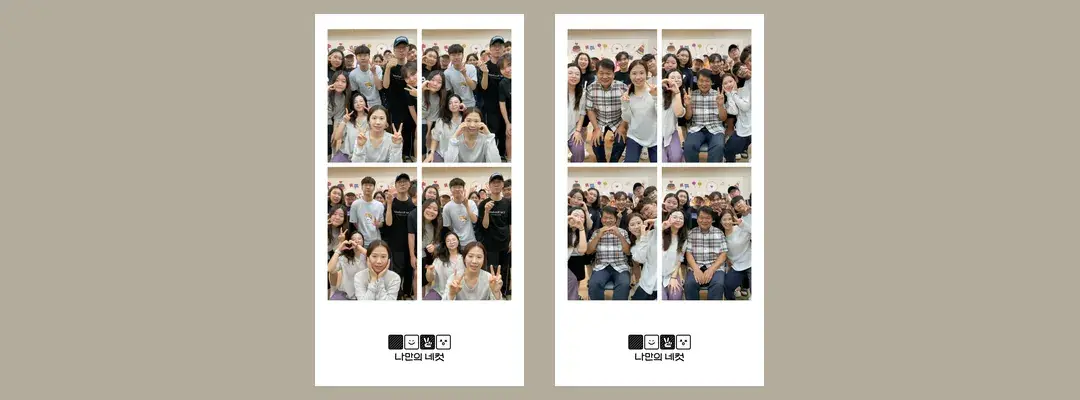
The whole back row fit, pastor included. The video the church sent us has the line: “Our pastor loved it too.”
Which church events does a mini booth fit?
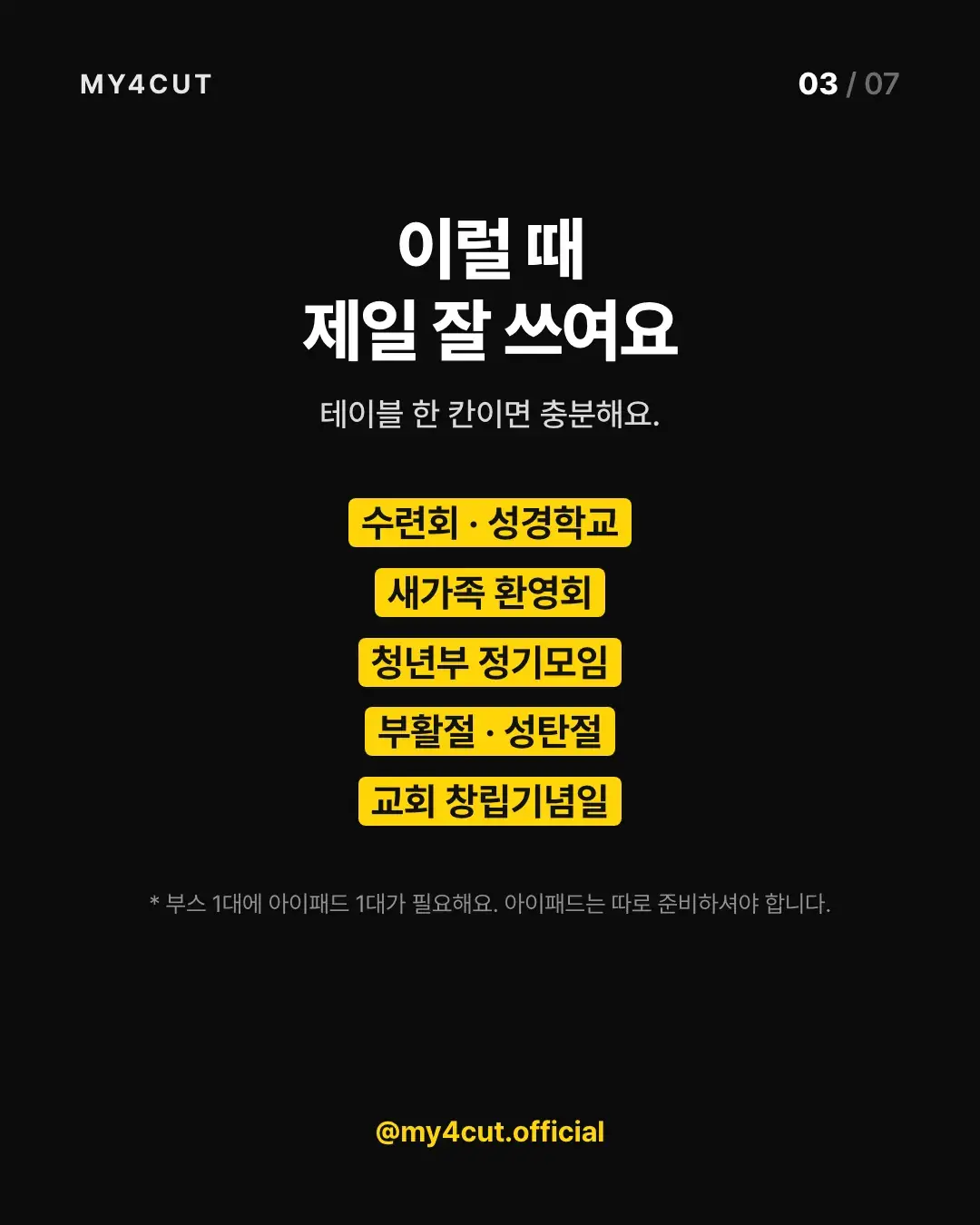
Our card post listed five: retreats and Bible camp, newcomer welcomes, regular youth group meetings, Easter and Christmas, and the church anniversary.
They share one problem: a lot of people gather and one person takes the photos. The booth counts down after a single tap, so that person gets into the picture too.
One desk space is enough. Each booth needs one 11-inch iPad, and the church has to bring its own. The iPad is not included in the booth set.
Do we need a new frame for every event?
One booth, a different frame for each event. A retreat frame, a newcomer frame, a Christmas frame. Upload the Christmas one and the retreat frame is simply replaced.
You can make frames in two places: the custom frame tool in the app or the web frame maker. Add the church name, a logo, and a verse.
If you have an AirPrint photo printer such as the Canon CP1500, you can print on site. The printer guide covers the setup.
What does the day itself look like?
This is the order we saw at the Gwangyang Dongsan Church youth group.
- Slot the cross ornament on top of the booth. It clicks in, so nothing to assemble. The cross is still a prototype, and we share the spec once it is final.
- Set the booth on any flat surface and slide in the iPad. A desk or a box worked, and they did not run a power cord. For a long event, check the iPad battery beforehand.
- Tap the screen, a countdown starts, and four shots are taken. Nobody has to stand holding a camera.
- The whole youth group fit in one frame, so nobody had to split into groups and shoot twice.
- Everyone saves the photo to their own phone by QR, so no one collects photos in a group chat.
Frequently Asked Questions
What do we need to run a church photo booth?
Can we make a frame with our church name or a verse?
How do people get their photos?
Is the iPad included with the church photo booth?
Do we have to reuse the same frame for every event?
Set up a booth at your church
See the mini booth options and pricing in the shop, and start making your frame right away.
See the mini boothSet up an event booth with your logo and frame
The MY4CUT app has logo customization, dedicated event frames and an admin password lock. Guests get their strip on their own phone by QR code.