Exhibition Team Booth Photo Booth: One Team iPad
The short answer
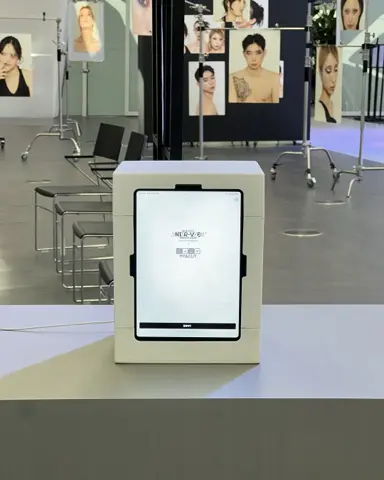
An exhibition team booth photo booth is a team's own 11-inch iPad on a stand with the app open. At the KUSITMS 33rd exhibition each team made one frame, and visitors picked a frame on screen, tapped shoot, and got four photos after a countdown.
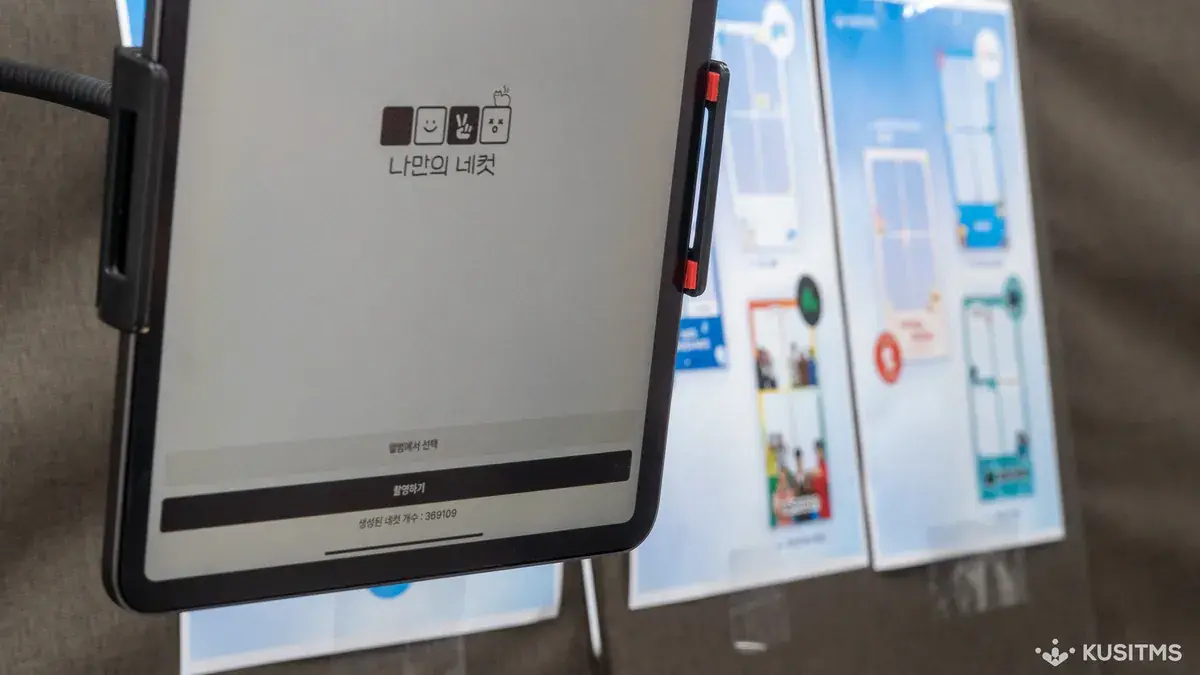
No rented booth, just the team iPad
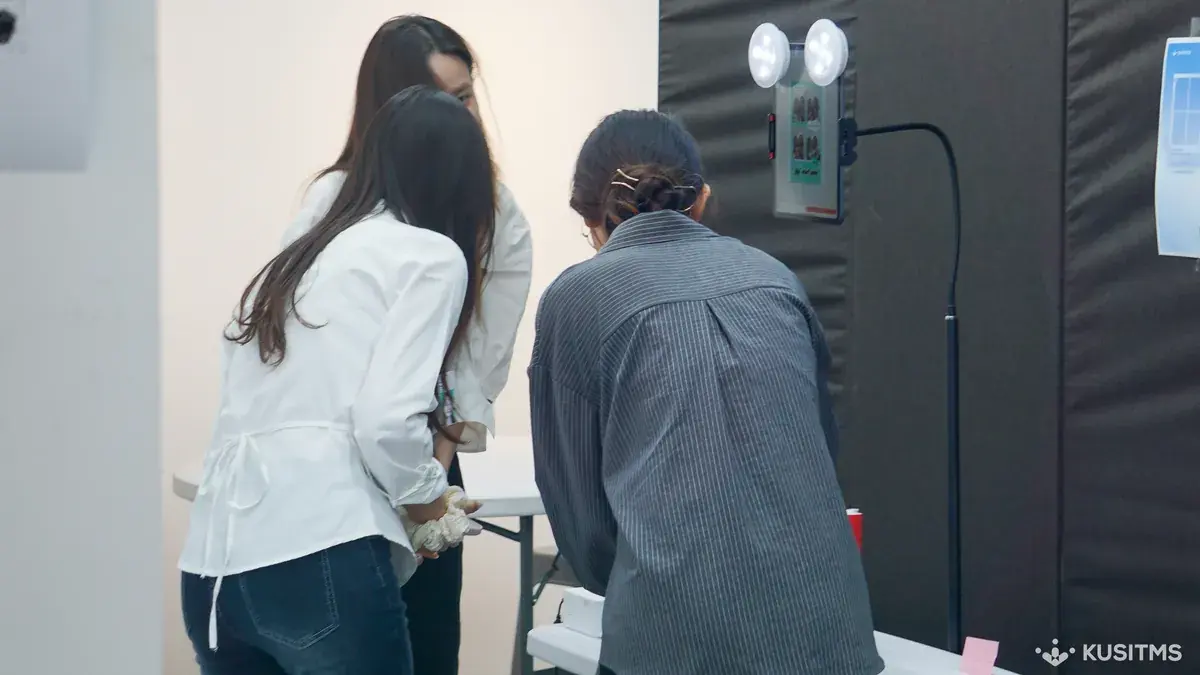
KUSITMS 33rd exhibition at the Red Road Experiment Center in Hongdae. Every exhibiting team made one frame of its own.
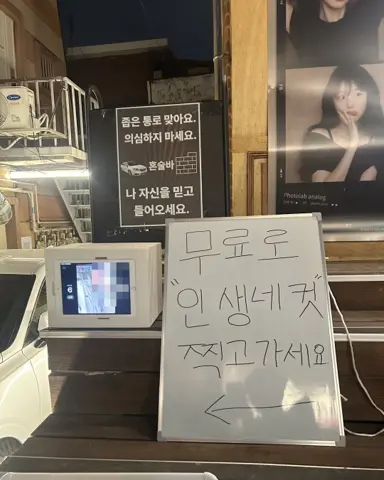
There was no rented booth. Teams opened the my4cut app on the iPad they already had.
One booth, as many frames as teams
A frame made in the app applies to shooting right away. Teams printed their design and pinned it next to the booth.
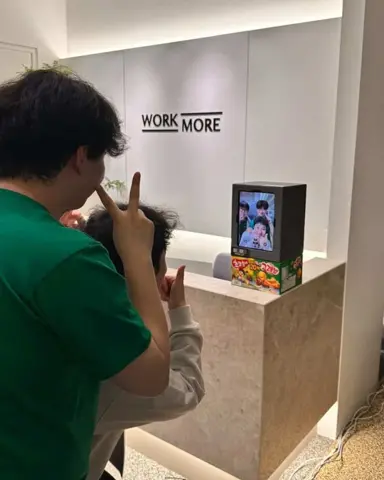
Pick a frame on screen, tap shoot, and that is it. A countdown runs and four shots are taken, so nobody has to stand behind the camera. Photos save to each phone by QR.
369,109 four-cuts on the app counter that day
It was not only members. Visitors to the exhibition took one at each team booth on their way through.
Student societies and clubs can get a group tier so every team makes its own frame. Teams bring their own 11-inch iPad.
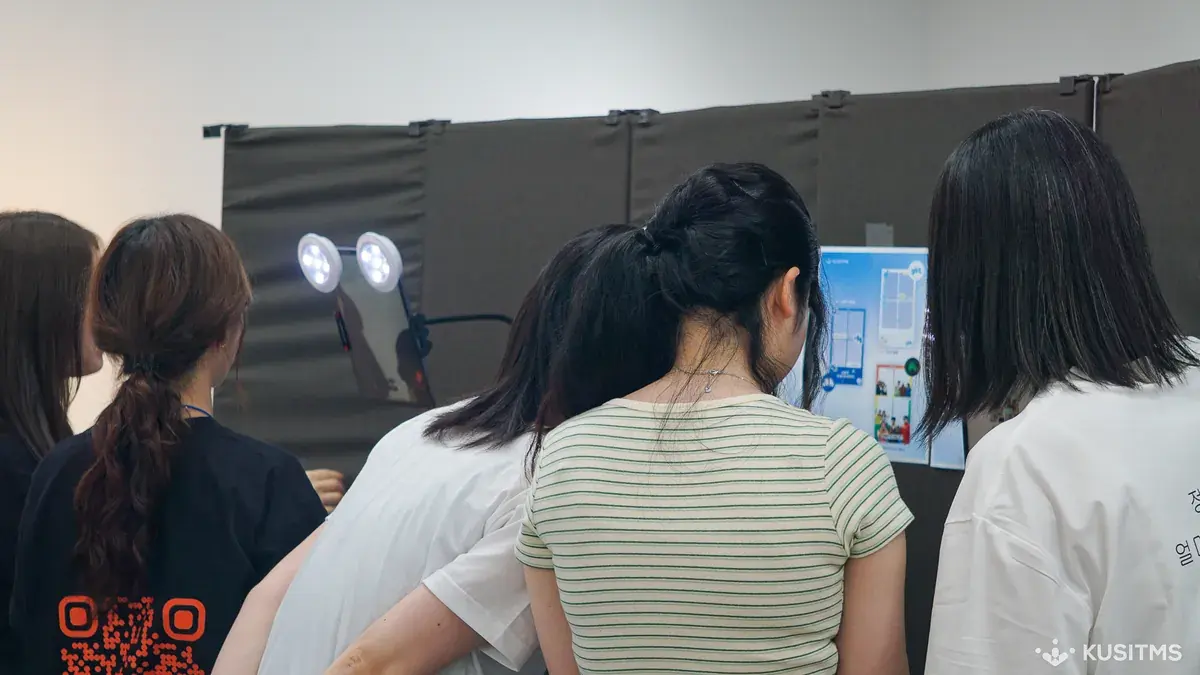
How did they build the booth from one iPad?
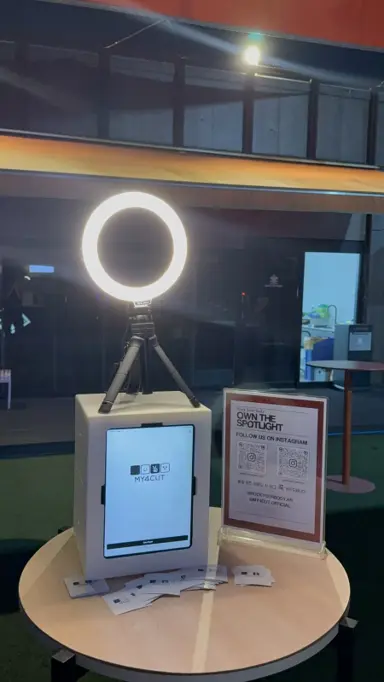
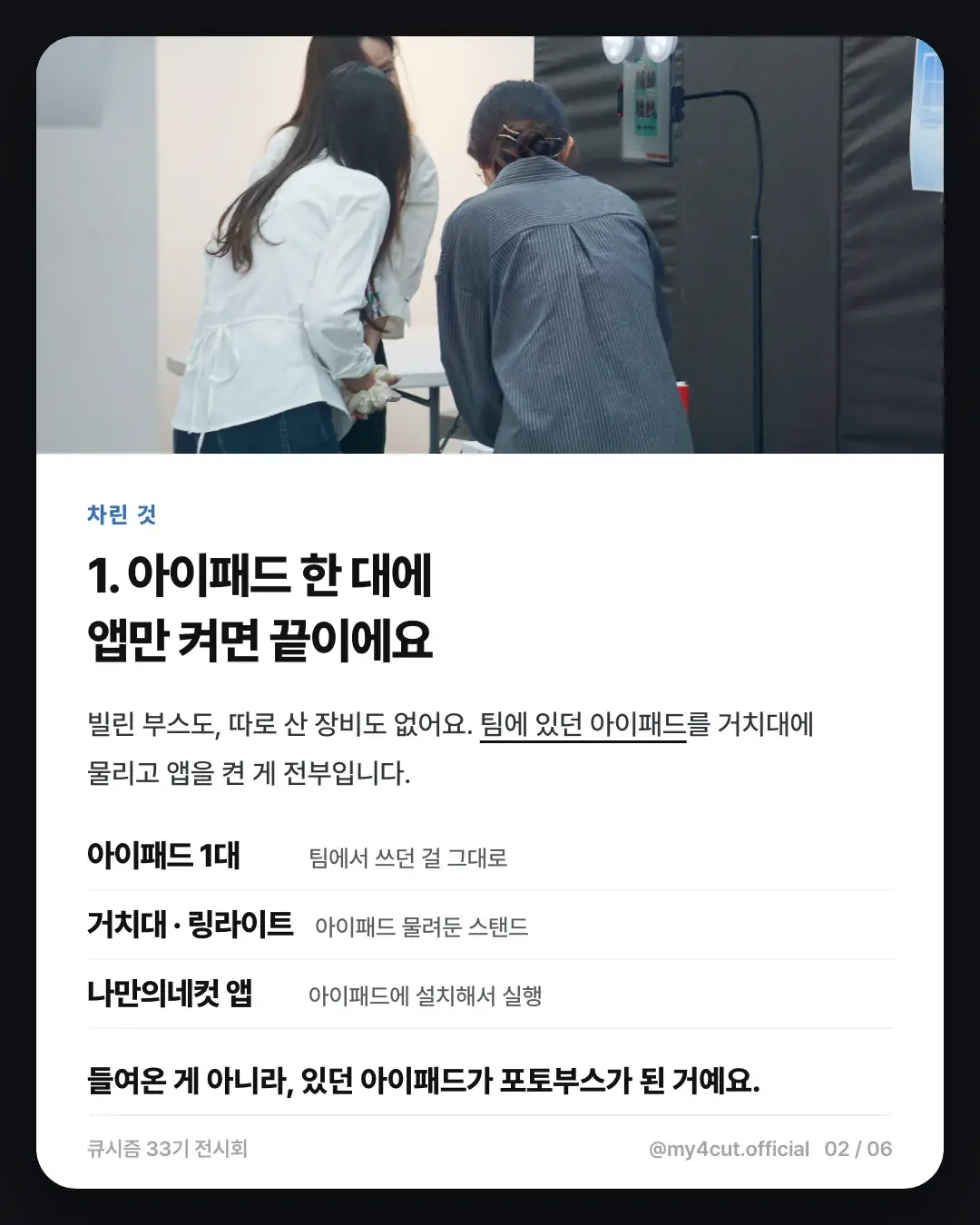
There was no rented booth and no new gear. They put the iPad the team already had on a stand and opened the app.
Our card post listed three parts: one iPad (the one the team already used), a stand with a ring light holding it, and the my4cut app installed on the iPad.
Nothing was brought in. The iPad they had became the photo booth.
With a different frame per team, how do visitors choose?
The screen asks for a frame before shooting. The team frames appear, you pick one from the album, tap shoot once, and the countdown begins.
The teams printed their frame drafts and posted them next to the booth. Every draft on the wall was a different team's frame, so one booth produced as many frames as there were teams.
Nobody had to stand by as the photographer.
How do we prepare this for our society or club exhibition?
Here is the order, based on the KUSITMS day.
- The team brings an 11-inch iPad and a stand. The iPad is separate, so plan for it.
- Make each team's frame ahead of time. Read the group plan guide first, since group plans let each team make its own frame.
- A frame made in the app applies to shooting right away. The steps are on the custom frame page.
- Post frame drafts next to the booth so visitors can choose easily.
Frequently Asked Questions
Can we run a photo booth without renting one?
Can each team use a different frame?
Can visitors shoot too?
Besides the iPad, what gear did the exhibition booth need?
How can each team use its own frame?
For your society's exhibition too
Group tiers and frame-making steps are covered in the studio guide.
Make a frameSet up an event booth with your logo and frame
The MY4CUT app has logo customization, dedicated event frames and an admin password lock. Guests get their strip on their own phone by QR code.