Free Graduation Photo Frames: Guide (2026)
The short answer
You can make a graduation 4-cut frame for free in the app: start from a basic template, add the school name and year, and upload the logo as a PNG. Save the frame before the event so it is ready on the day. For larger events, handing out photos by QR code keeps the print line short.
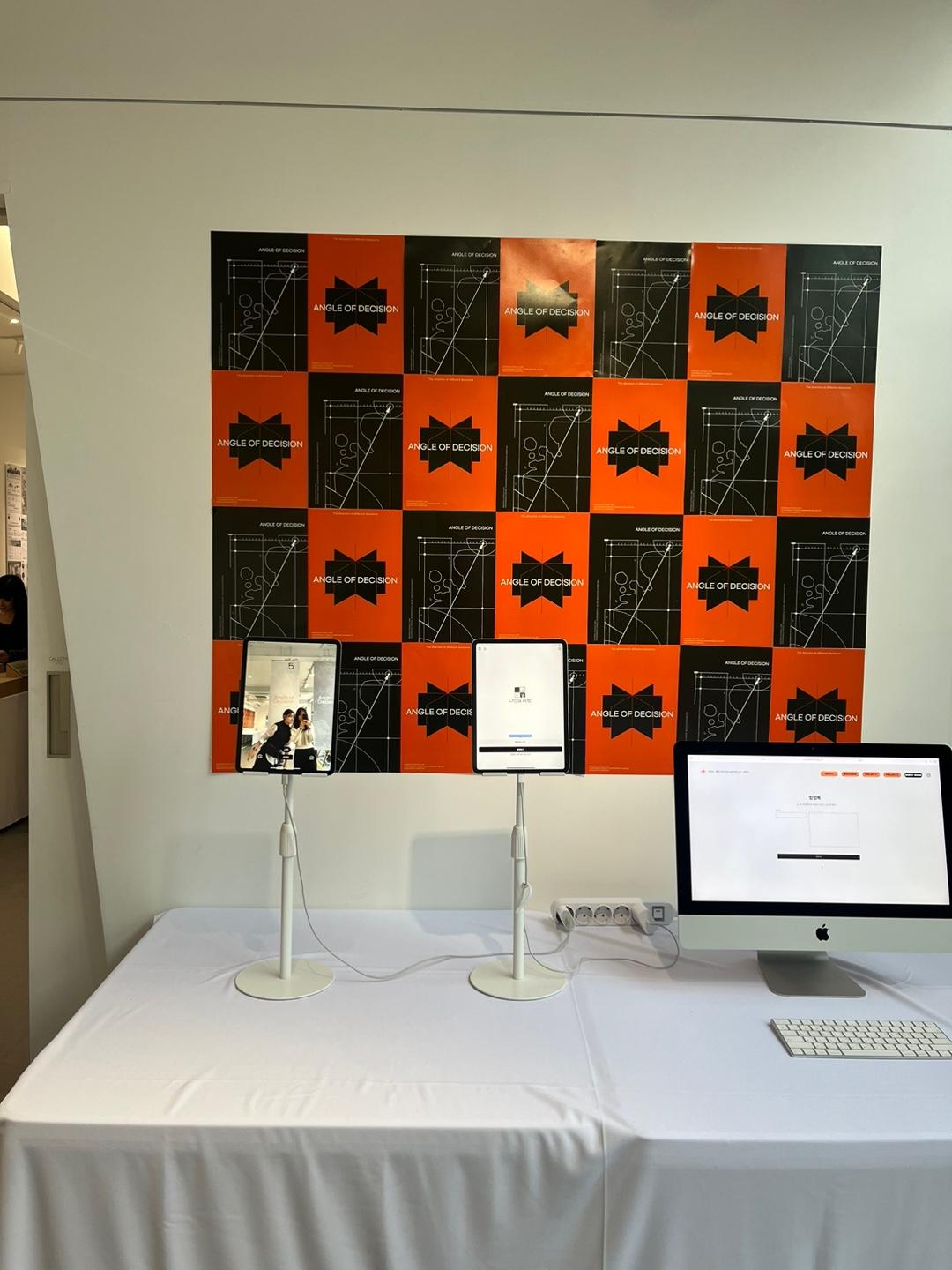
What you need for graduation events
Every February-March, graduation season drives photo booth frame requests to 3x their normal volume.
Frames that match your event poster colors are the most requested — consistency elevates the whole event.
Adding your student council or graduation committee logo gives it an official feel and boosts satisfaction.
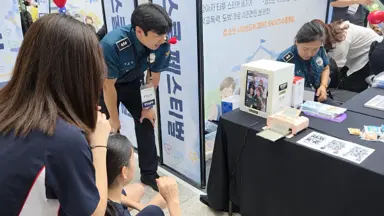
Consider event schedule, venue layout, and expected crowd size (typically 100-500 people) for smooth operations.
Graduation 4-cuts get shared widely on social media, giving your school natural promotional exposure.
Step-by-step frame setup
Step 1: Open my4cut app and select a base frame template.
Step 2: Enter your school name, graduation year, and event date.
Step 3: Upload your school or committee logo as a PNG file.
Step 4: Save the frame before event day so it's ready for instant use on-site.
You can also upload custom frames designed in Canva as PNG for full design freedom.
- Simple fonts + school colors is the most popular combo.
- Adding 'Class of 2026' at the bottom makes it a keepsake.
- If you have multiple departments, try different frame colors for each.
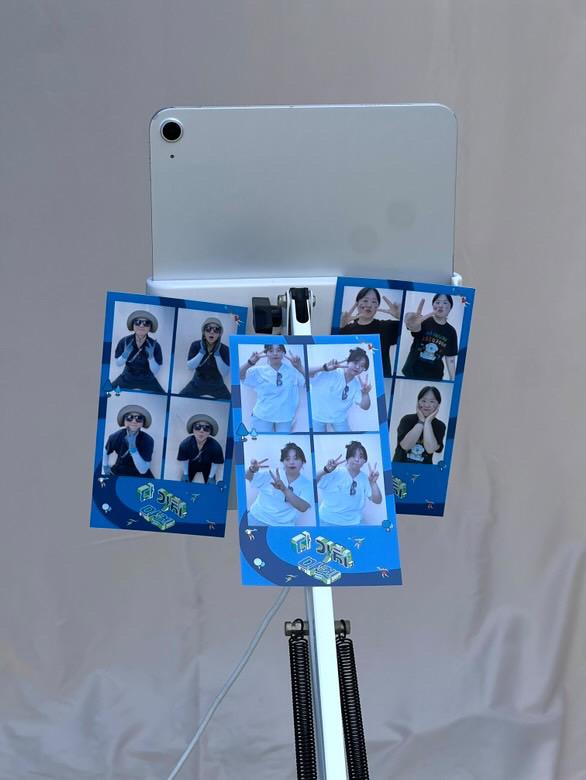
Day-of operation tips
Design the flow so people move in one direction to reduce waiting times.
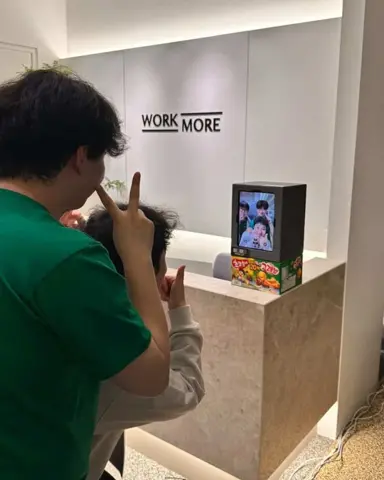
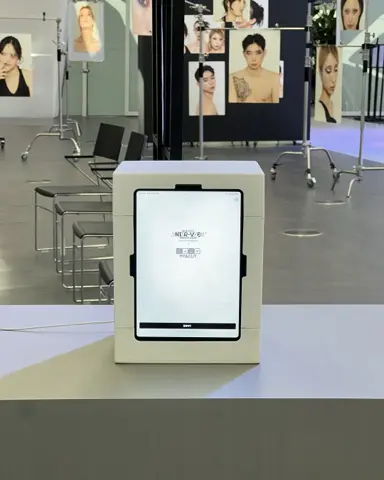
Set the iPad stand at chest to eye height for the most comfortable shooting.
Bring extra printer paper (Canon KP-108IN 108-sheet set recommended) and ink to avoid running out.
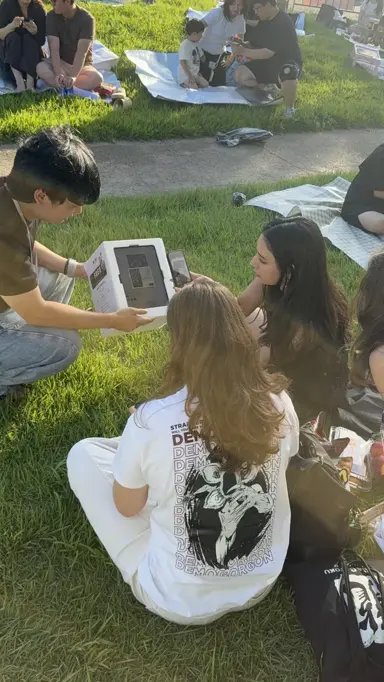
For 100+ person events, default to QR sharing to eliminate print queue bottlenecks.
- Place 'Shoot → Print → Exit' directional signs next to the booth.
- 1-2 staff members can handle events with 200+ attendees.
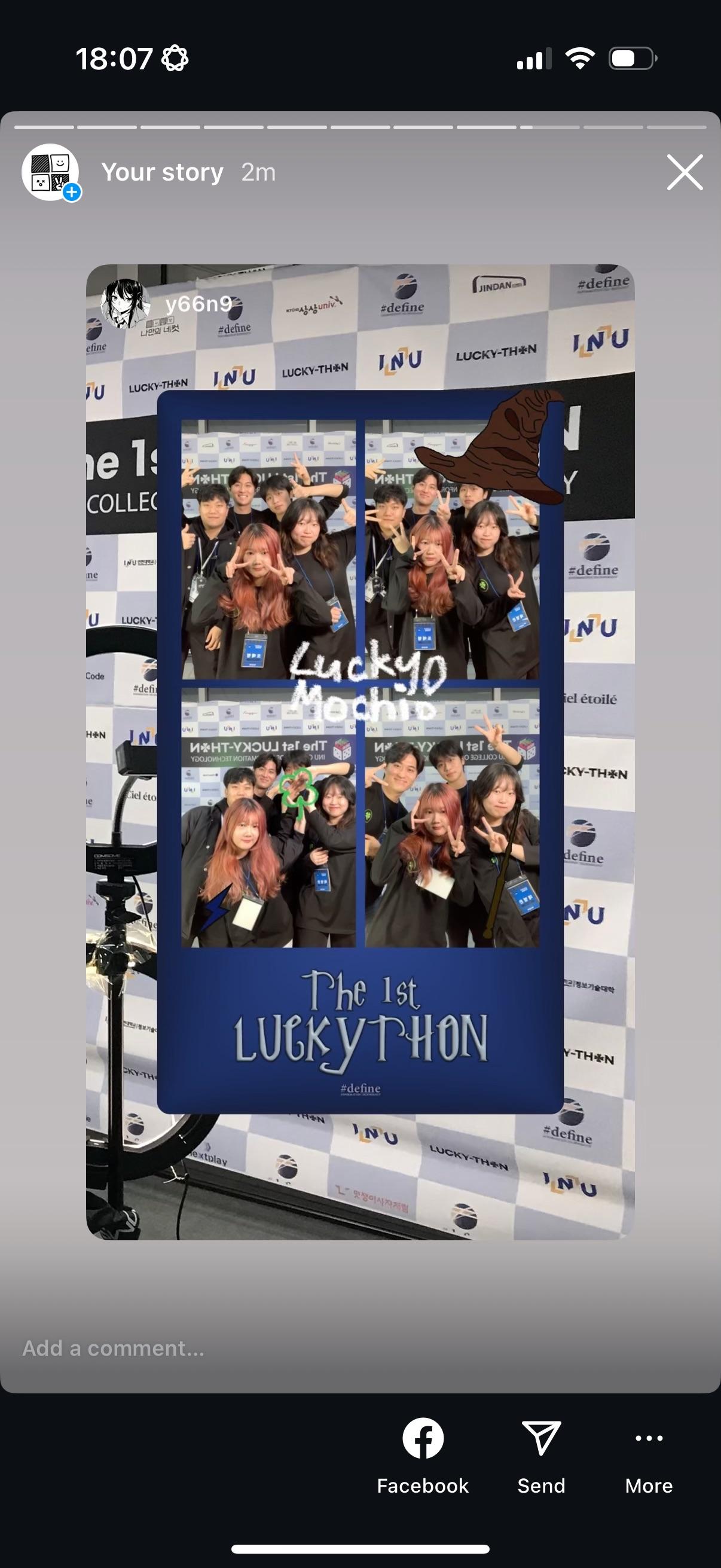
Use organization requests
Organization requests let you get custom frames with your exact logos, colors, and text.
Bulk requests are processed quickly — usually within 1-2 business days.
Frames are ready to use the moment the event starts, no additional setup needed.
Apply early during graduation season — February-March requests surge and wait times increase.
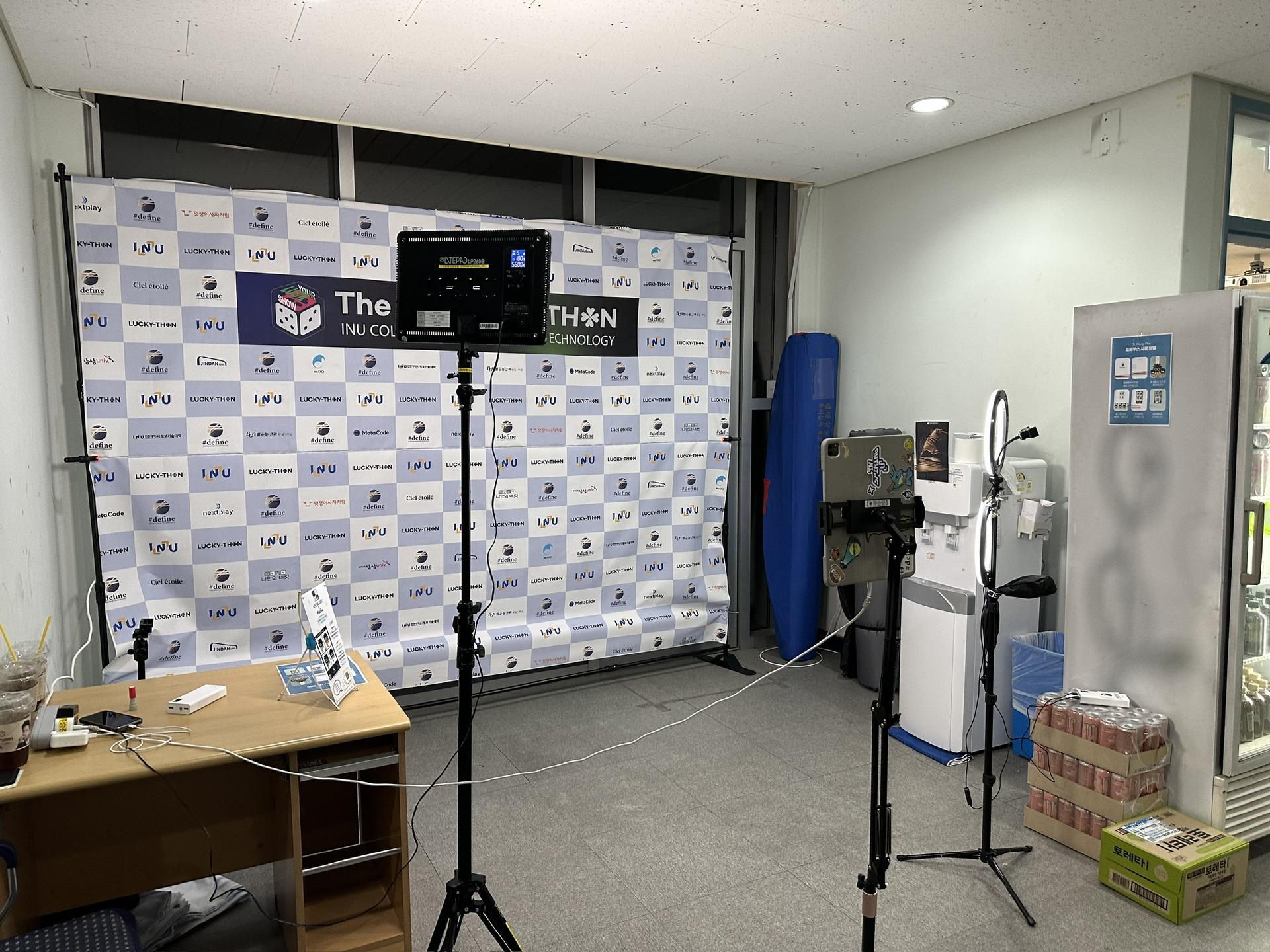
Frequently Asked Questions
Does it cost anything to make graduation frames?
How long does frame preparation take?
Can this handle events with 100+ people?
What if we don't have a printer?
Is there a required file spec for a custom frame?
Can I make a school frame without design software?
Prepare your graduation frame now
Create a custom frame instantly in the app.
Download the appSet up an event booth with your logo and frame
The MY4CUT app has logo customization, dedicated event frames and an admin password lock. Guests get their strip on their own phone by QR code.