Pet photobooth frames: 4-cut with your dog or cat
The short answer
For a pet 4-cut, pick a dog frame in the app or make a frame with your pet's name on it. Set the phone low and use a treat or toy to catch their attention. Cats work the same way.

Why pet 4-cuts are loved
Pets bring natural expressions to every shot.
The human+pet combo makes the frame feel special.
You can capture adorable results at home or events.
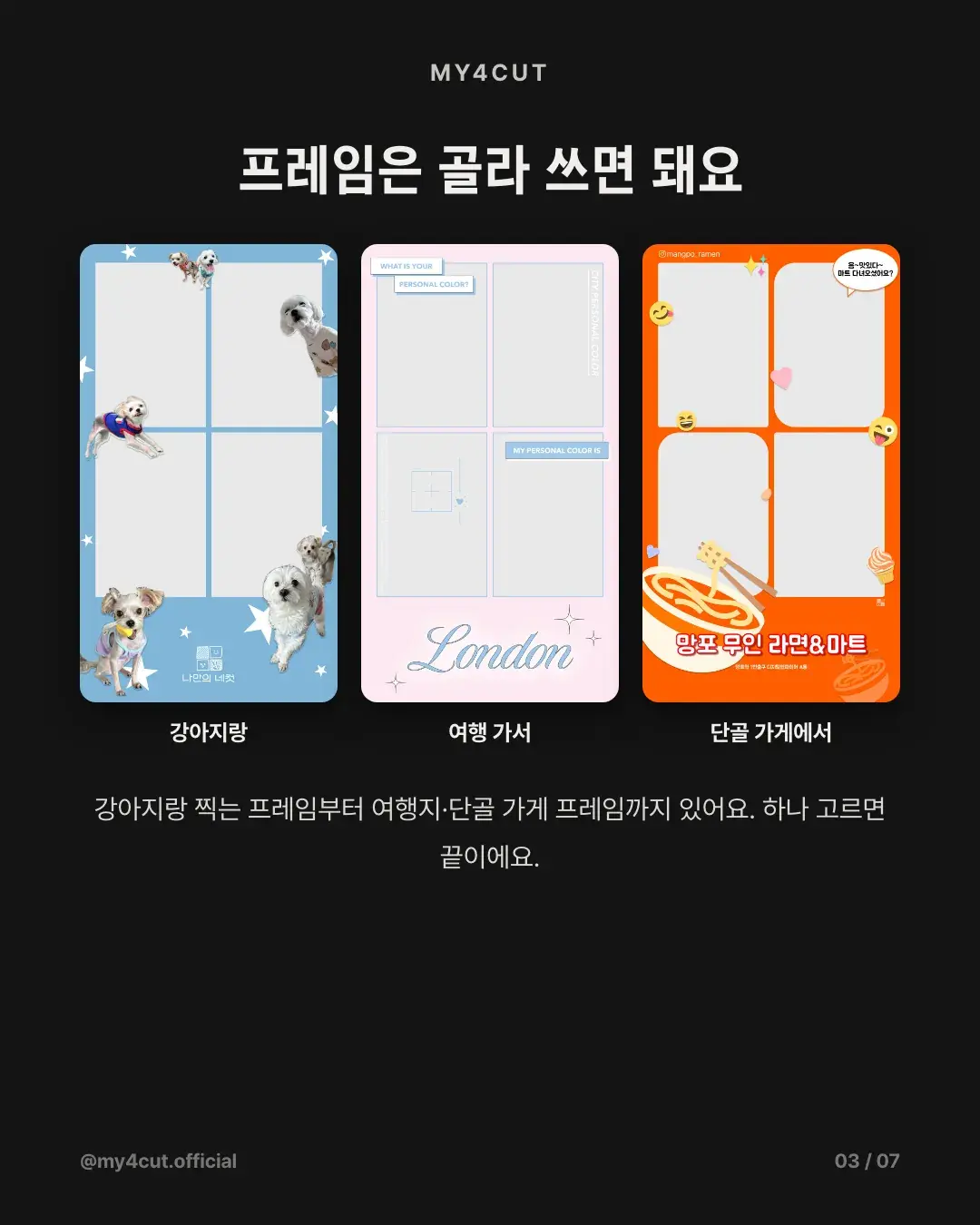
Make a dog frame
Add your pet’s name or nickname to the frame.
Use stickers or speech bubbles to boost the vibe.
The same idea works perfectly for cats too.
Shooting tips
Place the iPad lower to match your pet’s eye level.
Use treats or toys to guide their gaze.
Mix natural and playful expressions across the 4 cuts.
Shoot together
A 4-cut with your pet becomes an instant memory.
Share with family and friends via QR right away.
Is there a dog frame in the app?
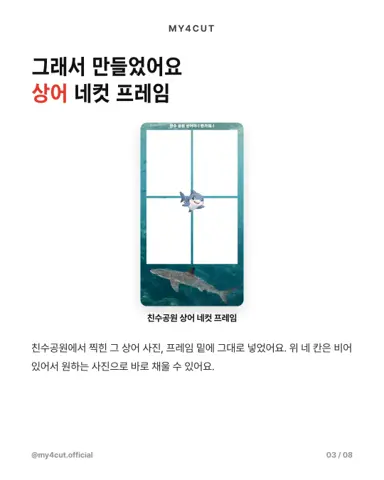
Yes. The my4cut app has a sticker frame for shooting with your dog. Choose it and take four shots with the front camera.
The app is free on the App Store and Google Play, and one phone is enough. You can send the finished photo to family or friends by QR code.
How do I make a frame with my pet's name?
Tap Create My Frame at the top of the store screen in the app to go to the maker. Add text the way the Chuseok example does with a line like "2026 Chuseok, our family". Your pet's name or nickname goes in the same way.
If you would rather work on a computer, the web frame maker lets you pick a template and change the text, and the size is set for you. Specs for design software are in the frame template guide.

Frequently Asked Questions
What if my pet will not sit still?
Can I use the same frames for a cat?
Try a pet 4-cut now
Pick a frame and shoot with my4cut.
Download the appMake a frame with your own name in the app
In the MY4CUT app you can make your own custom frame and share the strip with a QR code. Free on iOS and Android.