How to get a sticker photo vibe
The short answer
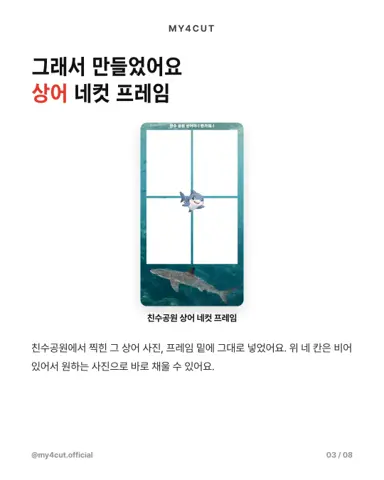
A sticker-photo look comes from a simple frame, a bright background and natural expressions. Pick a frame in the app; the four photo slots are fixed, but the design around them is yours to make.
Frames set the mood
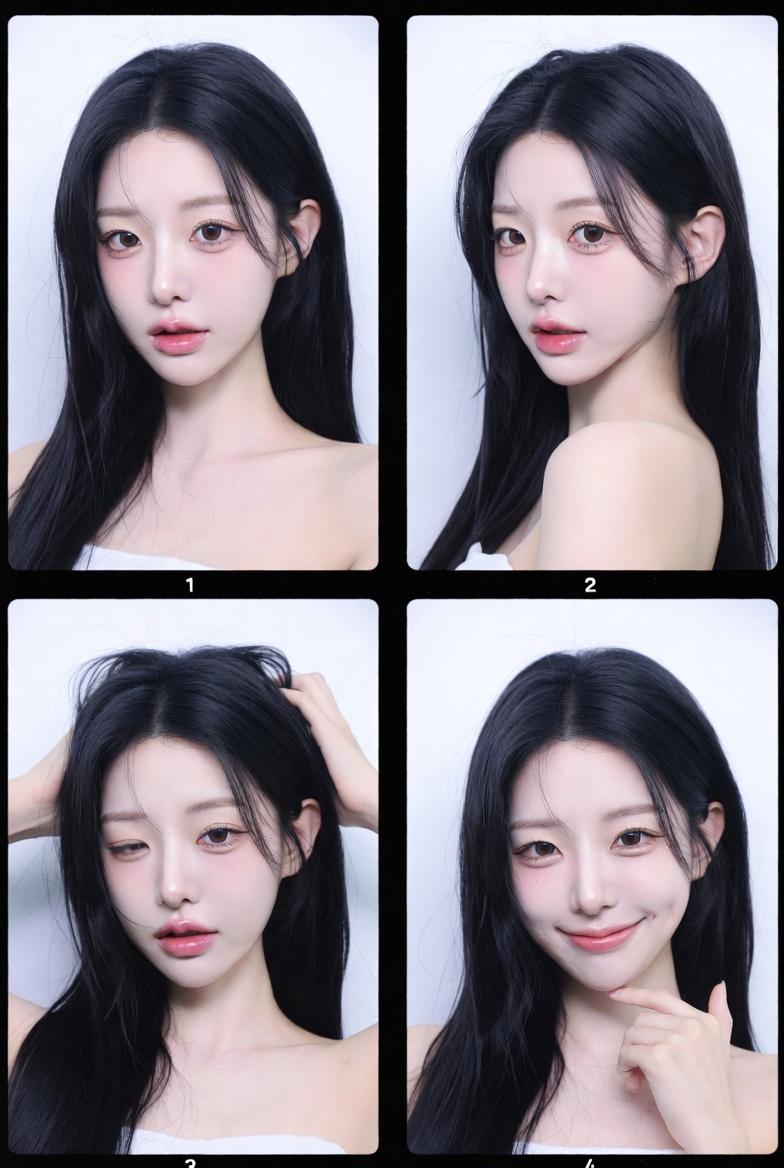
Minimal frames match the sticker photo vibe best.
Light backgrounds with simple lines look clean and timeless.
Lighting and background
Window light is the most reliable option.
Keep backgrounds simple with minimal props.
If lighting is low, increase screen brightness.
Keep poses natural
Natural expressions beat over-the-top poses.
Mix smiles and neutral looks across the 4 cuts.

Share instantly
Share your 4-cut via QR to keep the sticker vibe.
For events, link sharing makes delivery fast.
Where do I pick a frame?
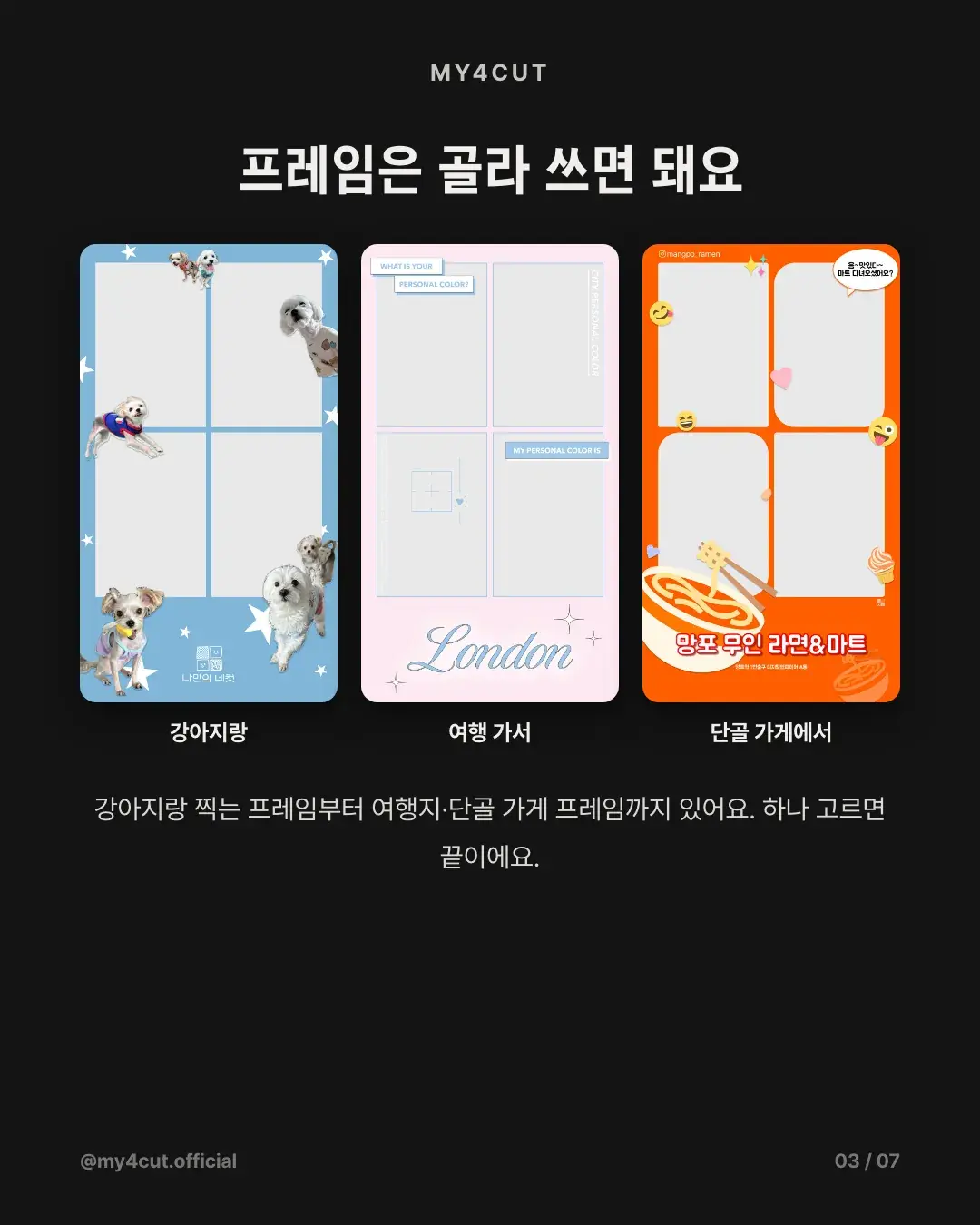
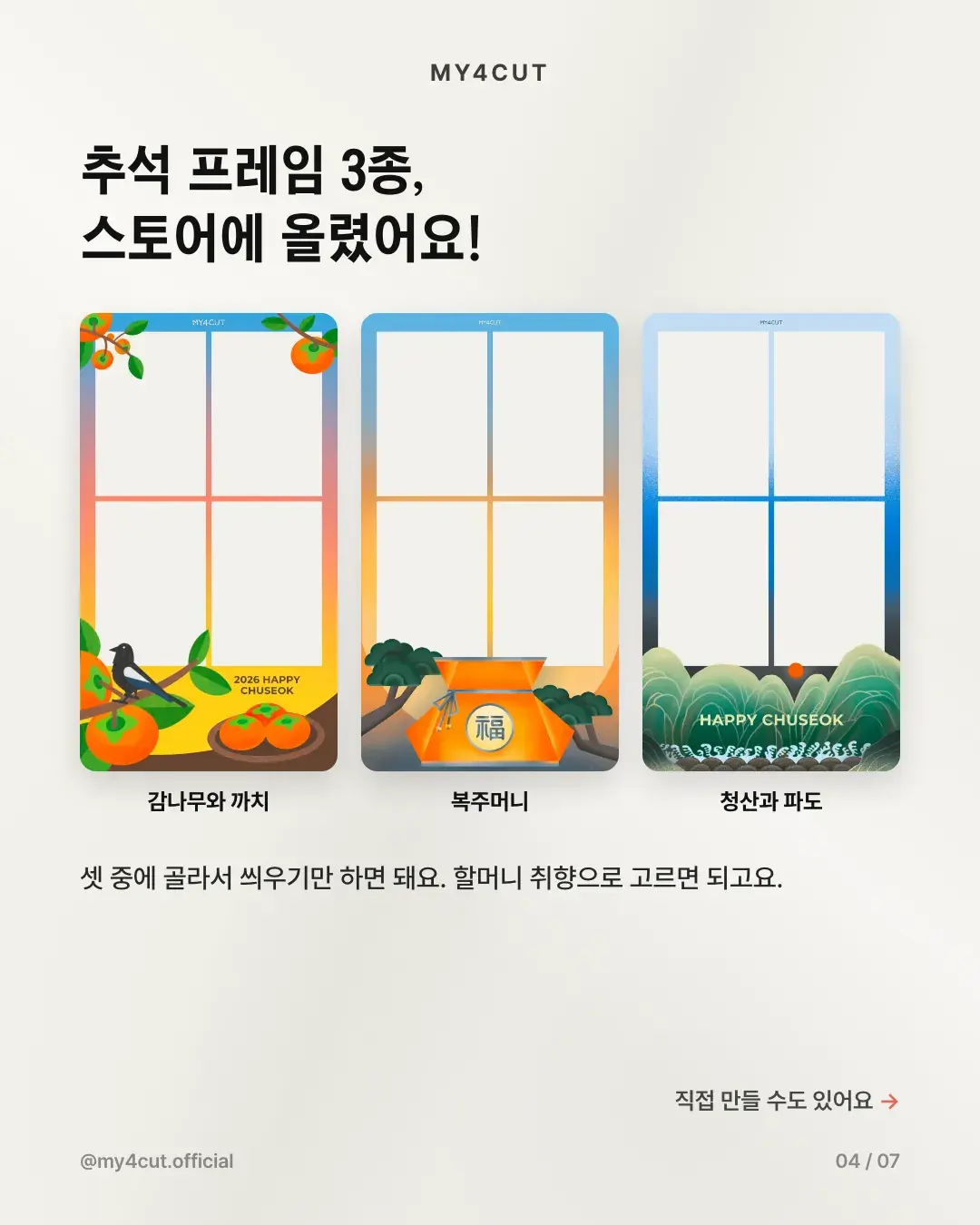
Choose a frame in the my4cut app and shoot. There are dog sticker frames, travel frames and neighborhood shop frames, so you can pick one that matches the mood.
As noted above, a sticker-photo look suits a bright background and a frame with plain lines. Choose the frame first, then take four shots with the front camera.
Can I make a simple frame myself?
Yes. The slots follow a fixed 2 x 2 layout, so you cannot move or resize them, but the slot shape and the design outside are up to you. A white background with a thin line works.
In the web frame maker you can pick a template and change the text. To draw your own, follow the specs in the frame template guide: leave the four photo slots transparent and export a PNG.
Frequently Asked Questions
Which frame gives a sticker-photo feel?
Can I make my own frame and upload it to the app?
Capture the sticker vibe
Pick a frame and shoot with my4cut.
Download the appMake a frame with your own name in the app
In the MY4CUT app you can make your own custom frame and share the strip with a QR code. Free on iOS and Android.