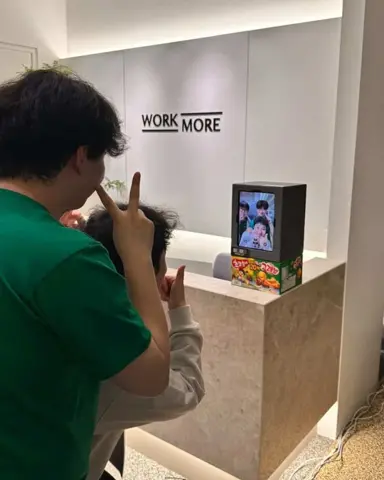
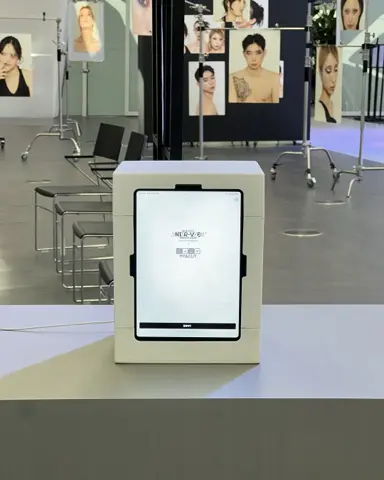
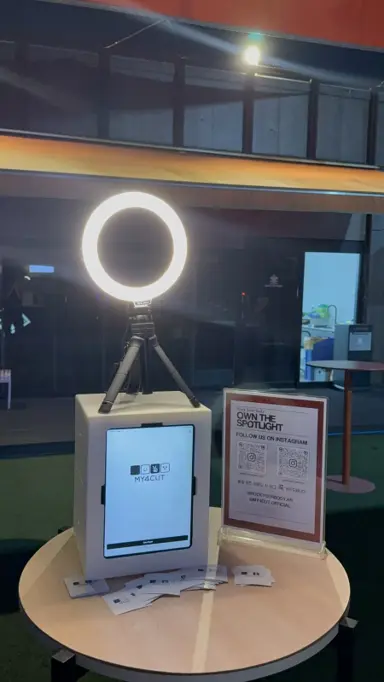
Pop-up Store Photo Booth: 3 Steps on a Table
The short answer
A pop-up store photo booth is ready in three steps: set the booth on a table, slide in the iPad, and plug it in. No construction, no big floor space, no complicated gear. Visitors shoot it themselves and save the photo to their album by QR, and your staff can keep running the pop-up.
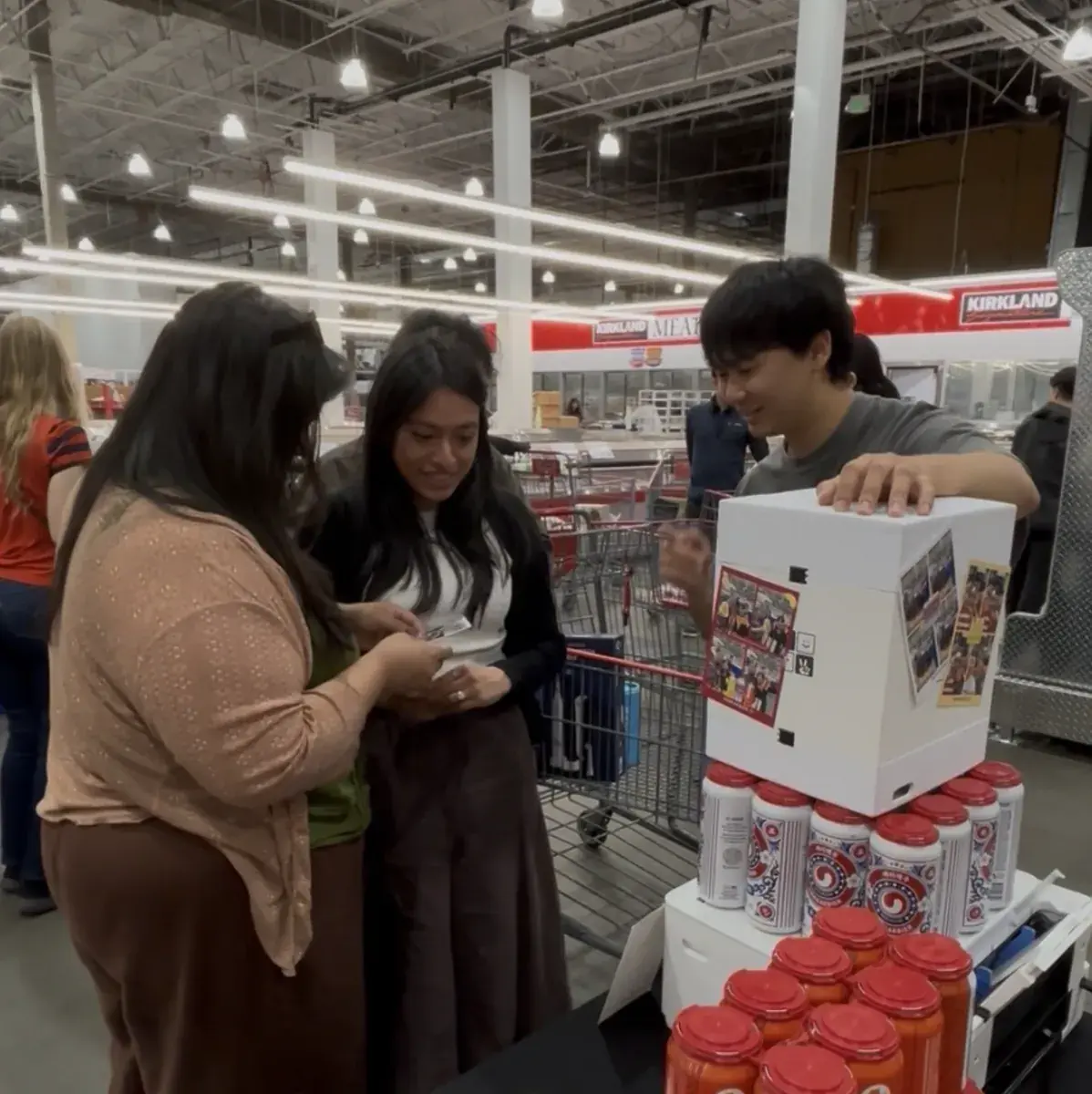
Set it on a table, slide in an iPad, start
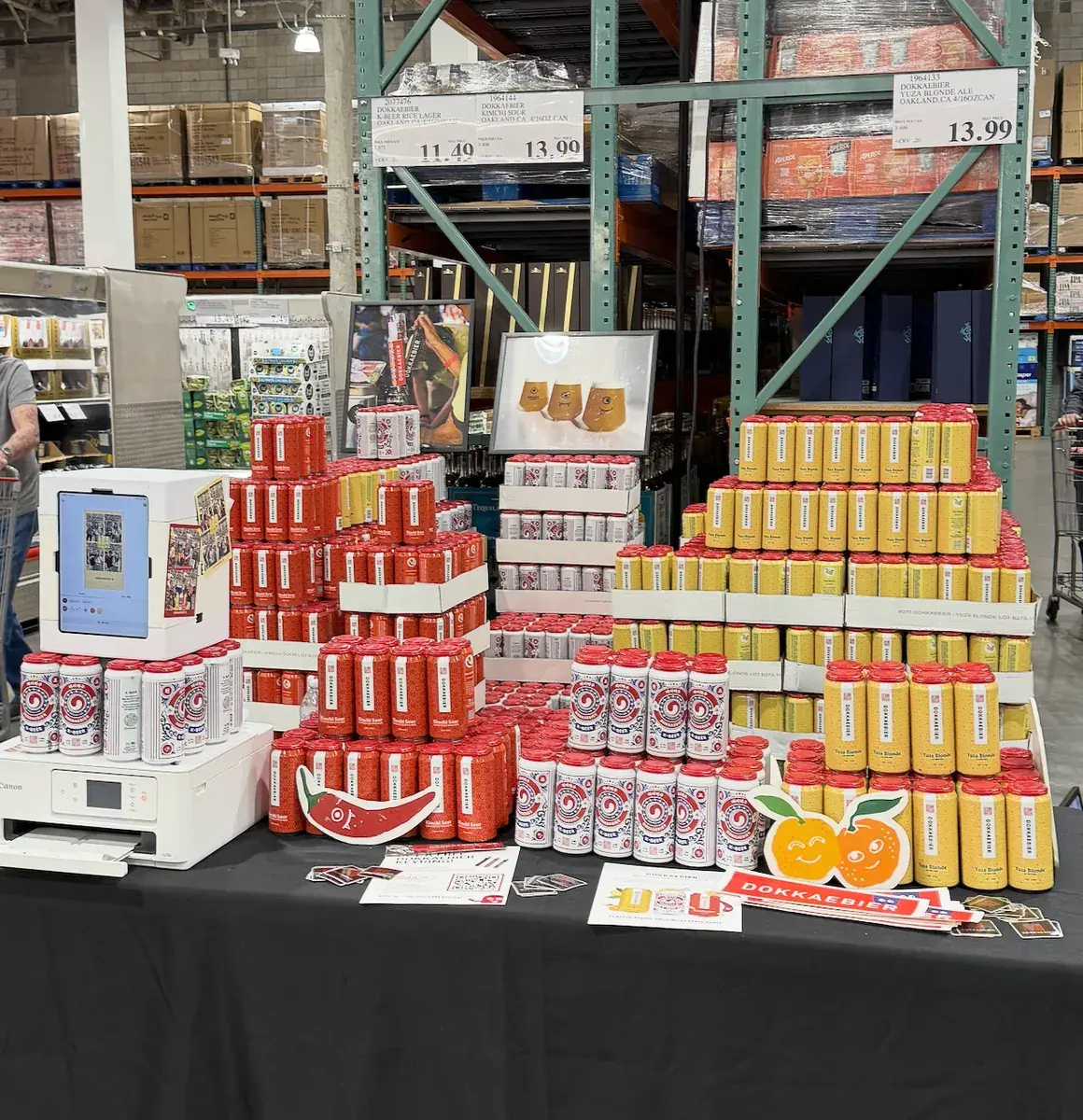
The my4cut booth sits on one shelf or table. Slide in an iPad and it is running.
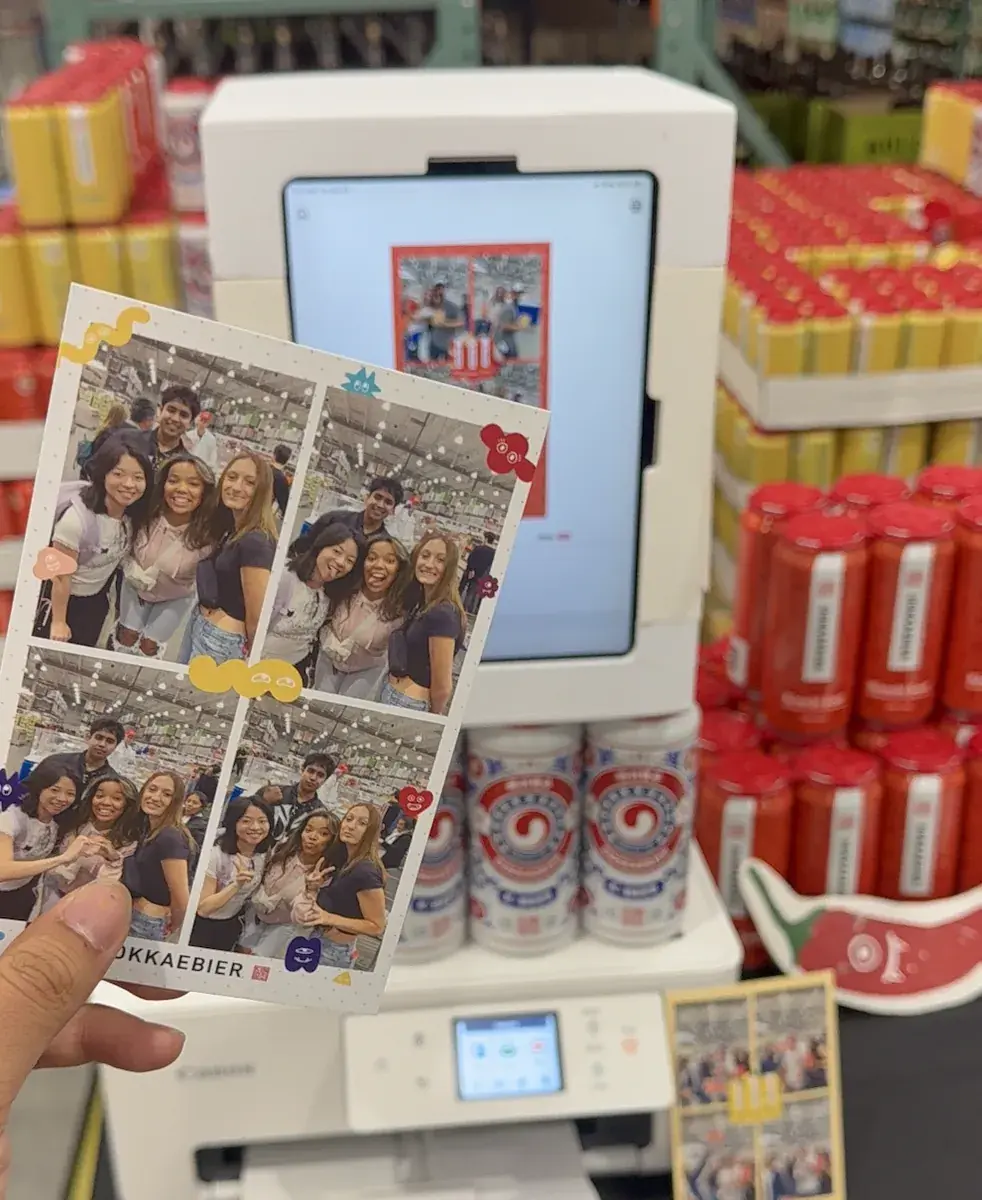
Visitors shoot it themselves and get the finished four-cut by QR. You do not need staff managing a line.
A frame with your brand logo
Make a frame with the pop-up name or brand logo in the app. Every four-cut a visitor takes home becomes brand content.
Place the booth next to the product and photos with the product spread on social media on their own.
Rent for short pop-ups, buy for permanent use
A pop-up open for a few days works well with a rental; a permanent store setup is better with a purchase.
Add a photo printer and you can hand out prints on the spot.
What is the setup order at a pop-up?
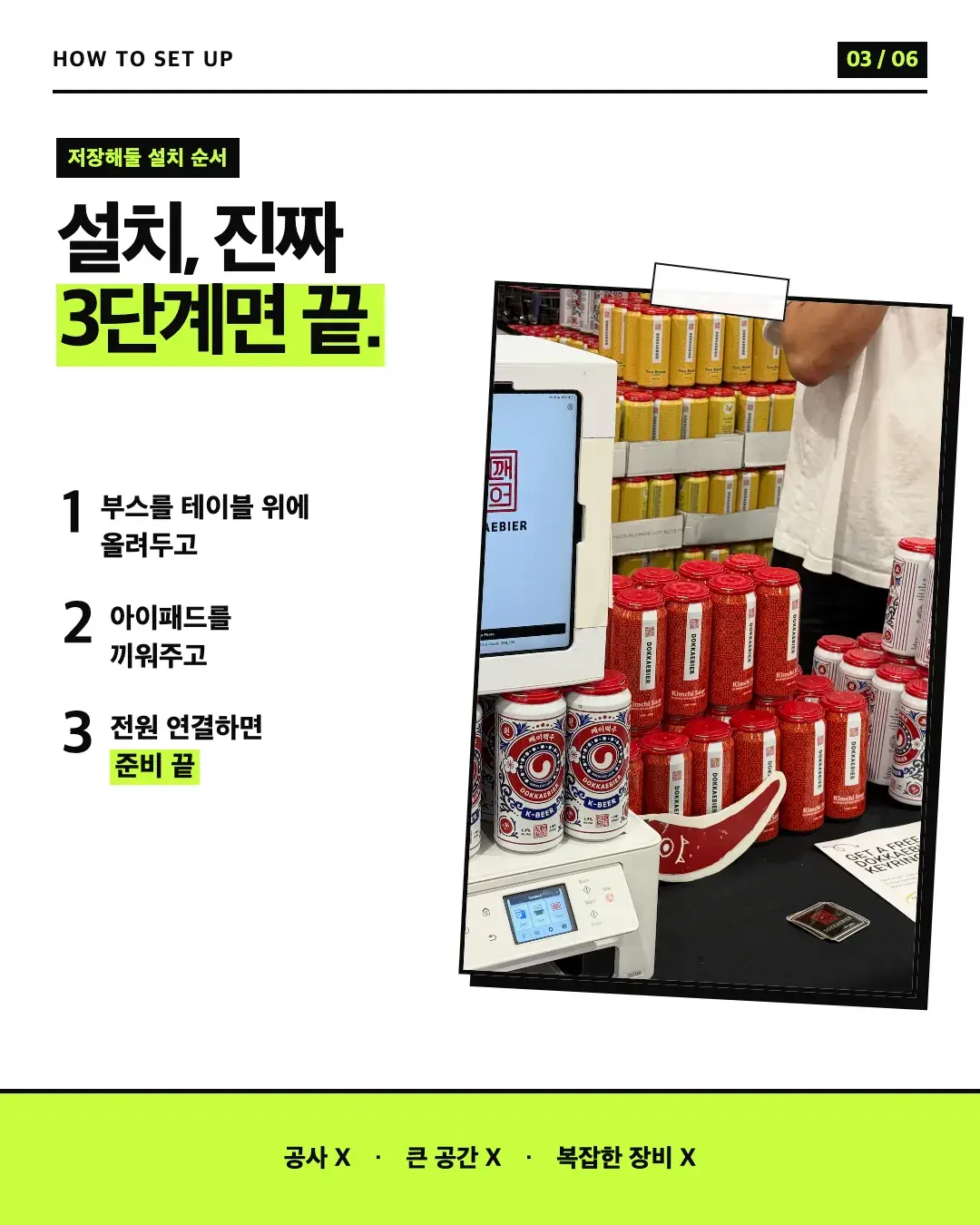
Our card post broke setup into three steps. The point was that it needs no construction, no big space, and no complicated equipment.
- Put the booth on a table.
- Slide in the iPad.
- Connect power and you are ready.
How do visitors get their photo, and what do staff do?
A visitor shoots it, opens the QR, and saves the photo to their own album. For them it is one more memory from the day.
Staff do not have to shoot photos for people or manage a line, so they can keep running the pop-up.
Our card post put it this way: people forget the space, but they keep the photo. A four-cut that carries your brand keeps the pop-up in mind longer.
How do we choose between rental and purchase?
Duration decides it. For a short pop-up, rent for just the days you need. For a space that keeps running, buying and leaving it up makes more sense.
Rental is 50,000 KRW per day plus 5,000 KRW delivery, and purchase is 150,000 KRW. The iPad is separate. The steps are on the rental page.
Frequently Asked Questions
How long does setup take at a pop-up?
Can we use a frame with our brand logo?
Rental or purchase?
Do we need extra staff for a pop-up photo booth?
How much space and equipment does it need?
Bring a booth to your pop-up
Check booth options, rental, and pricing in the shop.
See the boothSet up an event booth with your logo and frame
The MY4CUT app has logo customization, dedicated event frames and an admin password lock. Guests get their strip on their own phone by QR code.