Guide4 min read
How to Start a Photo Booth Rental Business on a Budget
The short answer
A tablet booth is the cheapest way into photo booth rental: a tablet, a stand or enclosure, a light, booth software and, when clients want prints, a compact photo printer. Price your first packages from your real cost per event, sort out insurance and a simple contract, and get the first bookings through people who already book event vendors.
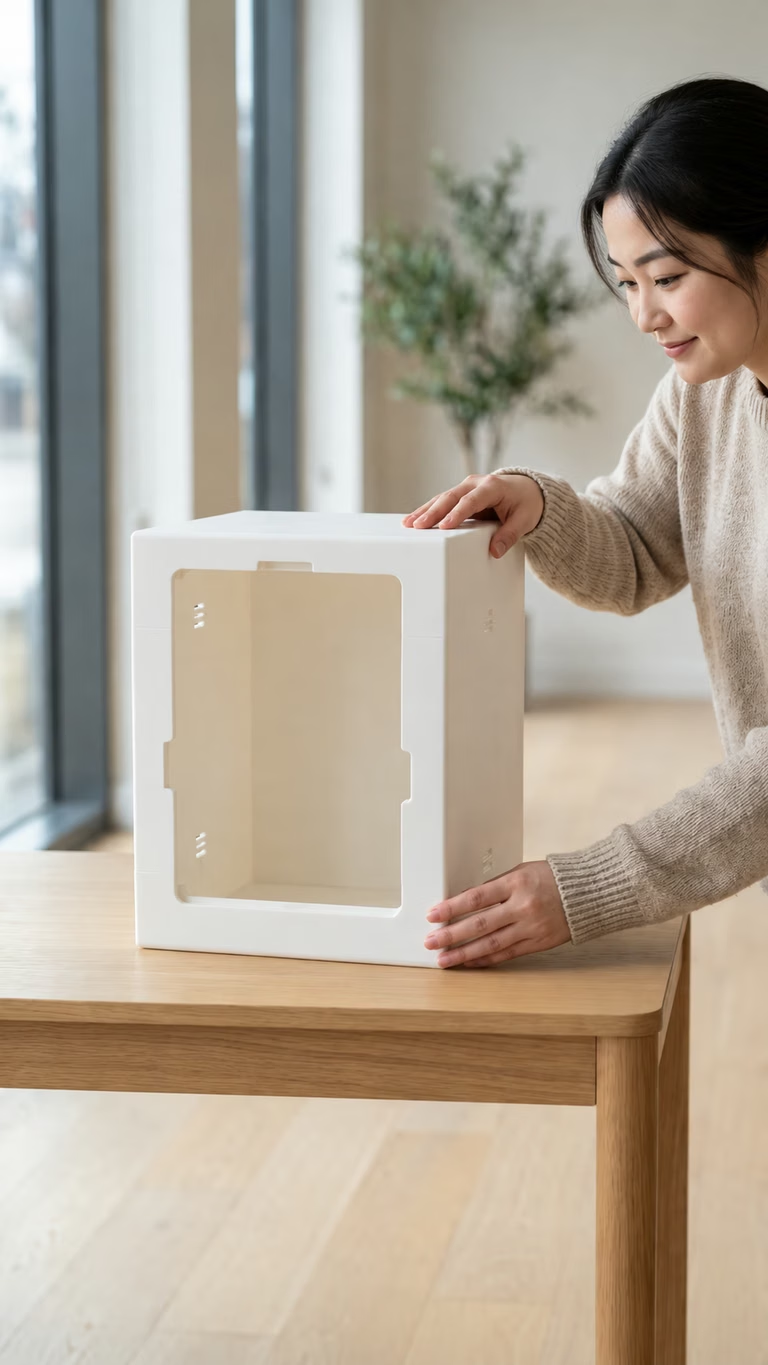
Tablet booth or camera rig?
A camera rig (a DSLR, studio flash, a computer and a large printer) produces the best images, but it costs the most and takes the longest to set up. A tablet booth gives up some image quality in exchange for a much smaller kit you can carry in one bag and set up in minutes.
For a first booth, the tablet is usually the better bet. It lets you take small events, learn what clients actually ask for, and upgrade the camera later once bookings justify it.
The minimum kit
Everything here fits in a car boot. Buy the tablet and light first; add the printer when the first client asks for prints.
- A tablet with a decent front camera. An iPad is the easiest because most stands are built for it.
- A stand or enclosure that holds the tablet at face height for groups of two to four.
- A light in front of the guests: a ring light or a small softbox.
- A plain backdrop, or a wall you check before the event.
- Booth software with your frames and QR sharing.
- Optional: a compact photo printer, plus paper and ink for the number of guests.
- A phone hotspot, a power strip and spare charging cables.
A start-up cost worksheet
Prices change too often to list here, so fill in current prices from your local stores. Separate one-time costs from per-event costs; only the second kind goes into your package price.
| Item | One-time or per event | Notes |
|---|---|---|
| Tablet | One-time | You may already own one |
| Stand or enclosure | One-time | The MY4CUT mini booth ships to the US for $219 + $39 |
| Light and backdrop | One-time | Replace the backdrop as it wears |
| Printer | One-time | Only once clients ask for prints |
| Paper and ink | Per event | Cost per print × expected prints |
| Software | Monthly | MY4CUT for Business: $39/month for 2 devices (launching soon) |
| Insurance | Yearly | Ask a local insurer for event vendor cover |
| Travel and parking | Per event | Often forgotten in the first quotes |
Price your first packages
Start from cost, not from what the biggest company in town charges. Add up your cost per event, decide what an hour of your time is worth, then build two or three packages around hours and prints.
Our photo booth pricing worksheet walks through the numbers, and the revenue calculator on the Business pricing page shows what a few events a month add up to.
Insurance and contracts
Many venues ask vendors for proof of liability insurance, so ask a local insurer about cover for event vendors before your first paid booking. This isn't legal advice, and the rules differ by state and country.
Keep the contract short and clear: date, hours, setup time, what's included, how many prints, the deposit, the cancellation terms and who provides power and a table. Send it with every quote.
Getting the first five bookings
The first bookings almost always come through people, not ads.
- Run the booth for free at a friend's party or a local event, and ask for photos and a short review.
- Make a sample frame with the venue's or client's name before you pitch them. It shows the product better than any brochure.
- Introduce yourself to wedding planners, DJs and venue coordinators. They are asked for booth recommendations all the time.
- Post the gallery from every event, with the client's permission.
- Offer a short, simple package for small events like birthdays and office parties.
When to buy a second booth
Buy the second unit when you start turning down bookings because the first one is taken, or when clients with large events ask for two booths. Before that, money is better spent on a printer or a better light.
From the second booth on, settings drift between devices. That's where a console helps: MY4CUT for Business includes 2 devices on one plan, so the second booth costs nothing extra. See what to look for in booth software.
Frequently Asked Questions
How much does it cost to start a photo booth business?
Do I need a printer to start?
Is an iPad good enough for a paid photo booth?
Do I need insurance for a photo booth business?
Hear first when MY4CUT for Business opens
MY4CUT for Business is launching soon. Join the launch list and you'll get the early user price of $259 a year for 2 devices.
Run every booth from one console
MY4CUT for Business is launching soon. Join the launch list to hear first and get the early user yearly price.