
Use cases

Where operators use it, and how

Every business picks a different template, output mode, setup and price. Find the one closest to yours and follow it step by step.

A four-cut print in the Color backdrop pop templateA four-cut print in the Wedding ivory templateA four-cut print in the Receipt template
The people in our sample photos are AI-generated.
Wedding ivory
Wedding ivory

01Wedding booth vendors, planners, venues

Weddings

An ivory frame with the couple's names and date. Guests keep one print and paste the other into the guest book.

Template
Wedding ivory
Output
Print + QR

Setup

  1. 1Answer 'wedding' in the 1-minute setup and the Wedding ivory pack comes up first. Fill in names, date and venue.
  2. 2Set output to print + QR and prints per session to 2.
  3. 3Turn on the photo consent screen and pick a retention period (say 90 days). Photos delete themselves after that.
  4. 4After the reception, send the couple the event gallery link. You can also download everything as zip files.

How to charge

Sell one package per wedding: hours, unlimited prints, a guest book album and an online gallery. The calculator's wedding example assumes $700.

Run these numbers →

On-site tips

  • Ivory looks best in bright light. If the hall is dim, put one softbox in front, slightly above.
  • Leave pens and double-sided tape by the guest book and guests will paste and sign on their own.
Color backdrop pop
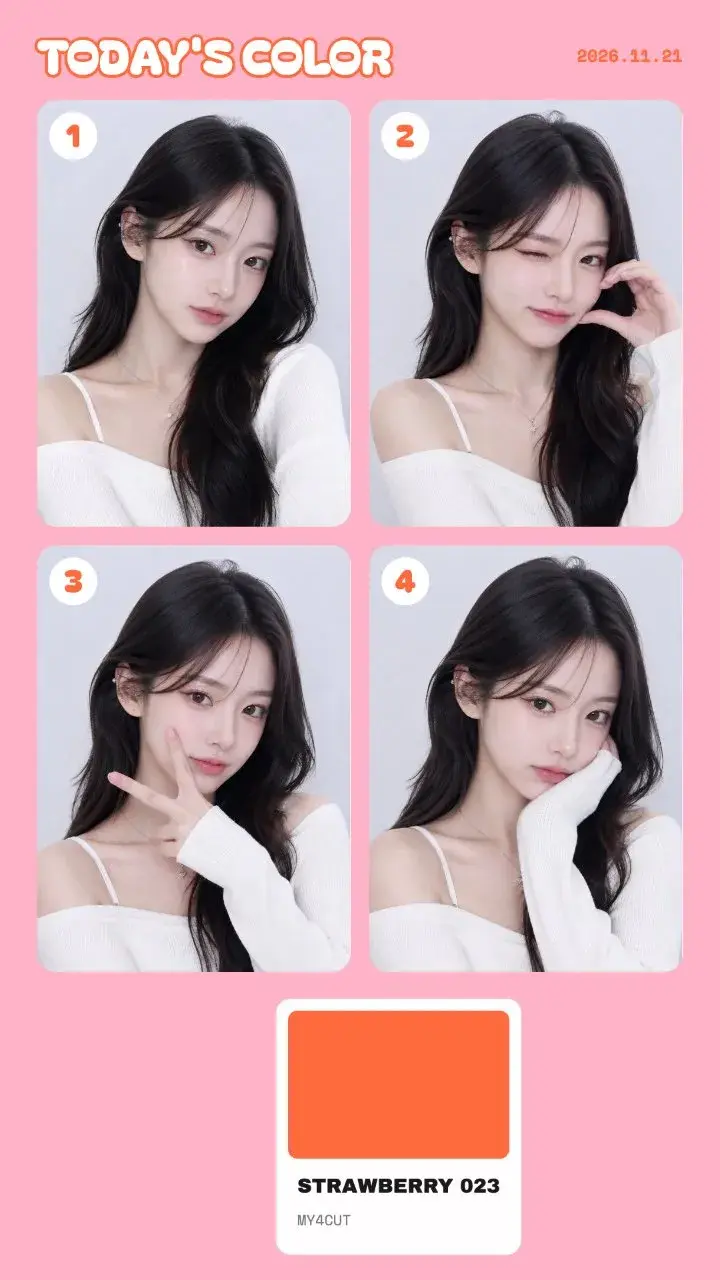
Color backdrop pop

02Cafés, boutiques, kids' cafés, studios

Café or shop booth, every day

QR only, so there's no paper cost, and your Instagram sits on the photo download page.

Template
Color backdrop pop
Output
QR only

Setup

  1. 1Stand an iPad or laptop you already own against a wall and add the booth page to the home screen so it fills the screen.
  2. 2Set output to QR only. Put your logo and up to 3 links, like Instagram, on the download page.
  3. 3Pick your shop color in the Color backdrop pop pack and put a signature drink in the color name field.
  4. 4Set an operator PIN so guests can't leave the booth screen.

How to charge

Make it free with two drinks, or ring up $5 to $6 at the counter. Guest payment on their own phone is coming soon.

Run these numbers →

On-site tips

  • When guests start asking for prints, add a photo printer and switch output to print + QR. Booths pick up console changes within a minute.
  • The hourly chart on the results page shows your busy hours. Time your promos to them.
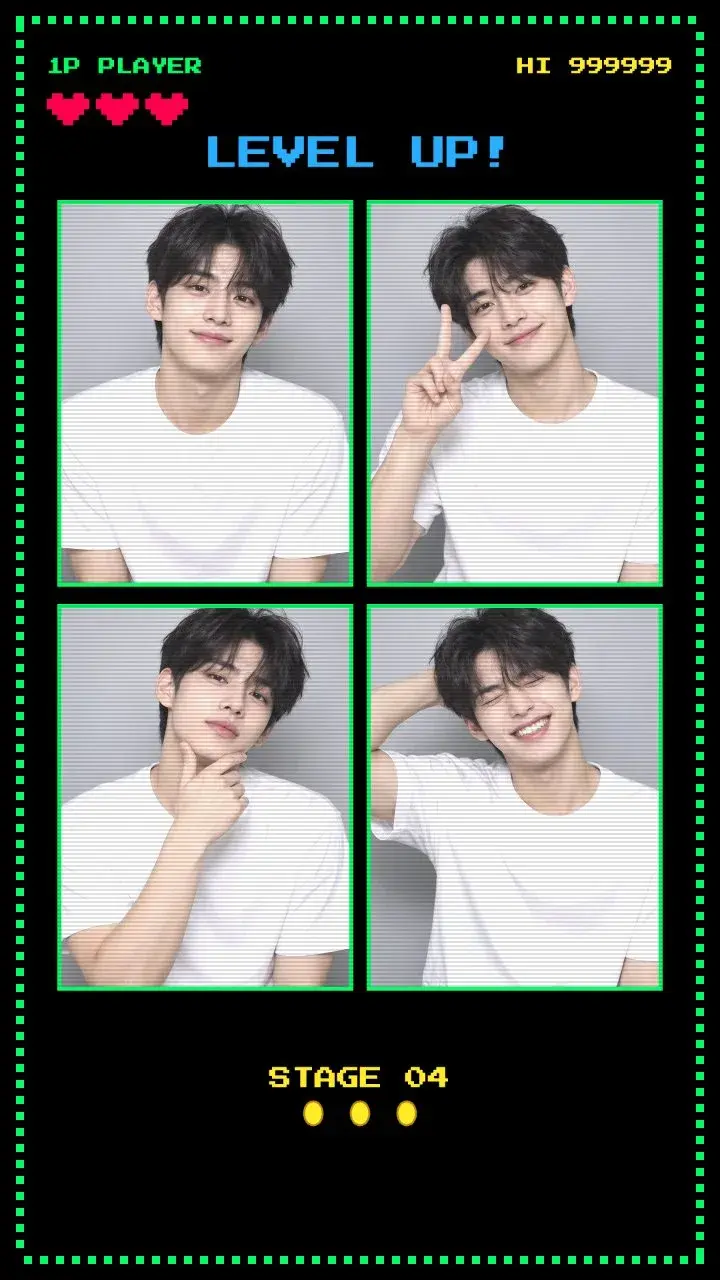
Retro pixel game
Retro pixel game

04Student councils, clubs, local festival teams

School festivals and club events

For a two-day festival, skip the subscription and buy one Event Pass (7 days, 2 devices, $29). A club laptop and webcam are enough.

Template
Retro pixel game
Output
Print only

Setup

  1. 1Buy the Event Pass in the console. Every feature on 2 devices for 7 days, no auto-renewal.
  2. 2Open the booth page in Chrome on a laptop and pick the webcam. If you have a printer, connect it and run a test print from the operator menu.
  3. 3Put the school and festival name in the player name and stage fields of the Retro pixel game pack.
  4. 4Set output to print only. Guests walk away with their photo even if the school Wi-Fi is shaky.

How to charge

Run it free on the student council budget, or charge $2 a session on site for the festival fund.

Run these numbers →

On-site tips

  • Free-mode events keep shooting through internet drops until a time you set in the console, and photos upload once it's back.
  • If the line grows, shorten the sticker and pick steps in the console.
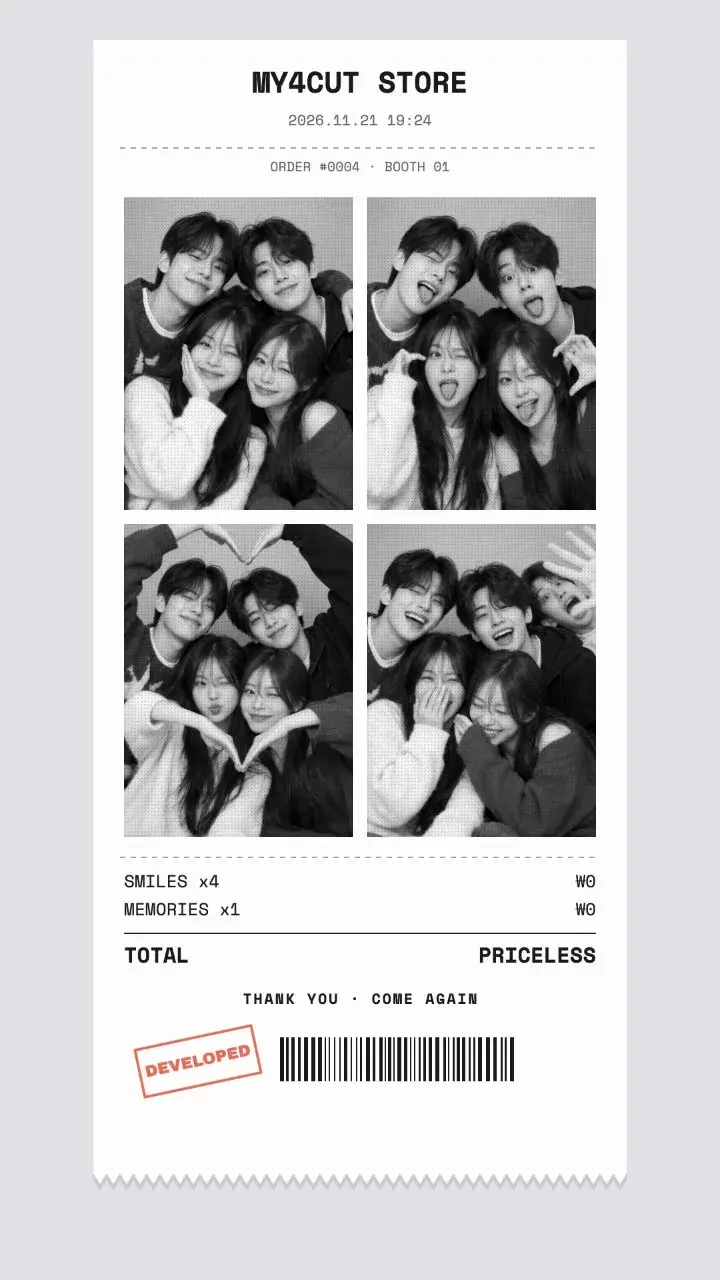
MY4CUT Classic
MY4CUT Classic

05Photo booth rental businesses, event agencies

Booth rental company with 5 booths

A different client logo and frame on every event, and five booths at five venues watched from one console in the office.

Template
MY4CUT Classic
Output
Print + QR

Setup

  1. 1Add each client under Clients with name, contact and logo. Every client gets its own gallery link.
  2. 2When you create an event, pick the client, set frames, stickers and logo, and attach the booths going out that day.
  3. 3Invite your team with four roles (owner, admin, operator, viewer) so on-site staff can only run the booth.
  4. 4During the event, see each booth's online status, camera and printer, and reload settings or restart remotely.
  5. 5Afterwards, send the client the gallery link and the event report (print or CSV).

How to charge

The plan is 2 included devices plus 3 extra: $84 a month before tax. Charge clients per event and bill custom frame design separately.

Run these numbers →

On-site tips

  • Push the same settings to many booths at once and group them with tags. The night-before prep gets shorter.
  • Guests see your client's logo and frame. The MY4CUT mark stays small in a corner.
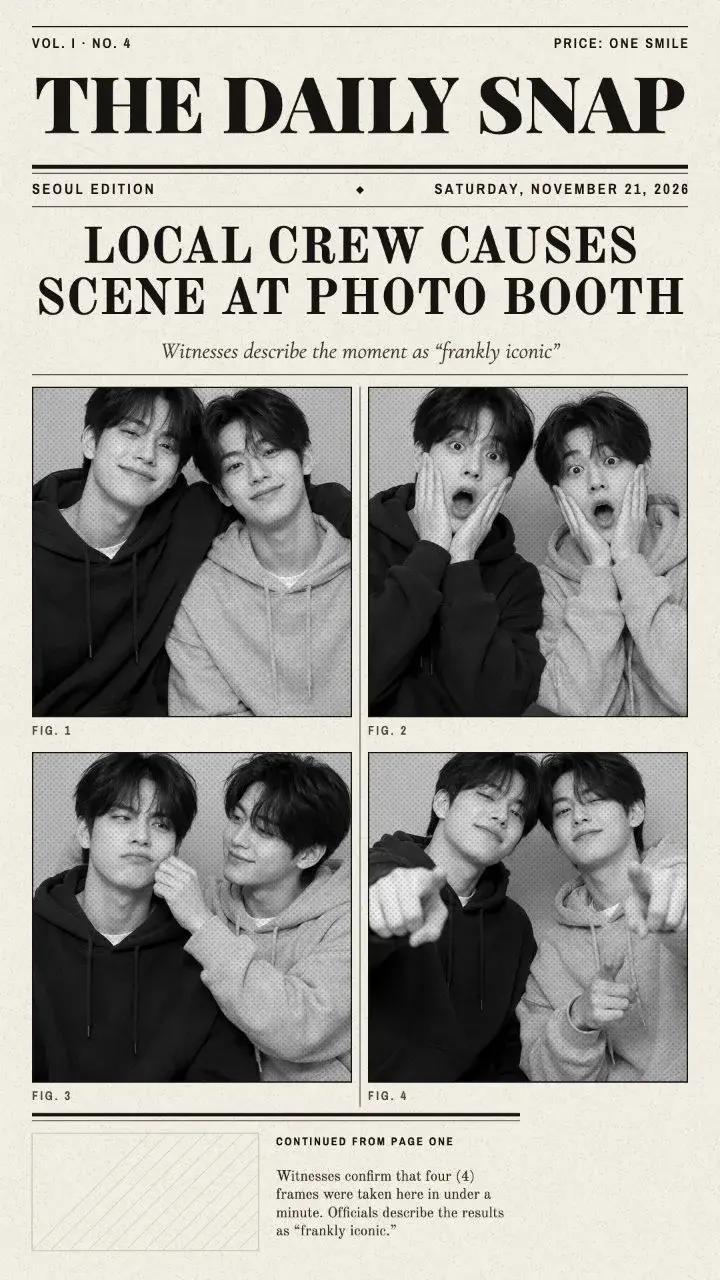
Broadsheet
Broadsheet

06Corporate event agencies, in-house event teams

Year-end and company parties

Put the company name and a line about the year in the Broadsheet headline, and everyone leaves with a front page starring themselves.

Template
Broadsheet
Output
Print + QR

Setup

  1. 1Pick the Broadsheet pack and fill in the masthead, headline and small print with the company name and a line about the year.
  2. 2Set output to print + QR: the print to keep, the QR to share in the company chat.
  3. 3Turn on the attract slideshow so fresh photos (consented ones only) loop on the booth screen.
  4. 4The next day, make recap cards (1080×1350) for the internal announcement.

How to charge

Quote a 3 to 4 hour package. Set prints to the headcount and check the margin in the calculator.

Run these numbers →

On-site tips

  • Black-and-white newspaper frames still look good when the venue lighting is low.
  • Send your contact the session count and QR download rate; it drops straight into their event report.
Cozy Christmas
Cozy Christmas

07Malls, department store counters, shopping streets

Holiday season in retail

Christmas frames all December, a New Year countdown on the 31st, Lunar New Year after that, so the same shoppers come back for the next one.

Template
Cozy Christmas
Output
Print + QR

Setup

  1. 1Pick the Christmas pack and add the store name. Seasonal stickers come with it.
  2. 2Switch to the New Year countdown and Lunar New Year packs on the right days. Booths pick up the change within a minute.
  3. 3Tie it to a store promotion, like a free session with a receipt.

How to charge

Free for customers who buy, $5 to $6 per session for everyone else.

Run these numbers →

On-site tips

  • Seasonal packs give people a reason to come back. Change the frame when the date changes.
  • Face the booth screen toward foot traffic; the attract screen works as a sign.

Don't see your business?

31 templates, three output modes and per-event branding fit most venues. Ask us at hello@myfourcut.com how you'd set it up.