my4cut at an Apple Korea event
The short answer
Apple Korea reached out because, for an internal conference, they wanted a photo booth built from Apple products instead of a rental. We set it up with iPads and peripheral gear and adjusted the frame and tone to fit the event.
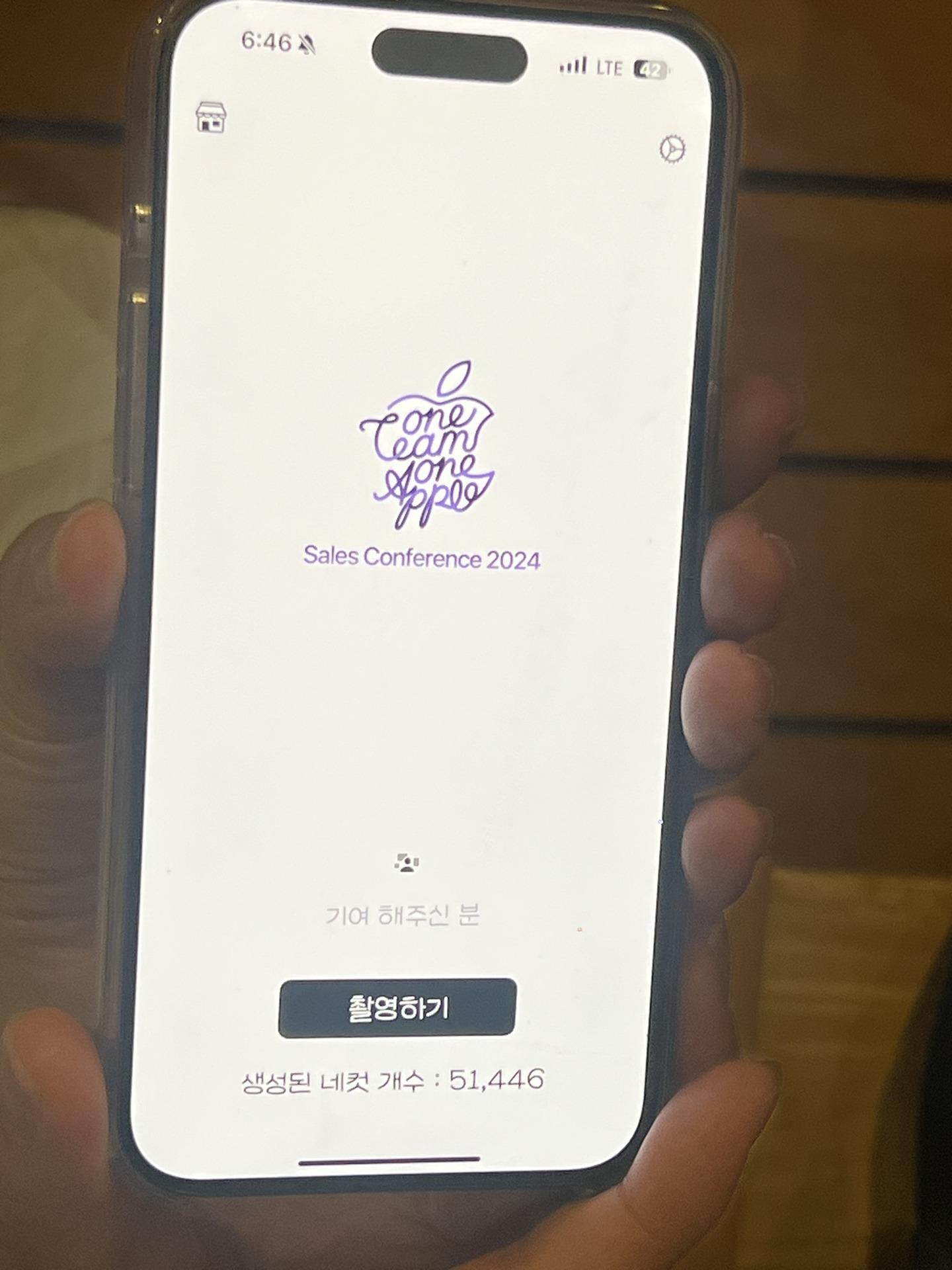
A call from Apple Korea
One day I got a call about my4cut, the 4-cut photo booth app.
They were preparing an internal conference and wanted a booth built on Apple devices.
As a Swift developer, that request felt especially rewarding.
A booth built on Apple devices
Because it was an Apple event, they wanted an Apple-device booth.
We set it up with iPads and supporting gear for the conference.
Frames and visuals were tuned to match the event tone.
Studio-level production
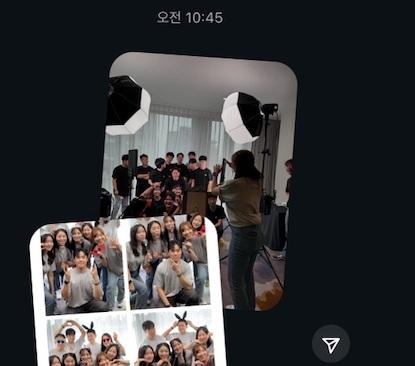
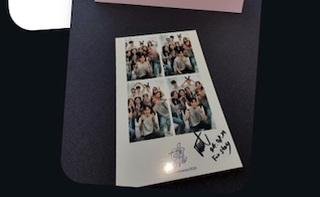
After the event, they showed the results—printed via a photo printer.
They even prepared lighting like a studio setup.
The final quality was genuinely impressive.
A memorable collaboration
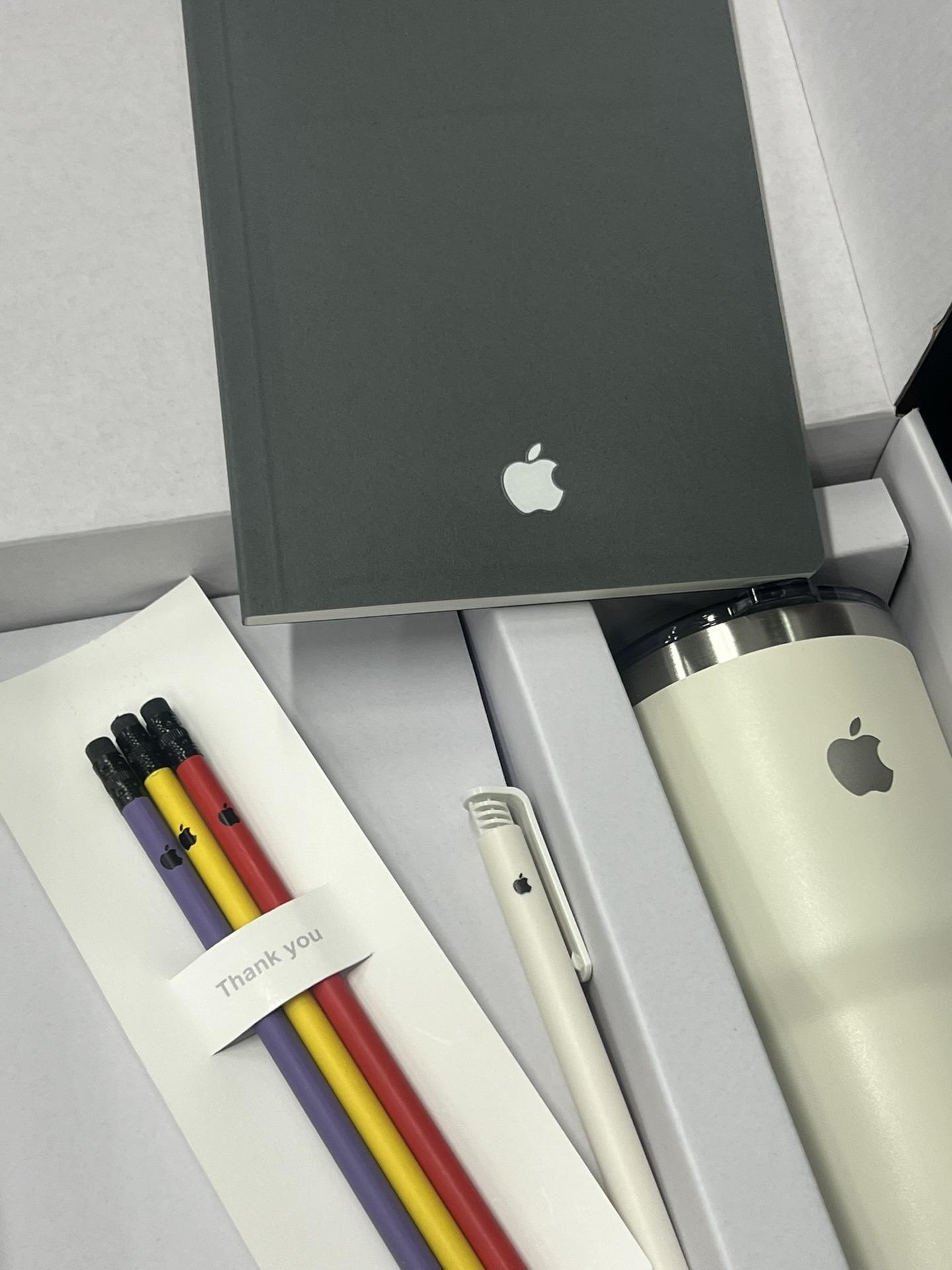
We met afterward, had a meal together, and I even received Apple goodies.
It became one of the most meaningful collaborations for me.
I hope to create more partnerships like this.
What should you decide for a corporate event booth?
If you set one up at a company event like the conference in this post, there are four things to decide beforehand.
- Equipment: start with one iPad and peripheral gear. This event used Apple devices only.
- Frame: make an event frame in the app with a tone and logo that suit the event. Logo customization and dedicated frames are the features for this.
- How guests receive it: by QR code on their own phones. If you want paper, connect an AirPrint printer.
- Operation: there is an admin password lock for events.
When do you make the event frame?
You can make it in the app on the day. At Ddalkkak-thon, an AI building event, we made a frame used only that day and in that place, with speech bubbles in the event’s tone.
At a pub in San Francisco, we made a dedicated frame in the app with the pub’s logo and badge, and guests picked it to shoot. The field story is in the San Francisco pub post.
Frequently Asked Questions
What equipment did the Apple Korea booth use?
Why did Apple Korea choose my4cut?
Run a booth with Apple devices
my4cut makes it possible to run events with Apple gear only.
Download the appSet up an event booth with your logo and frame
The MY4CUT app has logo customization, dedicated event frames and an admin password lock. Guests get their strip on their own phone by QR code.