A free event photo booth instead of a 500,000 KRW rental
The short answer
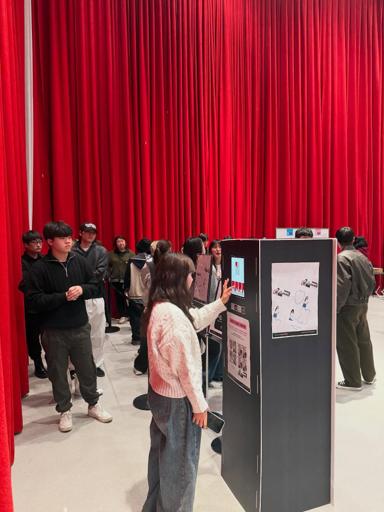
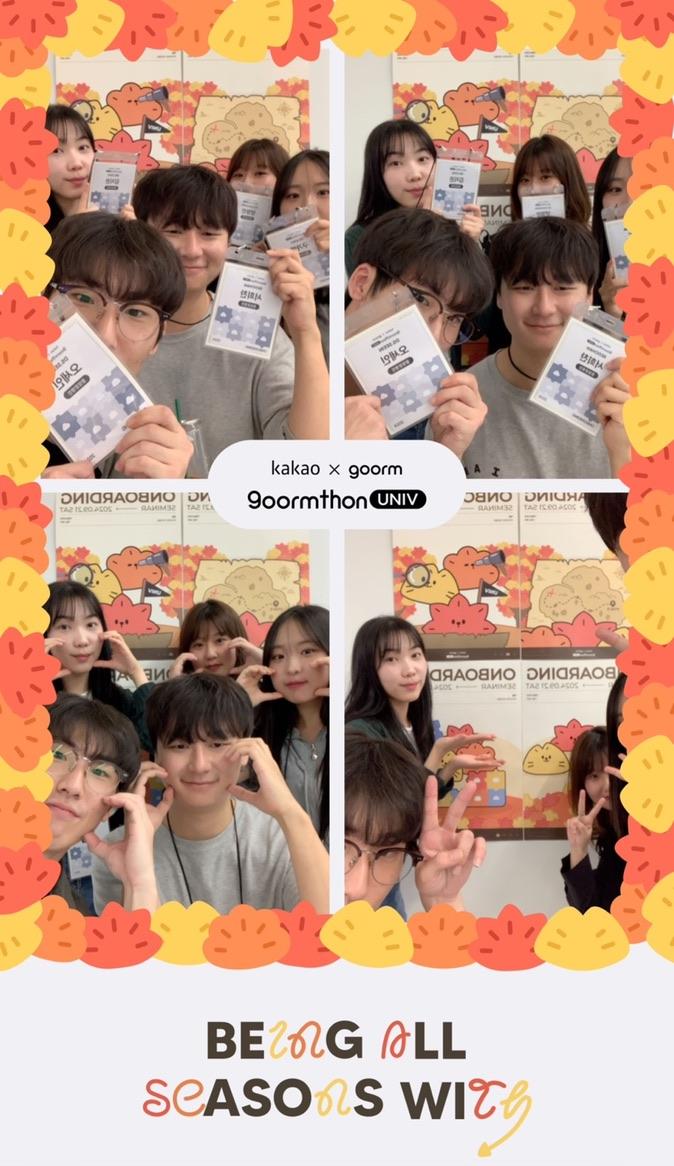
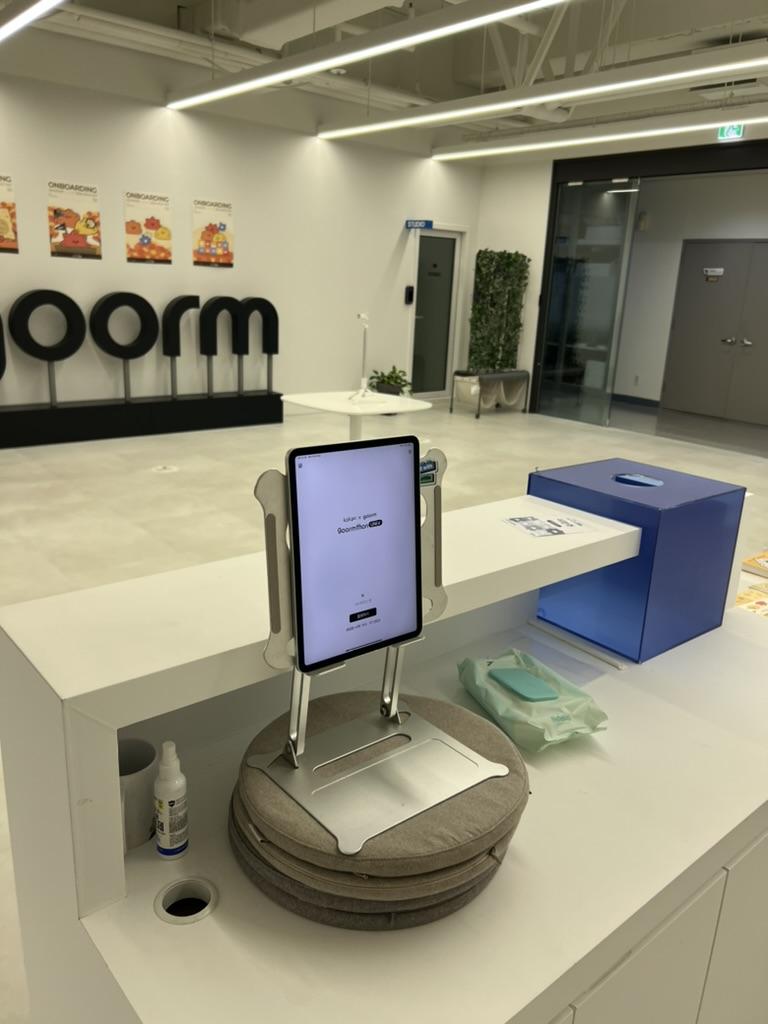
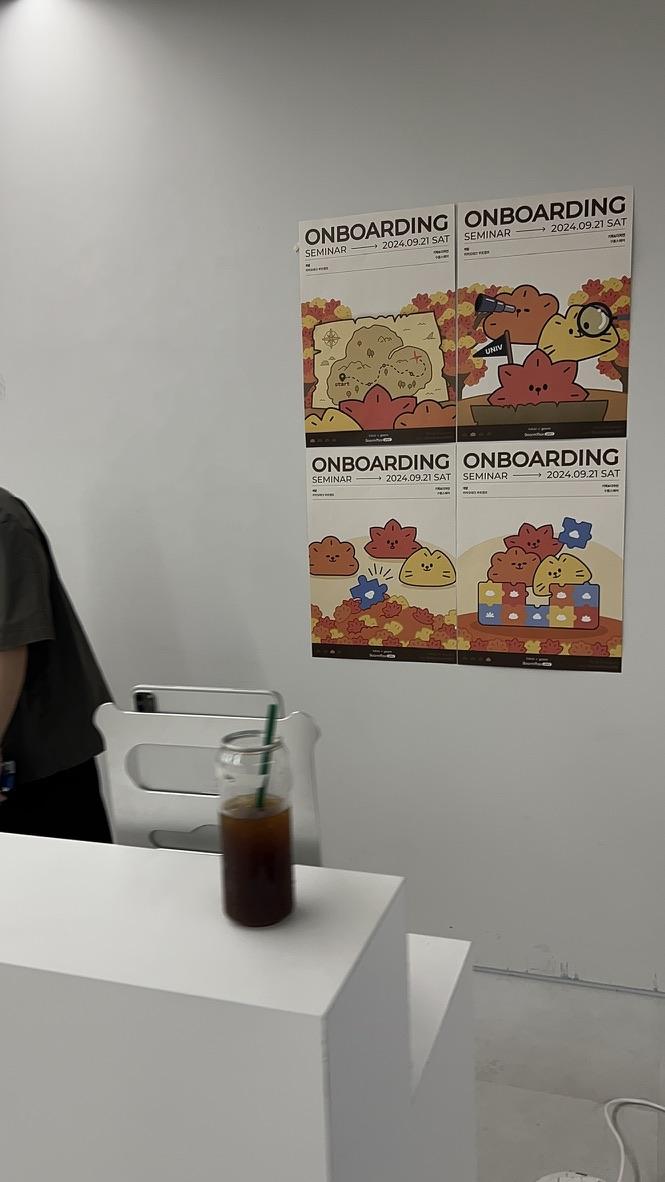
Instead of paying a rental fee, I built a small booth from an iPad stand, a few cushions and four posters, and it worked like a real booth at the event. The strips were shared and saved right away, and experiences like this turned into the my4cut app.
The 500,000 KRW reality
If you’ve planned events, you know the rental prices—often around 500,000 KRW for two hours.
We didn’t have that budget, so we decided to build our own.
Nothing fancy—just the essentials to get the job done.
A simple list of supplies
An iPad stand, a few cushions to adjust height.
Four posters to create a DIY photo wall.
It looked rough, but the results were surprisingly good.
The results felt like a real booth
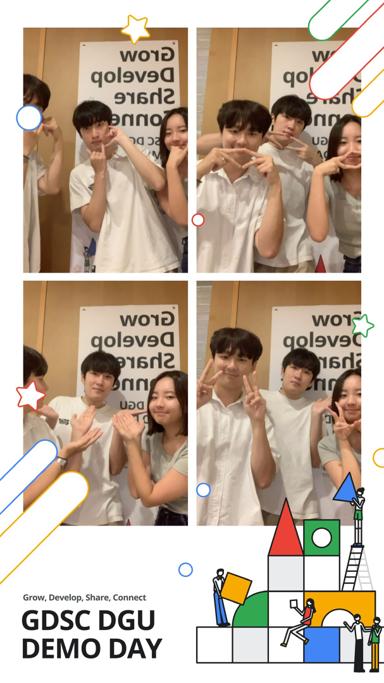
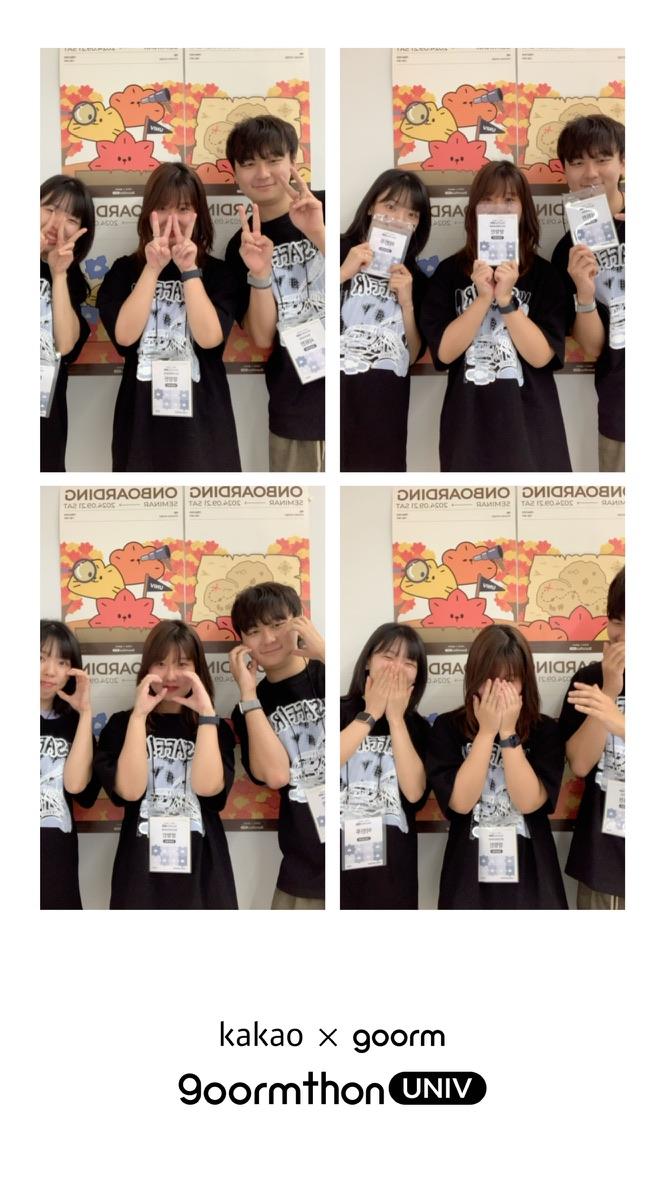
Even with a minimal setup, the 4-cut output was legit.
Guests could share and save instantly, so satisfaction was high.
It instantly lifted the vibe of the event.
That’s why we built the app
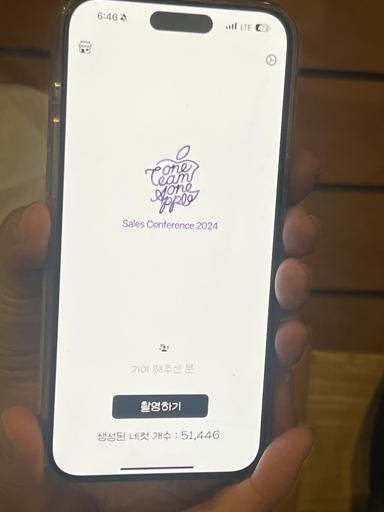
Those experiences pushed me to build the my4cut app.
It’s available on both the App Store and Google Play.
If you need a booth, just download and try it.
What is the setup order for an event?
The booth in this post was built from things we gathered ourselves. If you set one up for an event today, this is the order. It is how we ran it at a hackathon and at a pub in San Francisco.
- Install the app. It is free on iOS and Android.
- Make an event frame with your event name or logo in the app. At the hackathon we put the event name under the frame and made it in the app that day.
- Put it on a table or one spot of a counter and plug it in. We ran one mini booth with no tripod or lights.
- Check that the QR code shows up. After shooting, guests receive the strip on their own phones.
- If you want paper, connect an AirPrint printer.
Can you run an event without a printer?
At the hackathon, guests got their strips on their phones with one QR scan. It opened in the browser, so they did not need to install the app.
At the San Francisco pub, carrying paper around while drinking was awkward, so QR was easier. More on that in the San Francisco pub post.
What have other events said about it?
An App Store review from May 2025 said photo booth rental usually runs 600,000 to 700,000 KRW a day, and that they used my4cut for free at a church event on a tight budget. I am passing on the review, not making that claim myself.
Another user, who ran it at a church Family Month event where parents were invited, wrote that the kids, parents and teachers all loved it. More church stories are in the church mini photo booth post.
Frequently Asked Questions
What did you need to build an event photo booth yourself?
How do guests get the strips taken at the event?
Start with my4cut
Install the app and build an event-ready booth fast.
Download the appSet up an event booth with your logo and frame
The MY4CUT app has logo customization, dedicated event frames and an admin password lock. Guests get their strip on their own phone by QR code.