8 templates · 1080×1920 PNG · Free
Christmas & holiday photo booth frames
Winter frames for Christmas parties, year-end gatherings, church Christmas events and your first 4-cut of the new year. From mid-November to the end of December, year-end templates also lead the frame maker gallery.
Christmas & holidays frame templates
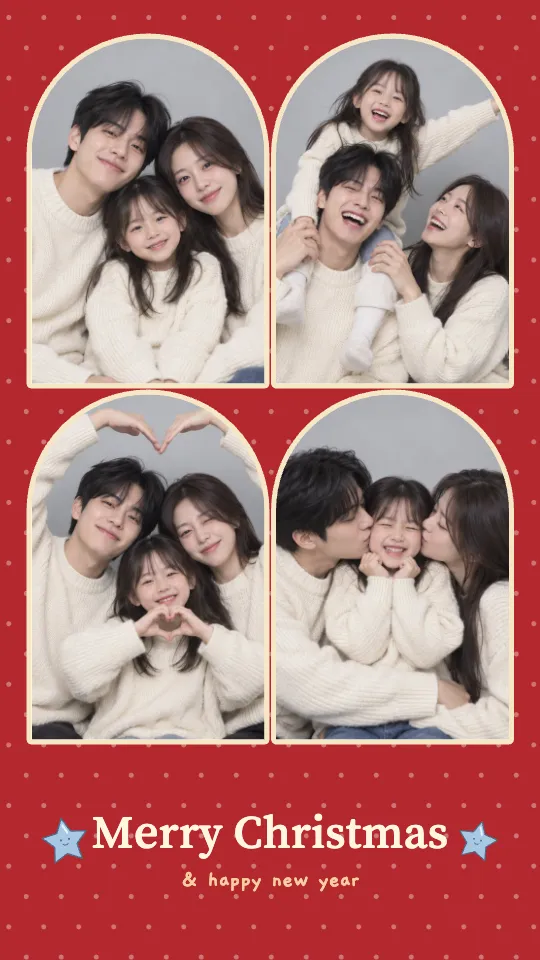
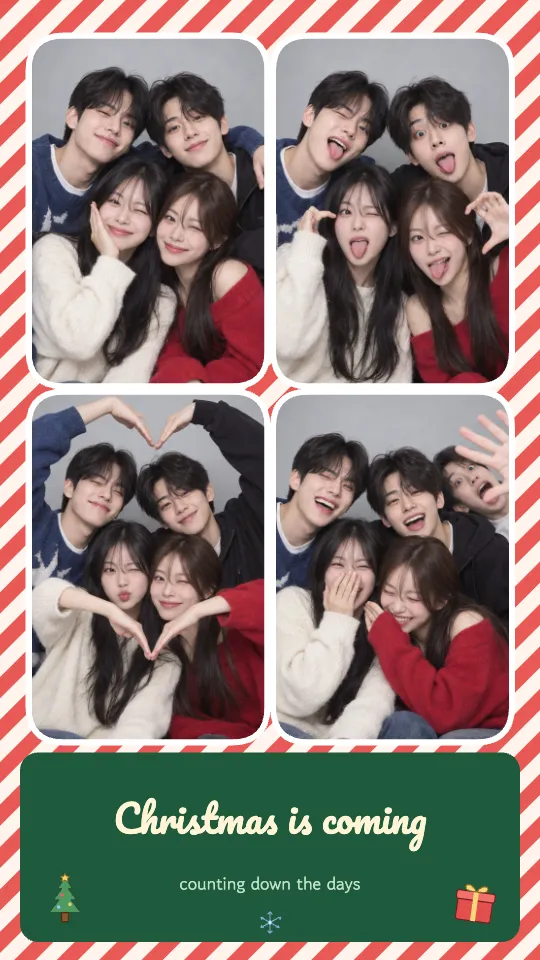
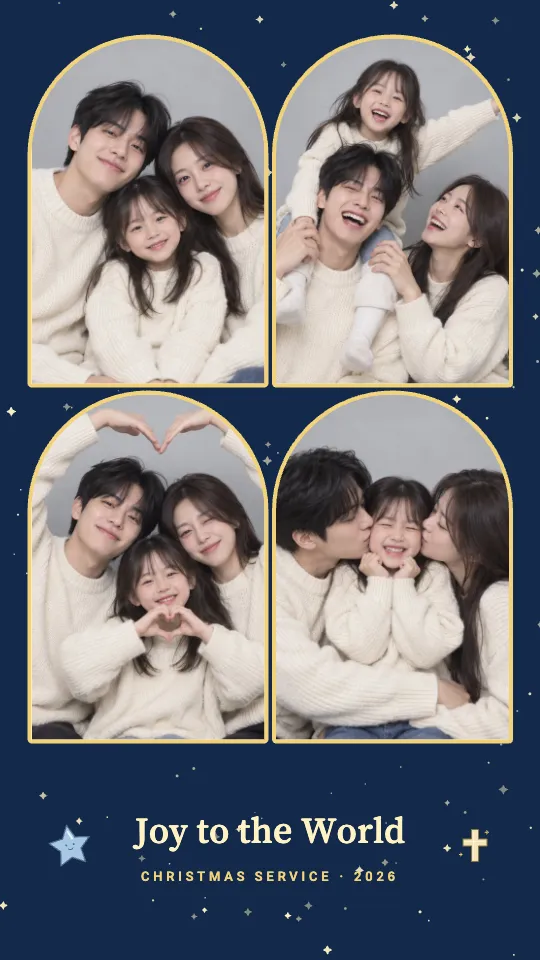
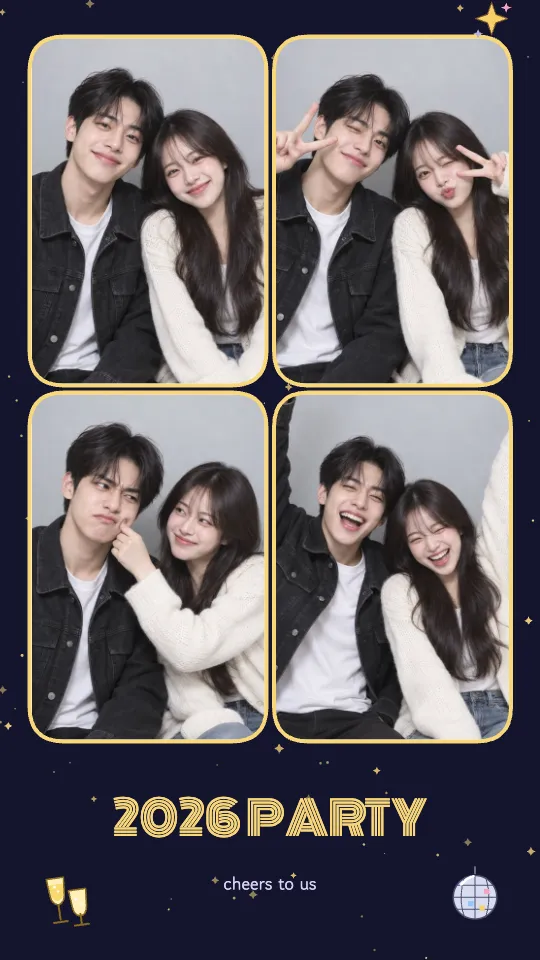
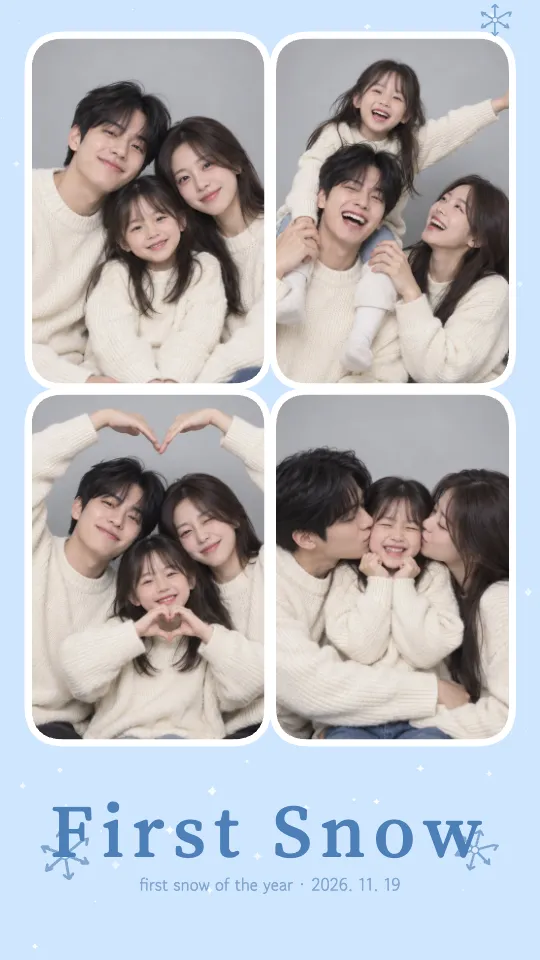

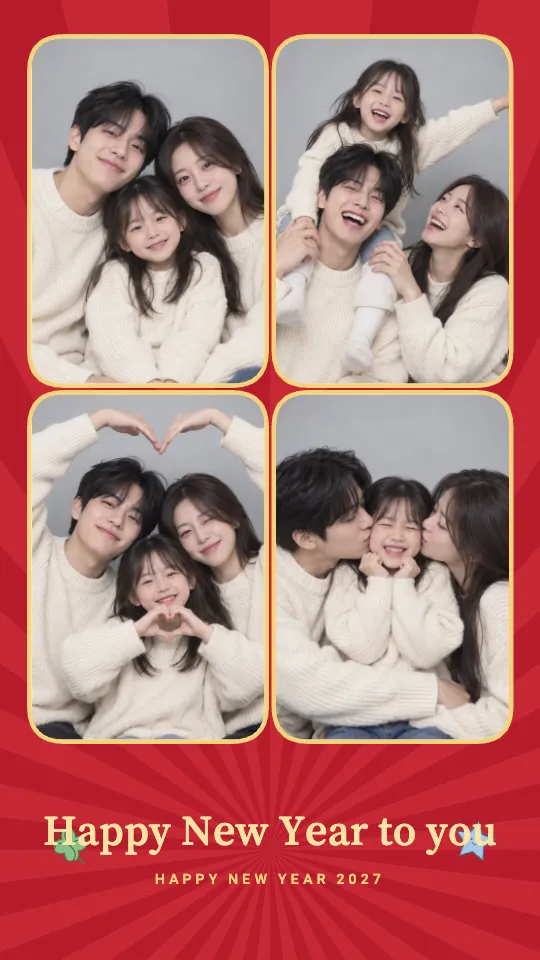
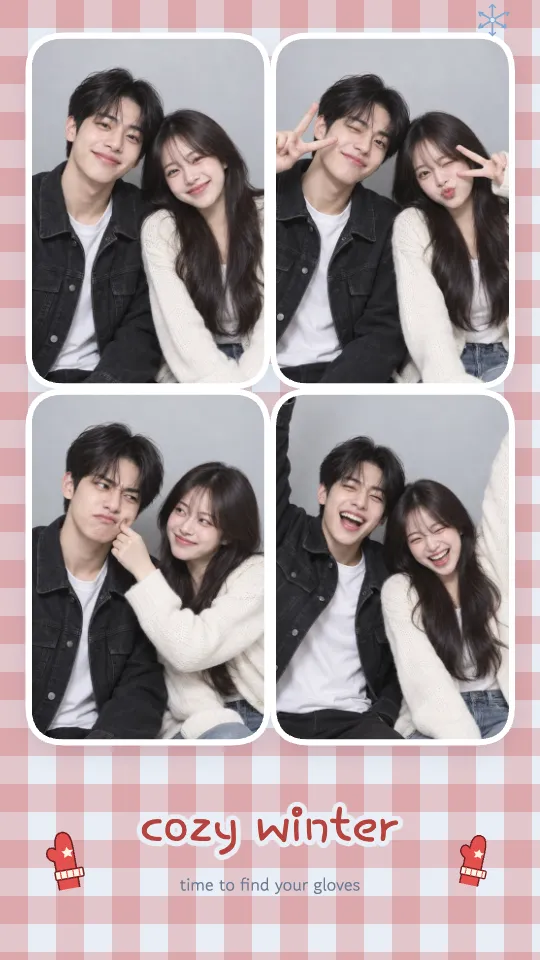
How it works
- 1Tap a template below to open it in the editor.
- 2Edit the names, date and words, and add images or stickers if you like.
- 3Download a transparent PNG, or log in and send it straight to My frames in the app.
Christmas & holidays frame tips
- For a year-end party, put the group's name in the title.
- The New year template fills in next year's number automatically.
- There's a template for church Christmas services too (Christmas service).
Frame specs
Every template is built to the MY4CUT app spec. The PNG you download keeps only the photo slots transparent, and the editor can make the print version too.
| Type | Size | Ratio | Notes |
|---|---|---|---|
| App frame | 1080 × 1920 px | 9 : 16 | Shown as-is while shooting and saving |
| Print frame | 1080 × 1620 px | 2 : 3 (4×6 print) | For printing · safe line 46 top · 27 sides · 37 bottom |
| Photo slots | 4 · 466 × 690 px each | 2 × 2 | Saved fully transparent |
Prefer Illustrator or Photoshop? See the SVG and PSD template guide.
FAQ
Can guests shoot with this frame at a Christmas party?
Yes. Add the frame to the MY4CUT app and stand up a phone or tablet, and it works as a Christmas photo booth. Guests get their strip on their own phone by QR code. The Christmas photo booth page has the steps.
When do the holiday templates show first in the gallery?
From November 12 to December 31 they appear at the top of the frame maker gallery as 'First snow & year-end'. This page shows them all year.
Is it free?
Yes. Picking a template, editing it and downloading the PNG are free with no login. Registering it as a frame in the MY4CUT app uses 20 Bread (+5 if you add a print frame).
What size are the frames?
The app frame is 1080×1920 (9:16) and the print frame is 1080×1620 (2:3, 4×6 photo paper). The four photo slots (466×690 each) are saved fully transparent.
Can I change the text and artwork?
Double-click any text to edit it. You can also add images, text, shapes and stickers, or change the photo slot shape (circle, heart, arch and more).
How do I shoot with the frame?
Add the PNG to the MY4CUT app and it overlays the camera; share the finished strip by QR code or print it. Want to try without the app? The web camera shoots a 4-cut in your browser with the default frames.