실제 사용 사례
현장에서 이렇게 활용돼요
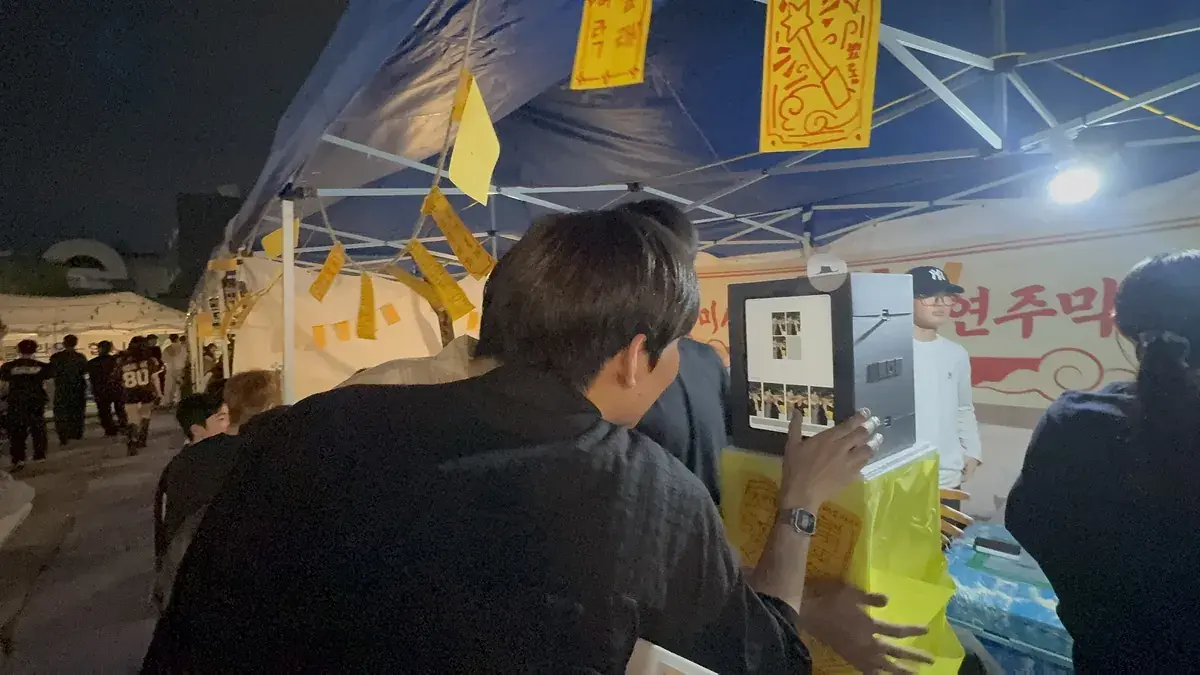
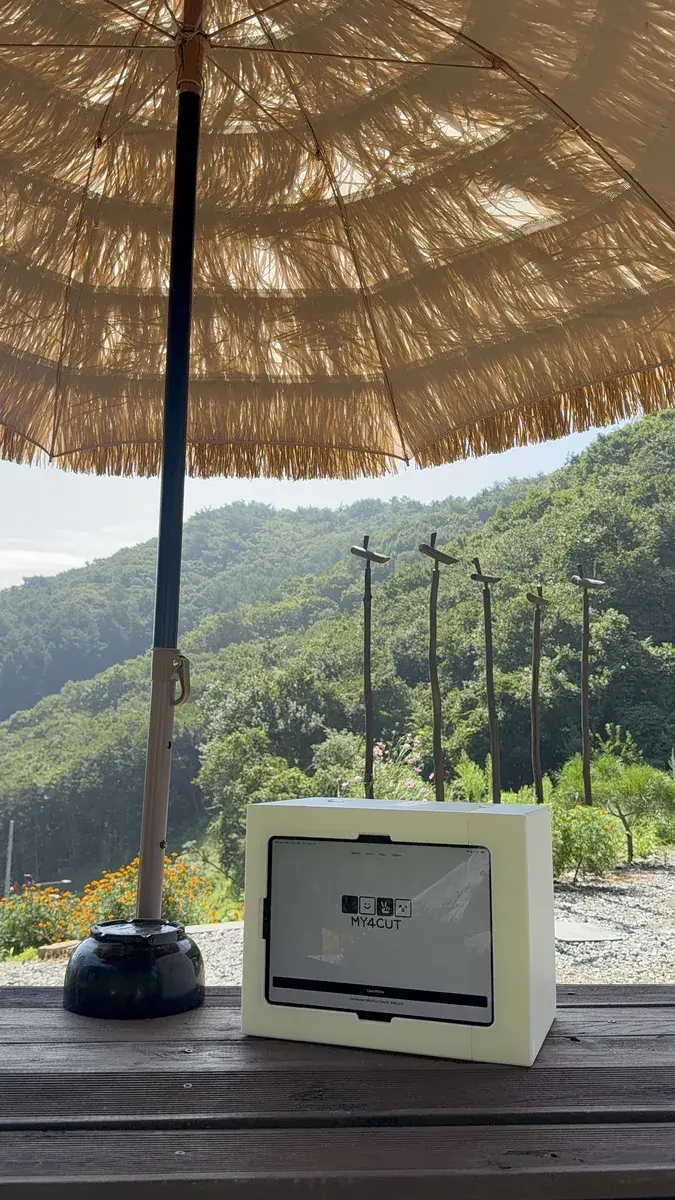
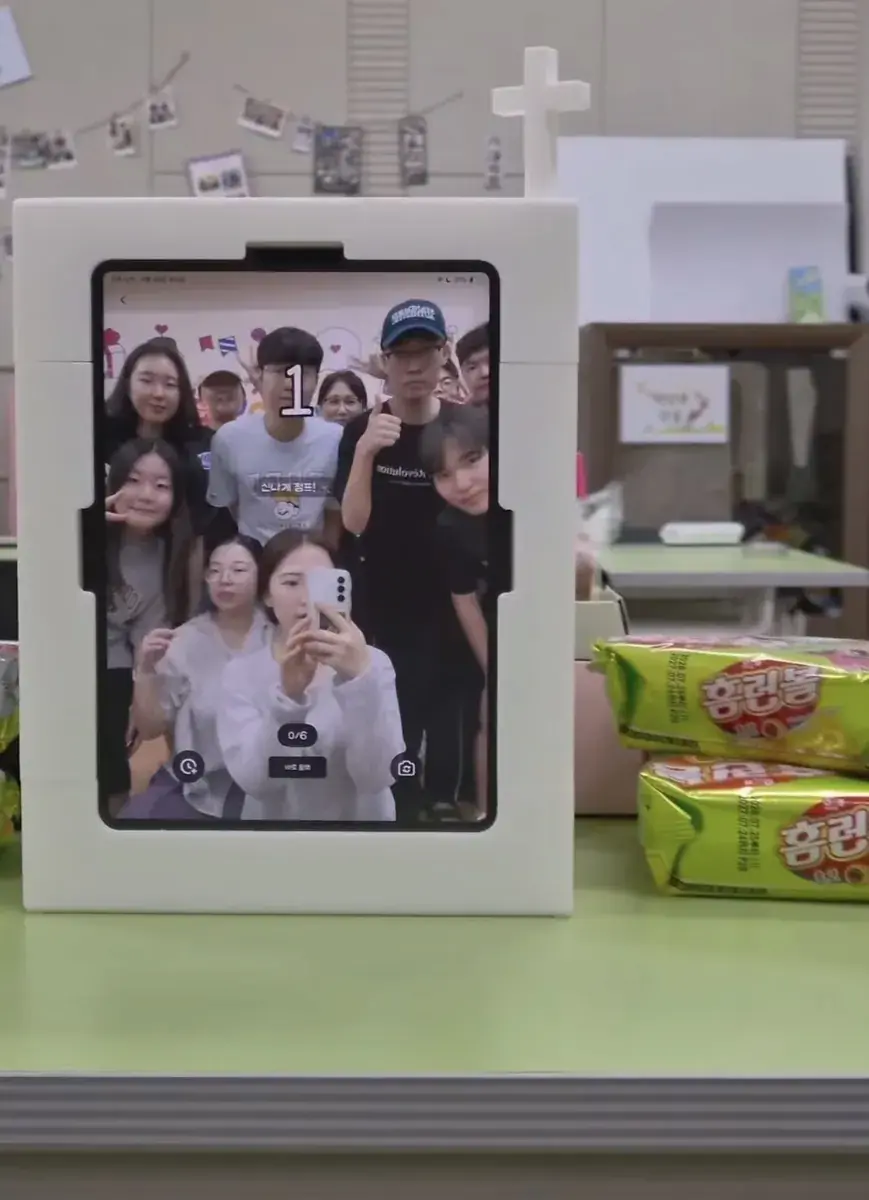
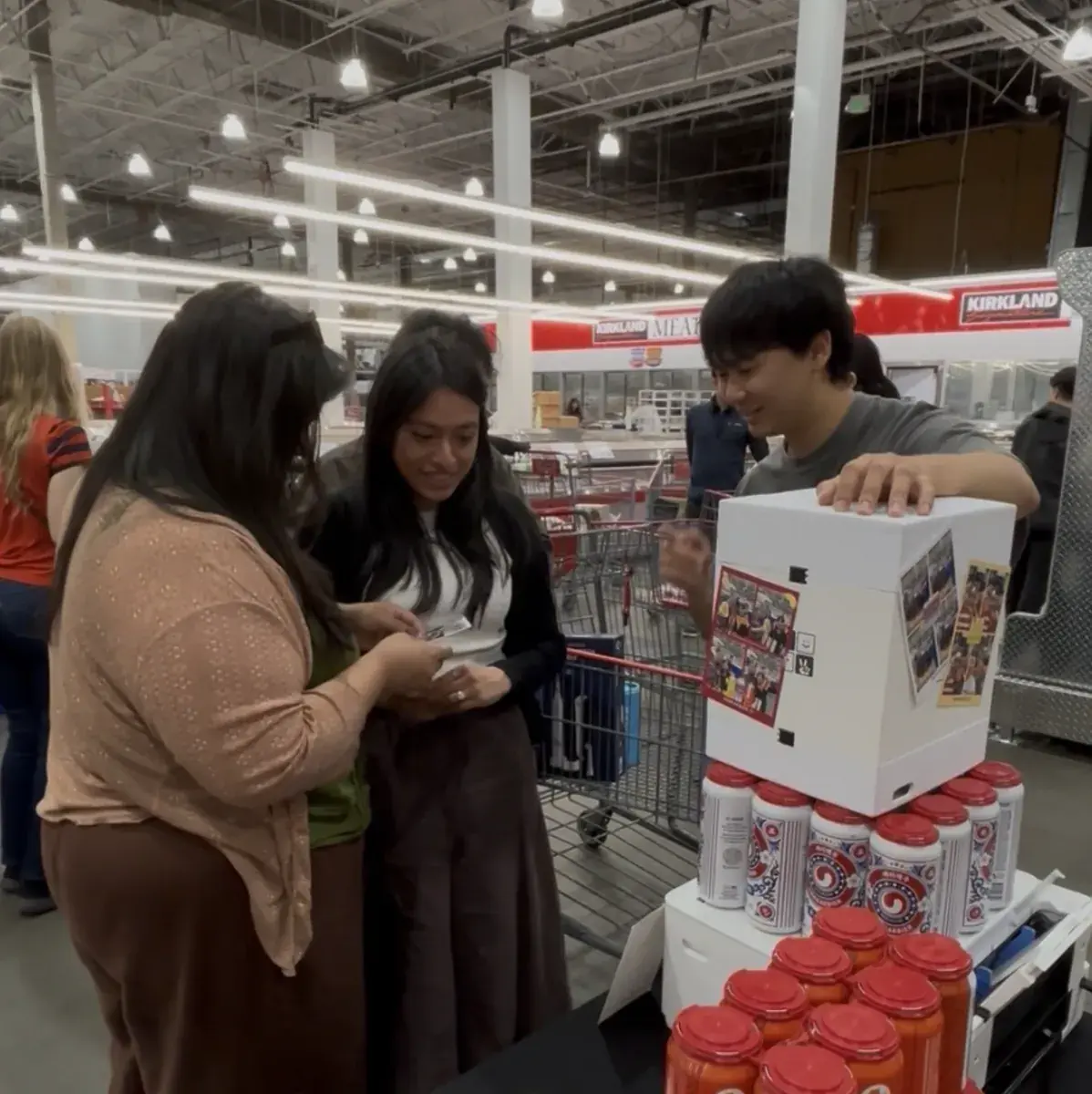
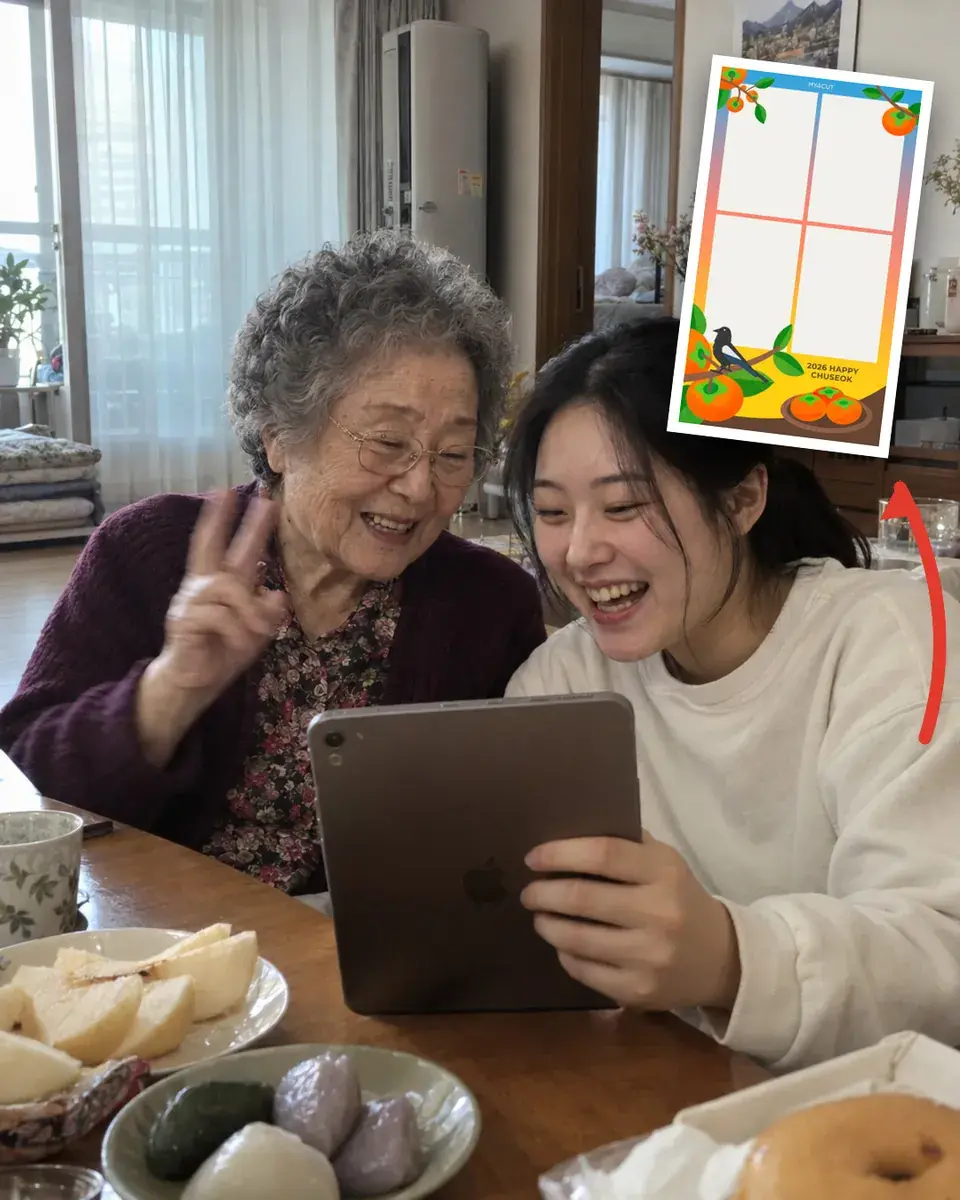
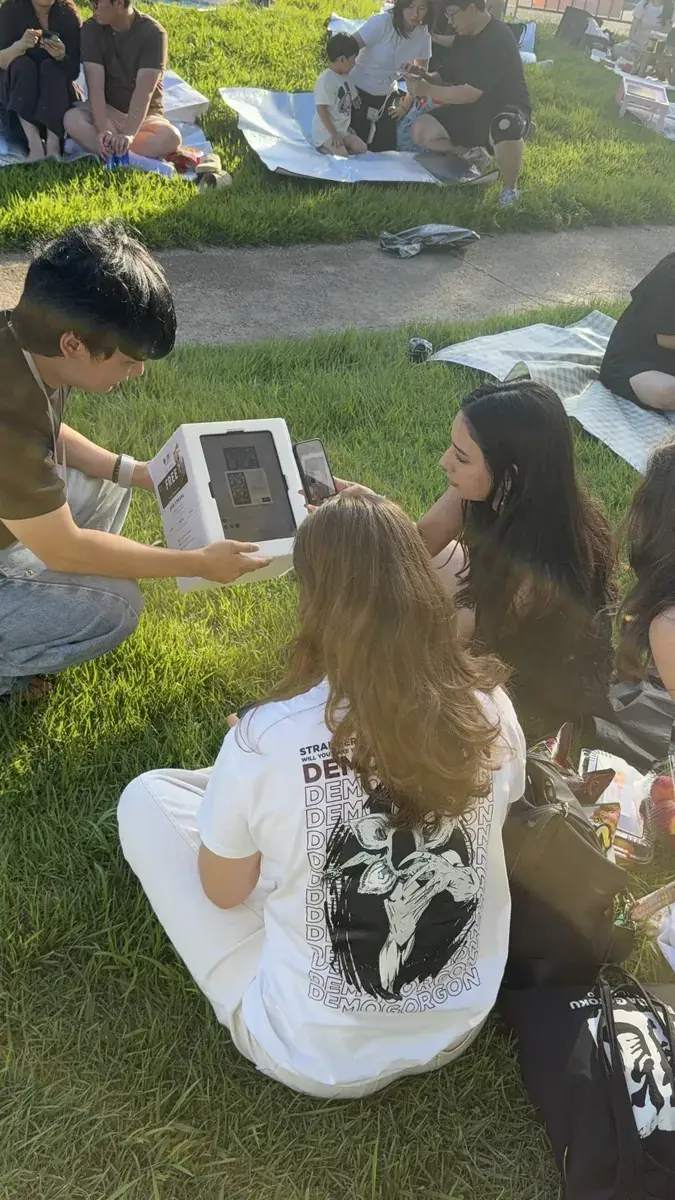
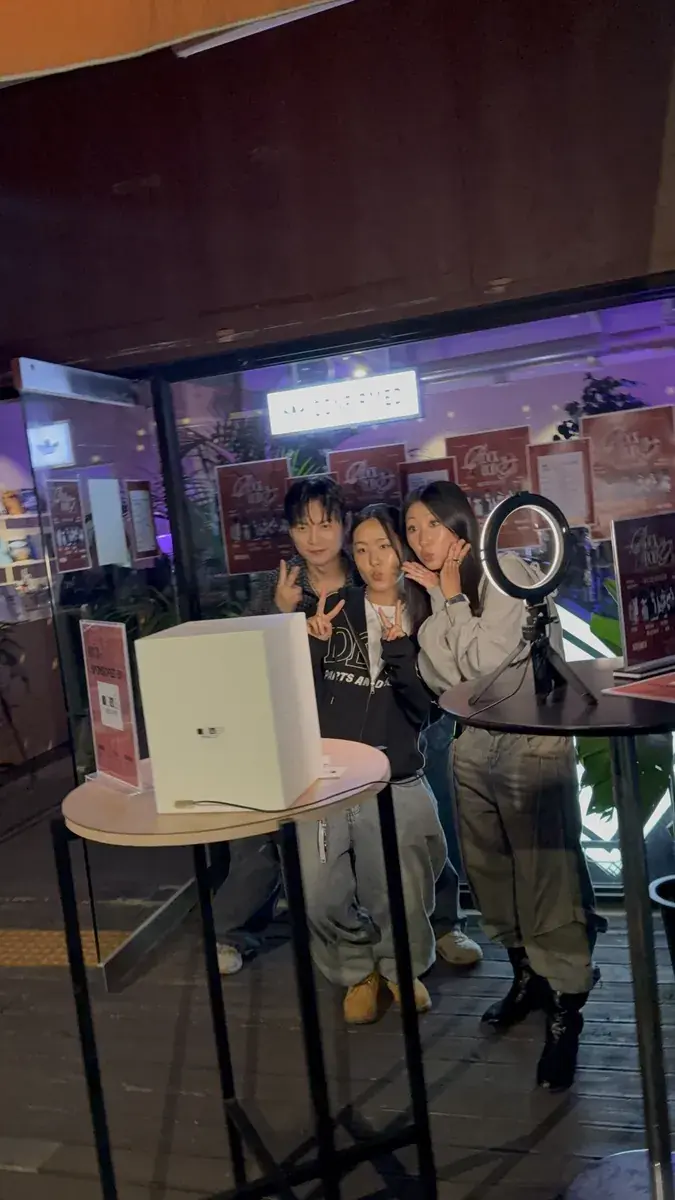
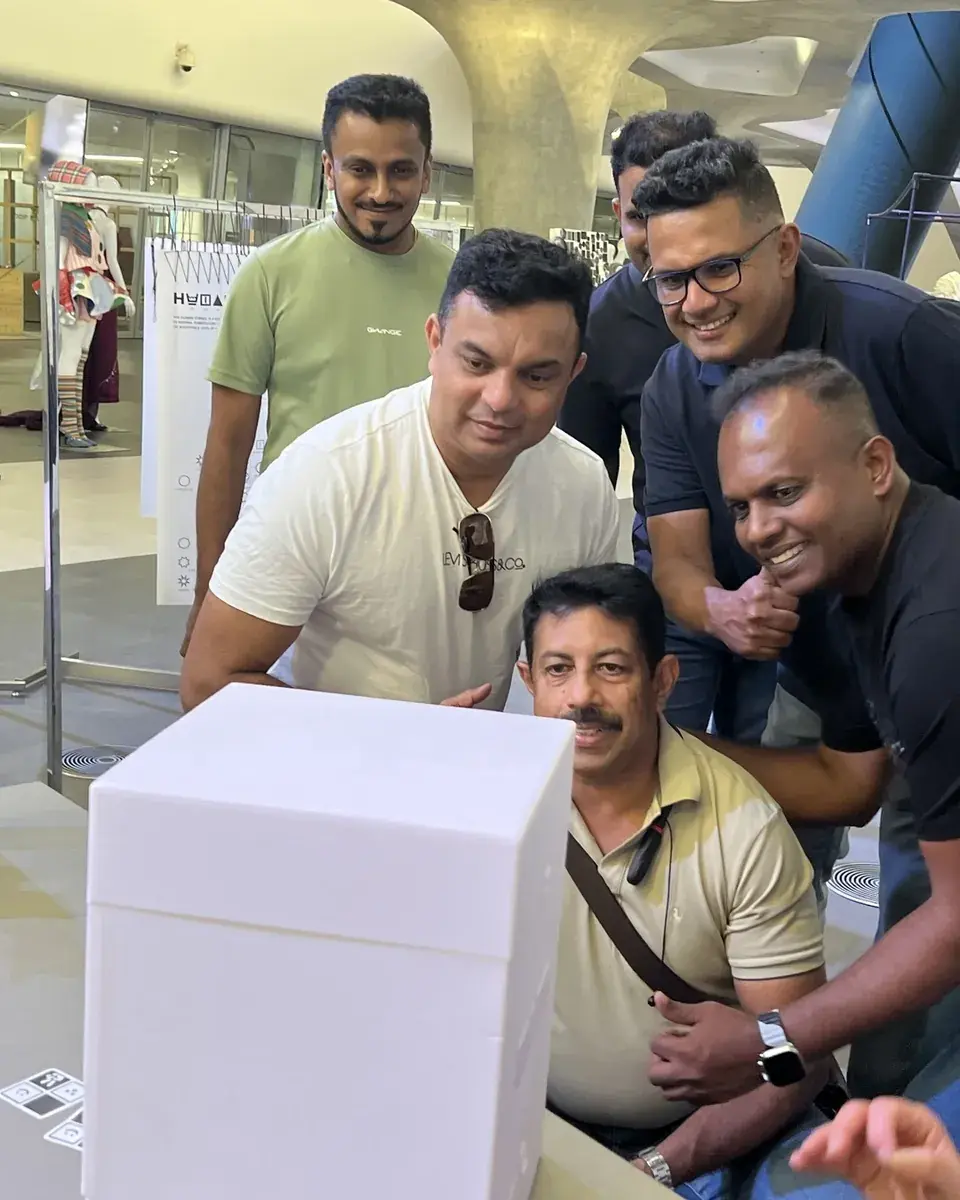
대학 축제부터 팝업 스토어, 해외 컨퍼런스까지. 실제 현장 사진과 행사별 프레임을 모았어요.
현장 모습
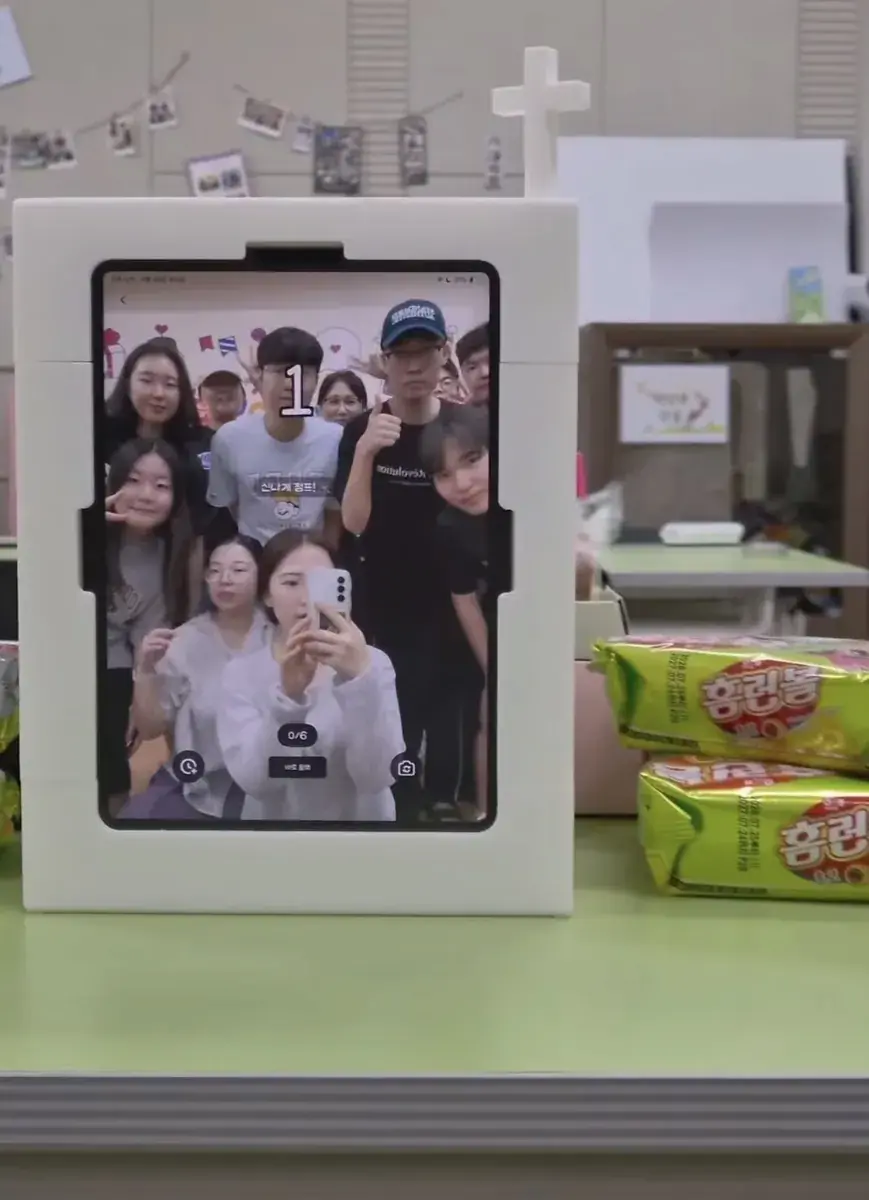
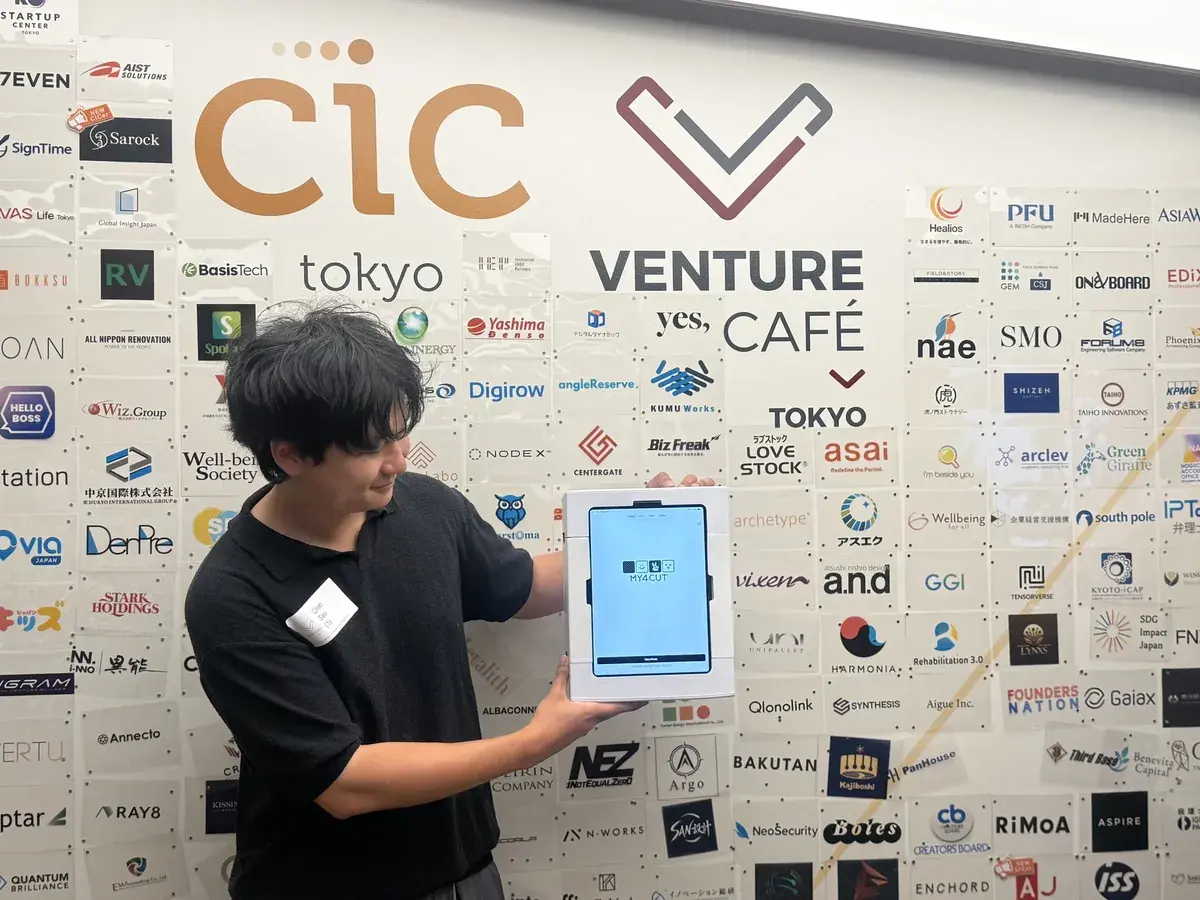
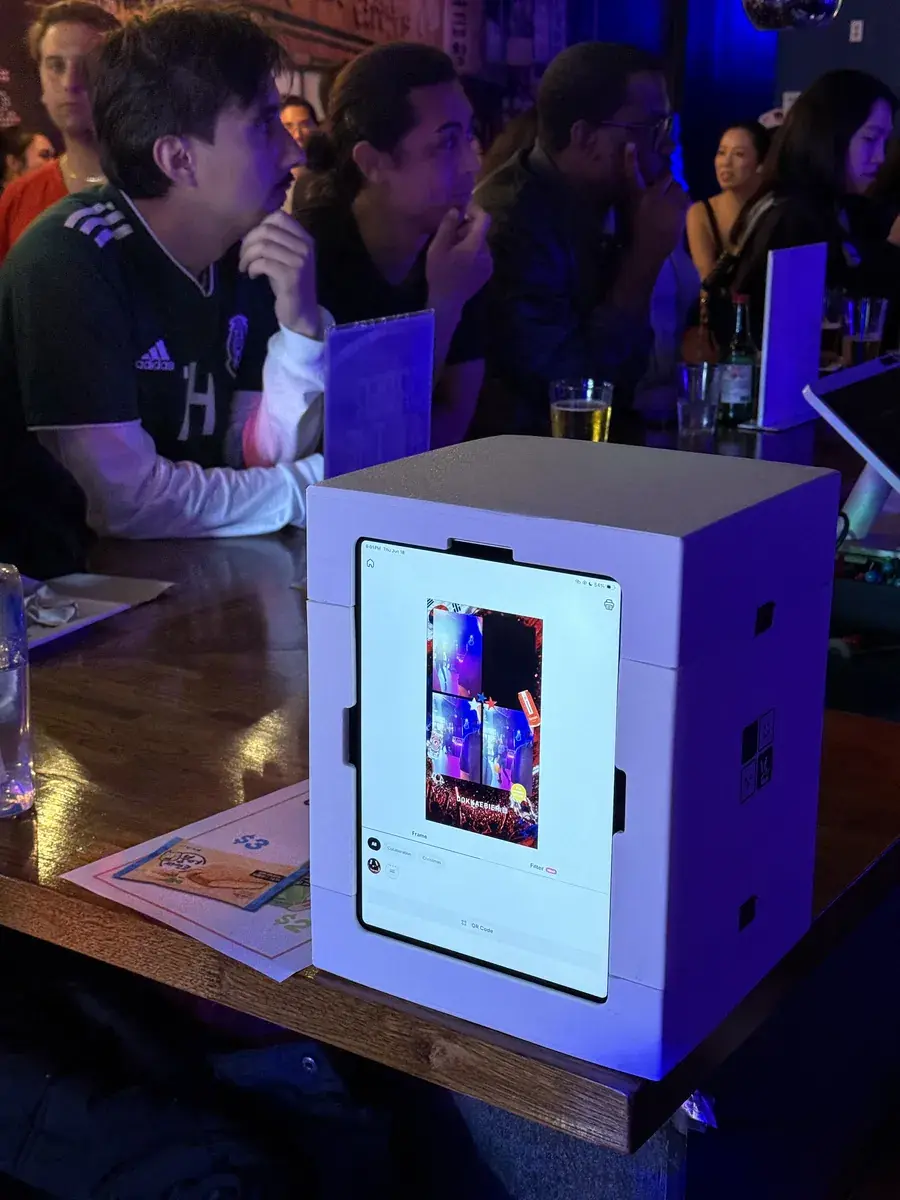
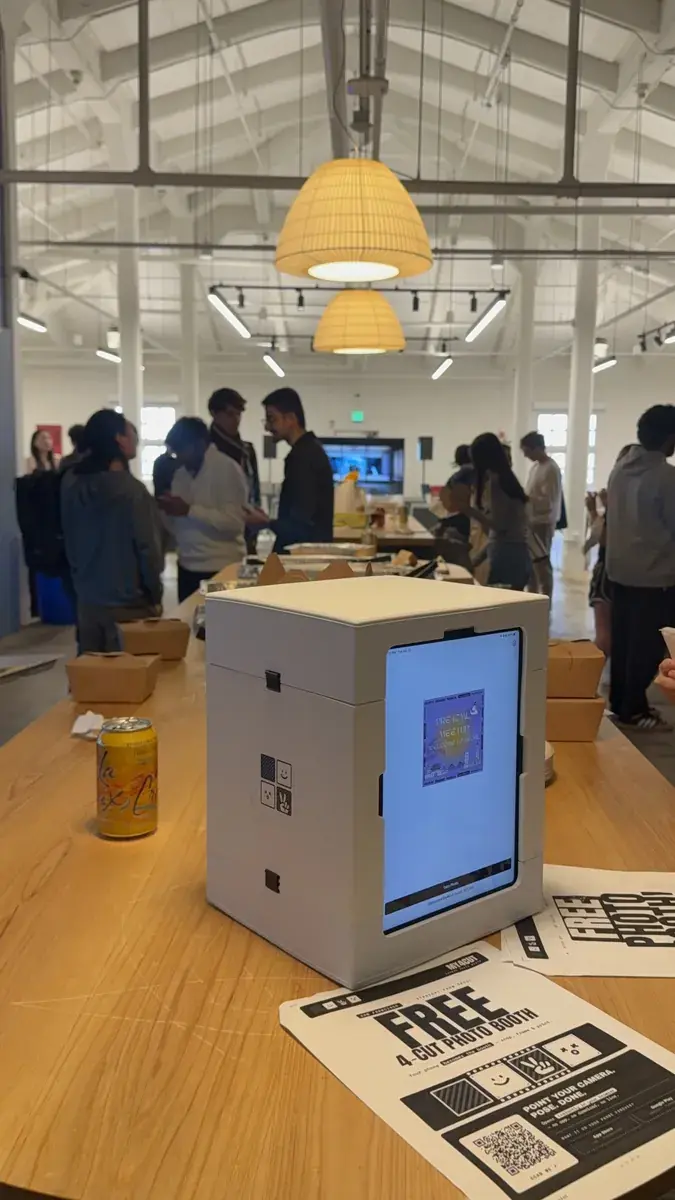
태블릿 하나, 또는 미니 부스 하나면 어디든 포토부스가 돼요.
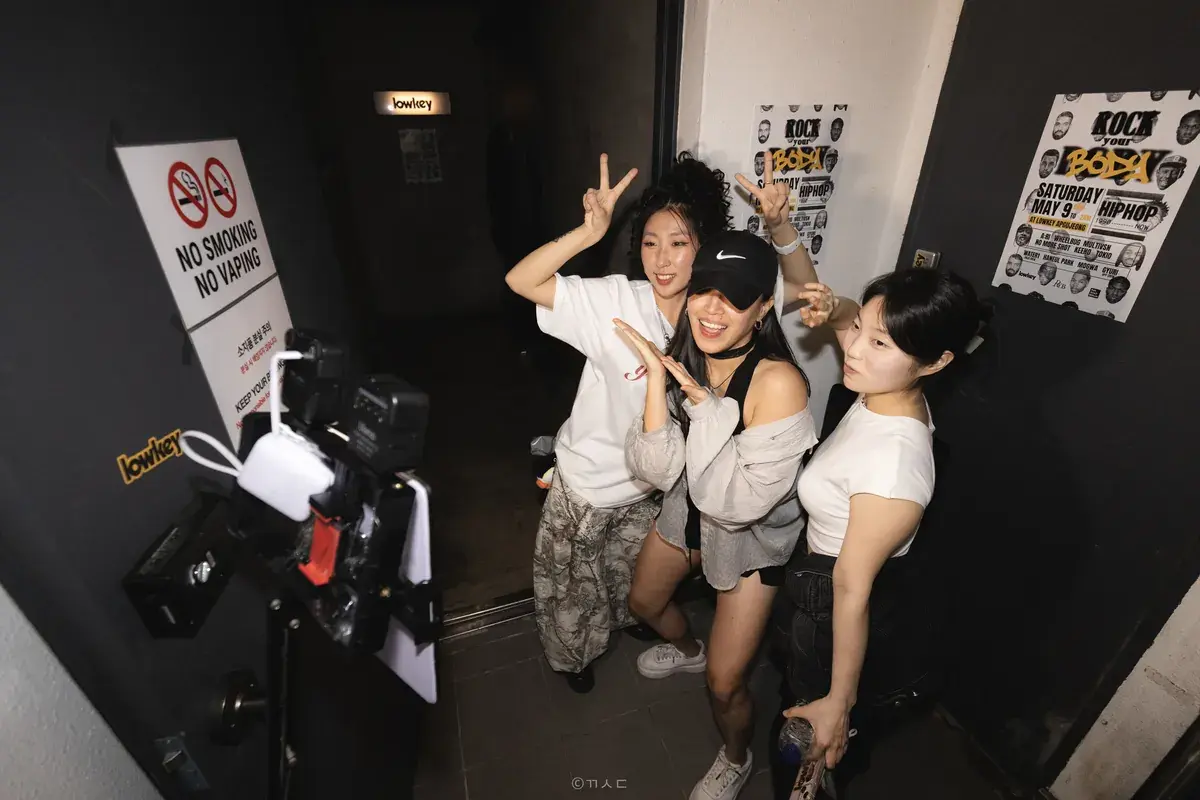
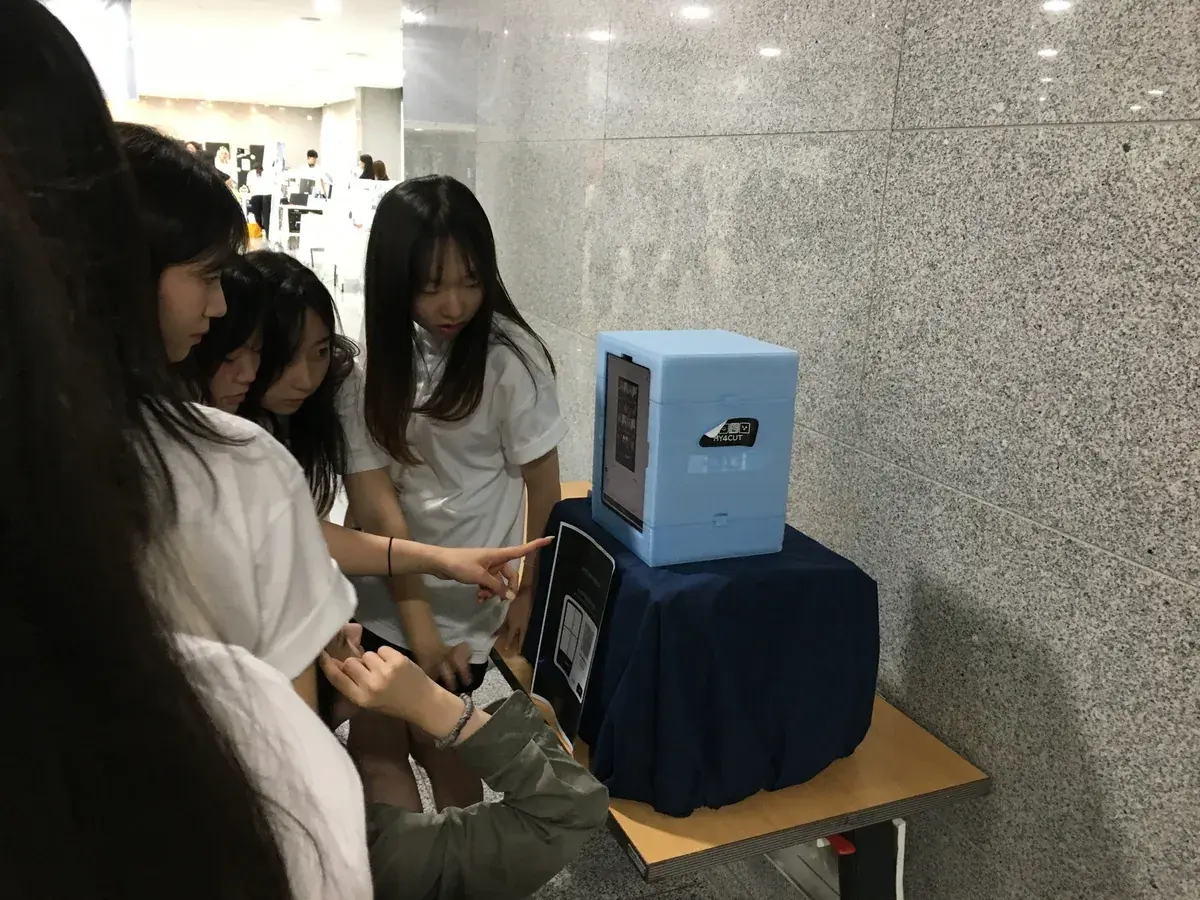
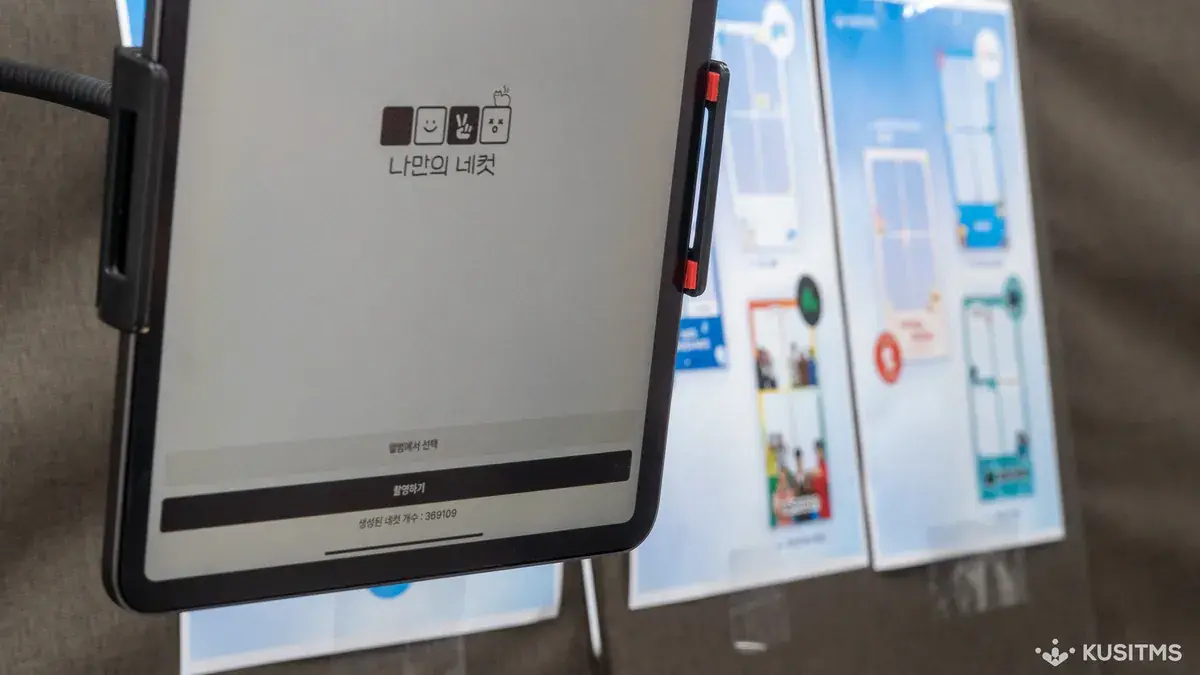
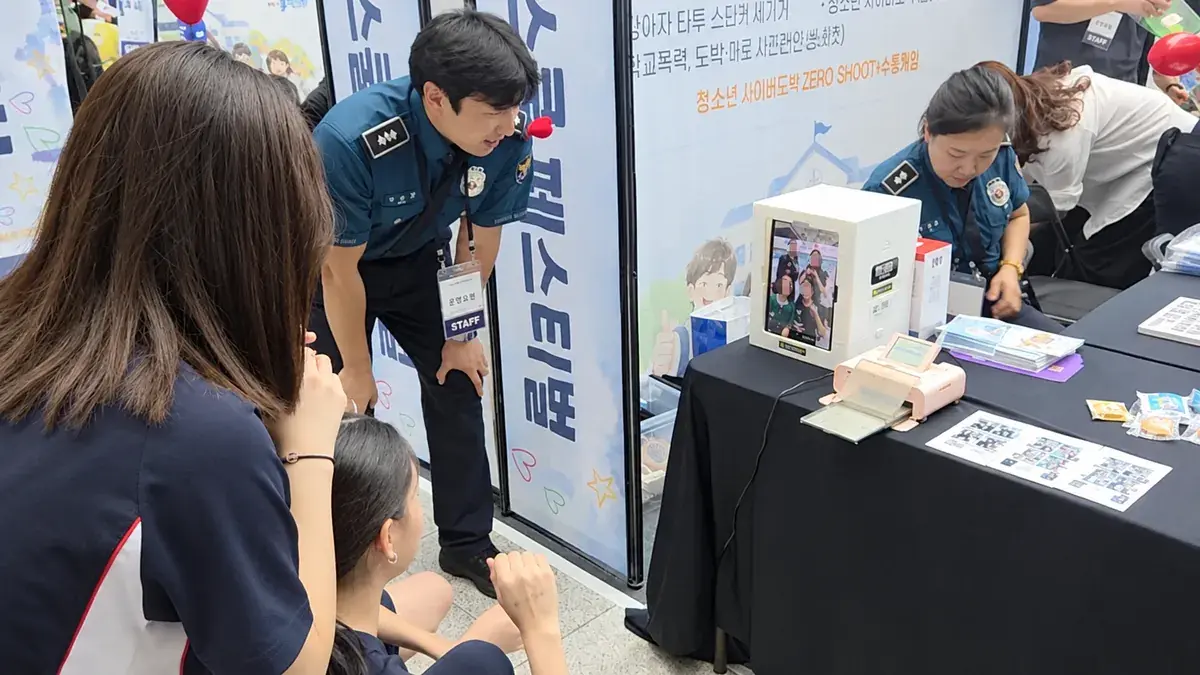
행사별 프레임
행사 성격에 맞춰 만든 프레임이에요. 프레임 제작기에서 직접 만들 수도 있어요. 프레임 만들기
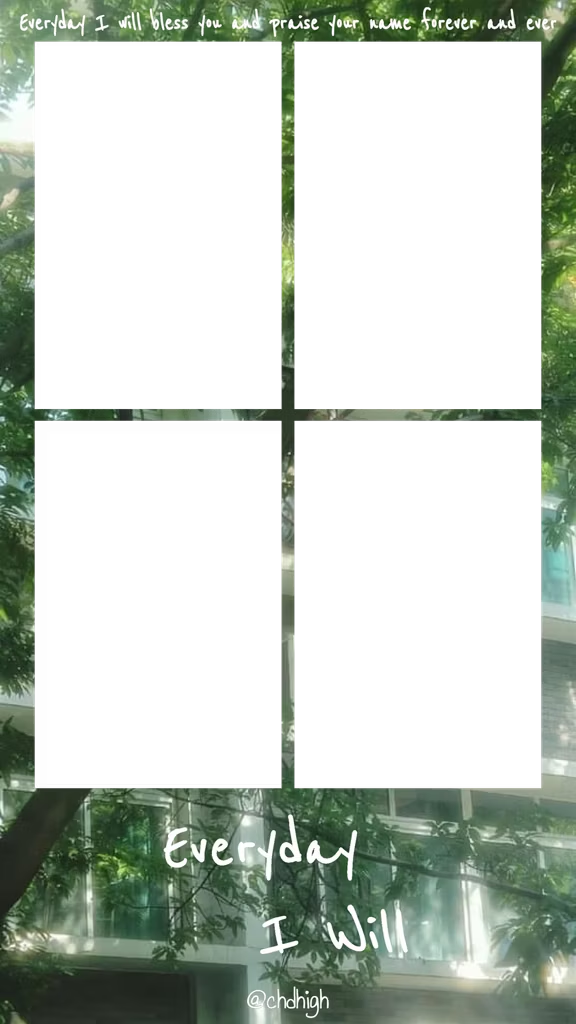
교회 행사
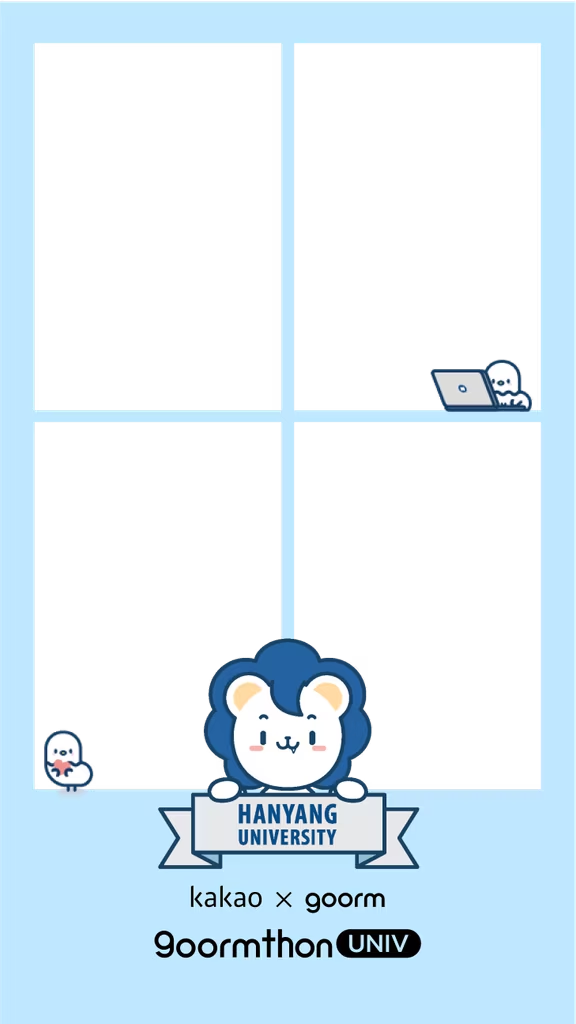
대학교
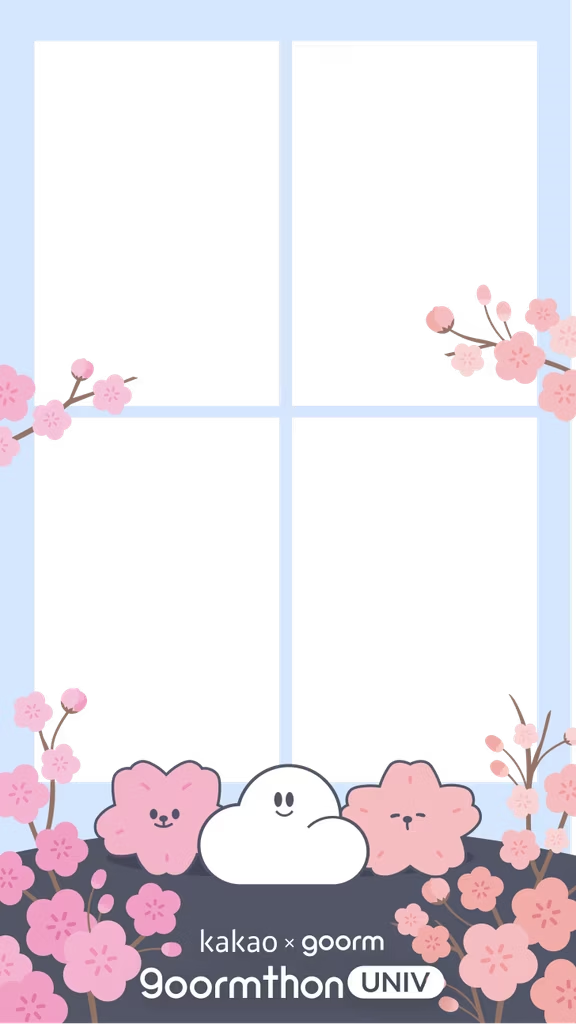
대학 연합 동아리
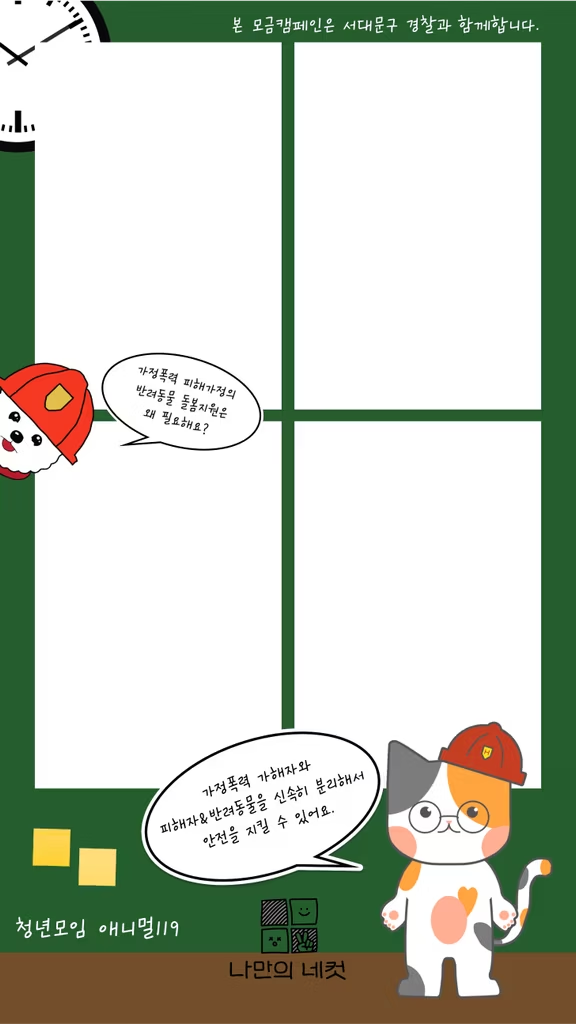
모금 캠페인
반려동물 행사
스포츠 배구 대회
스포츠 태권도 대회
연예인 팬카페
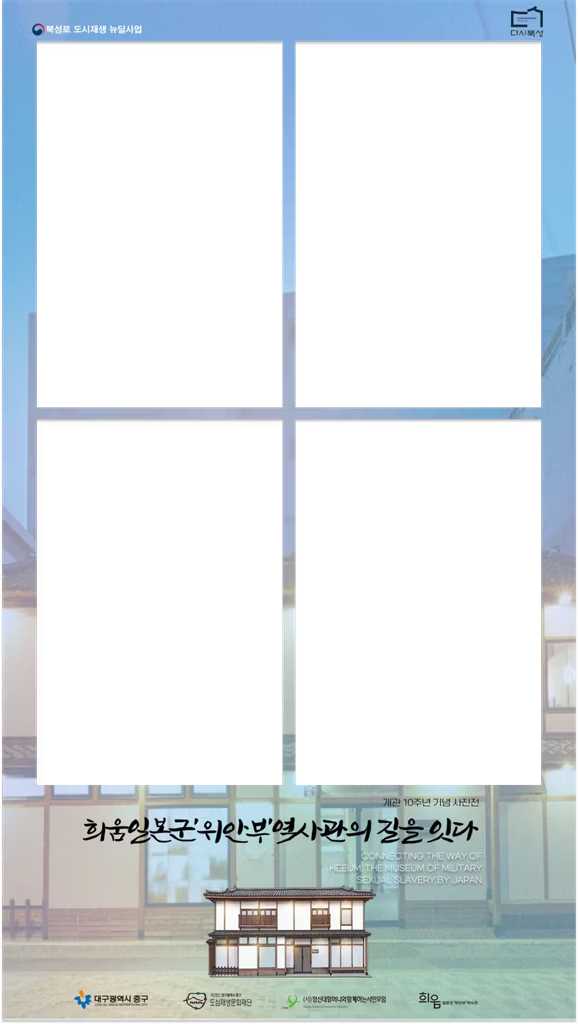
위안부 역사관
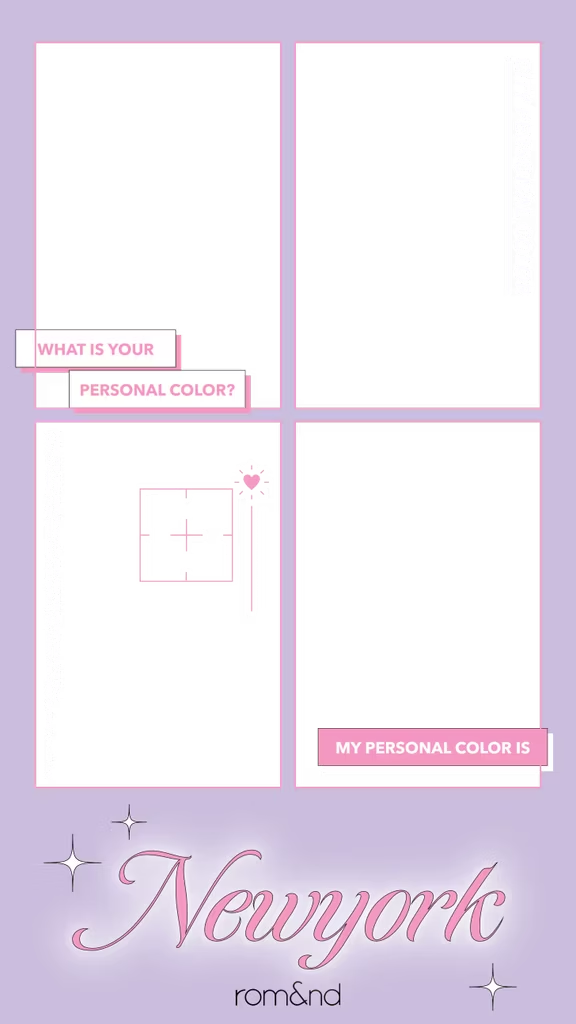
졸업 전시회
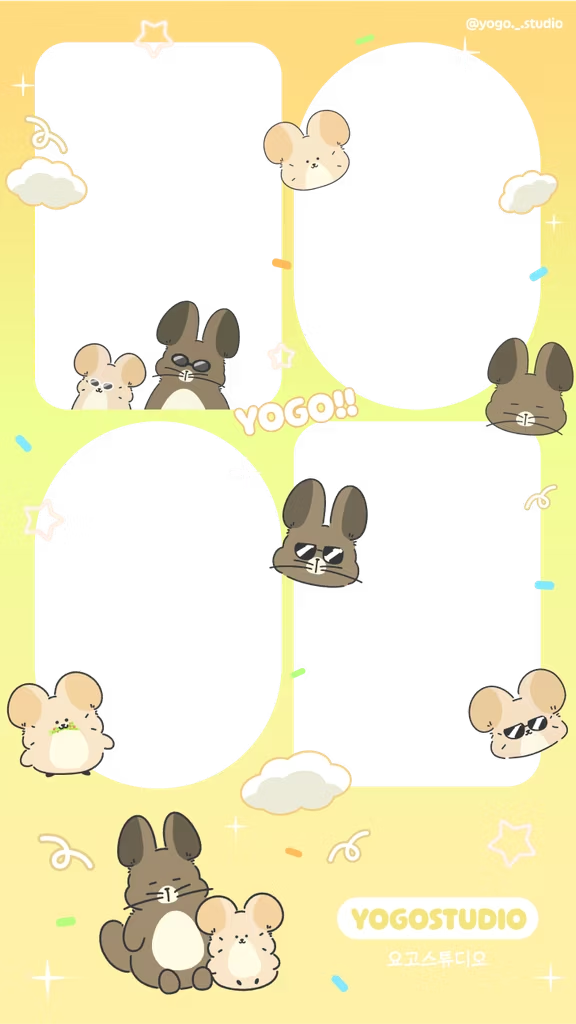
캐릭터 스튜디오
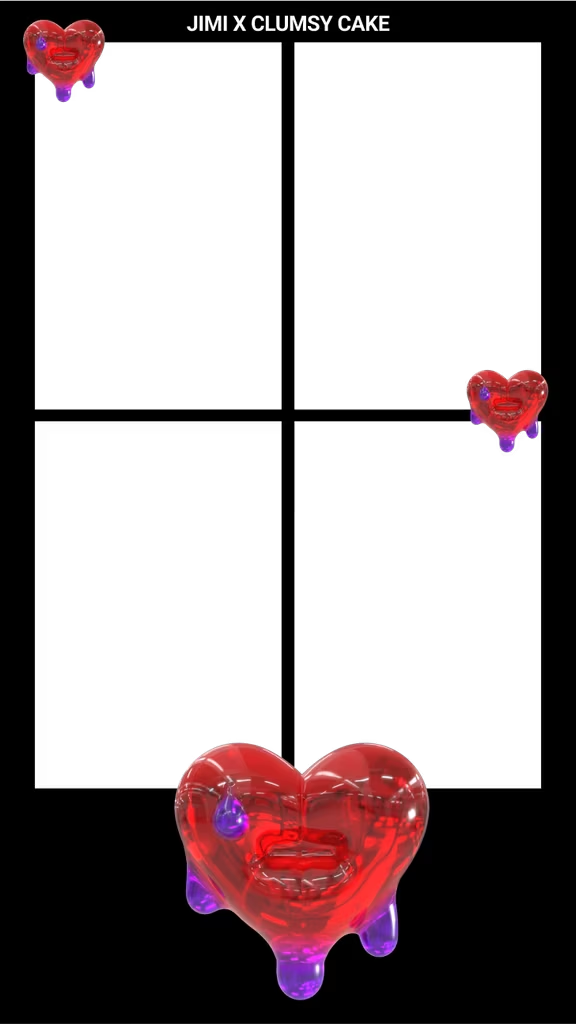
팝업 스토어
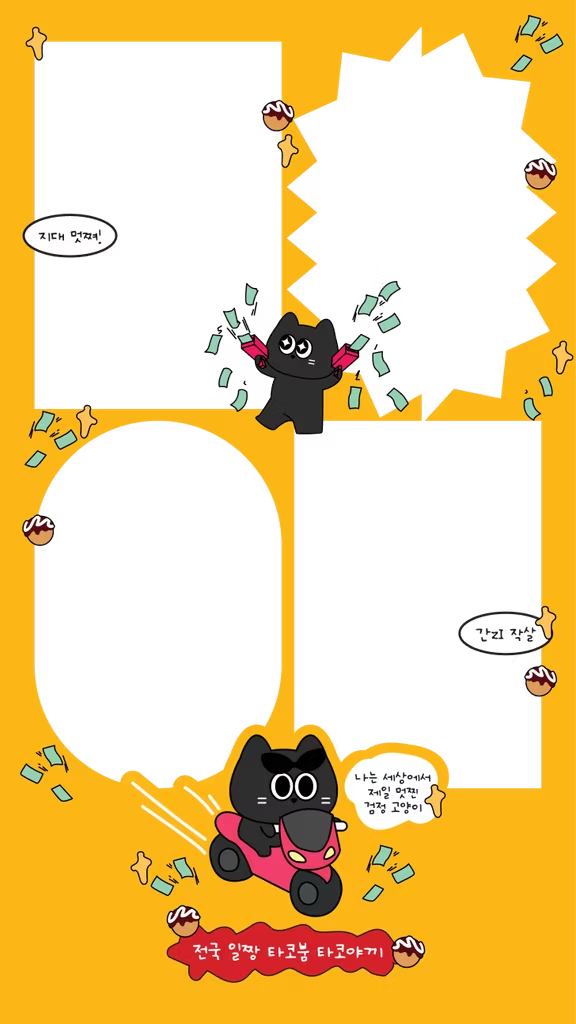
프랜차이즈 매장
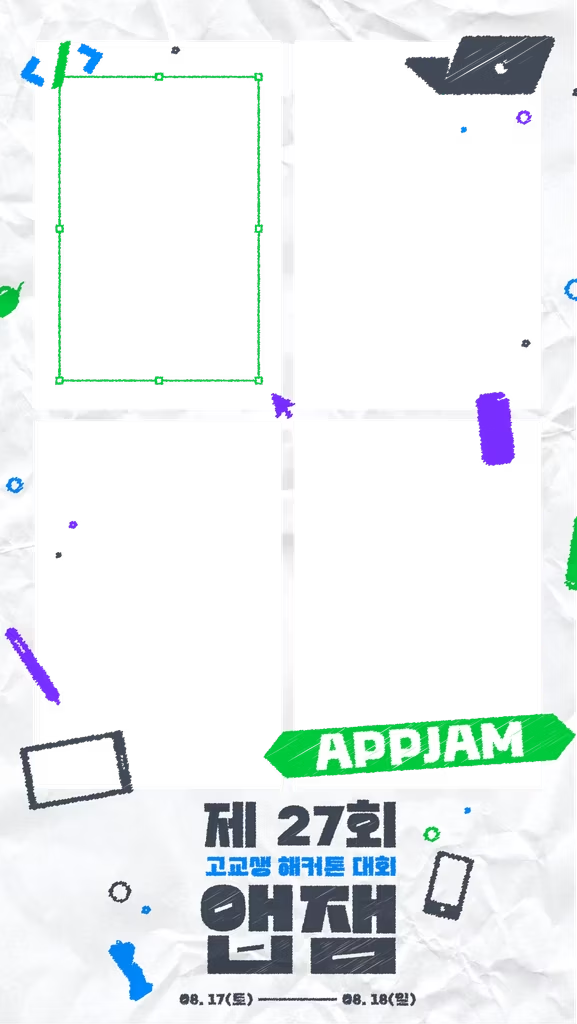
해커톤 대회
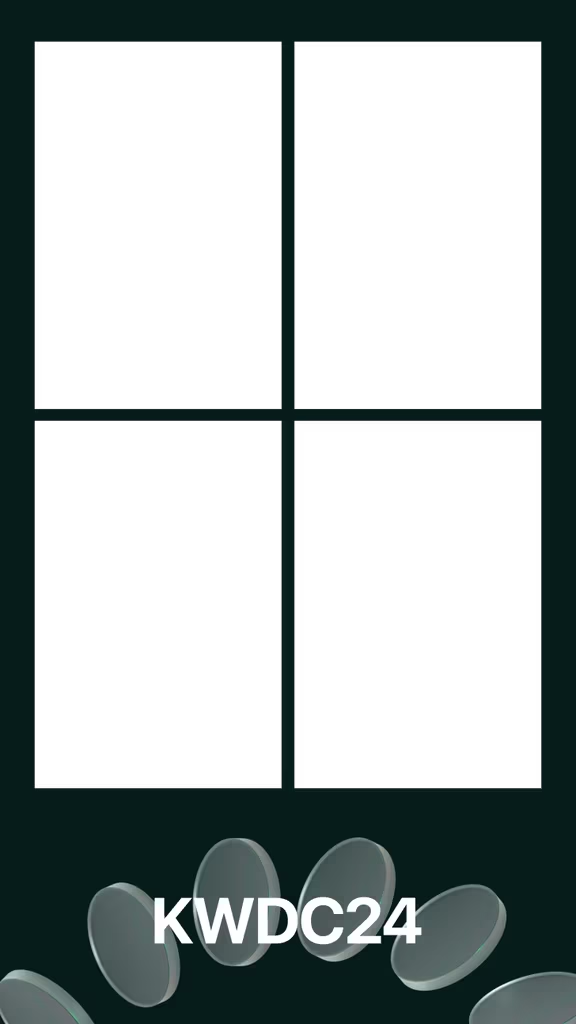
애플 KWDC 행사
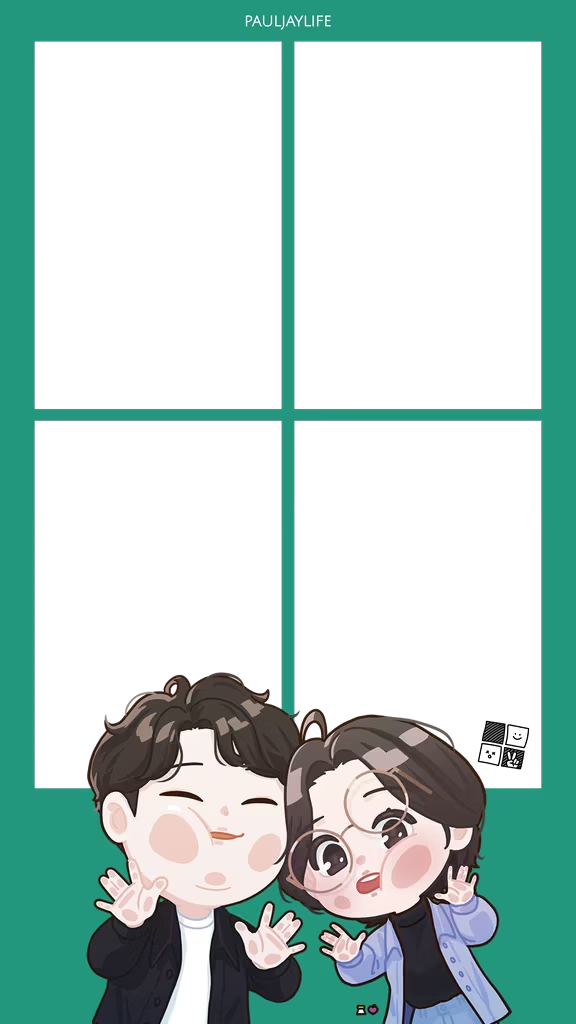
결혼기념일
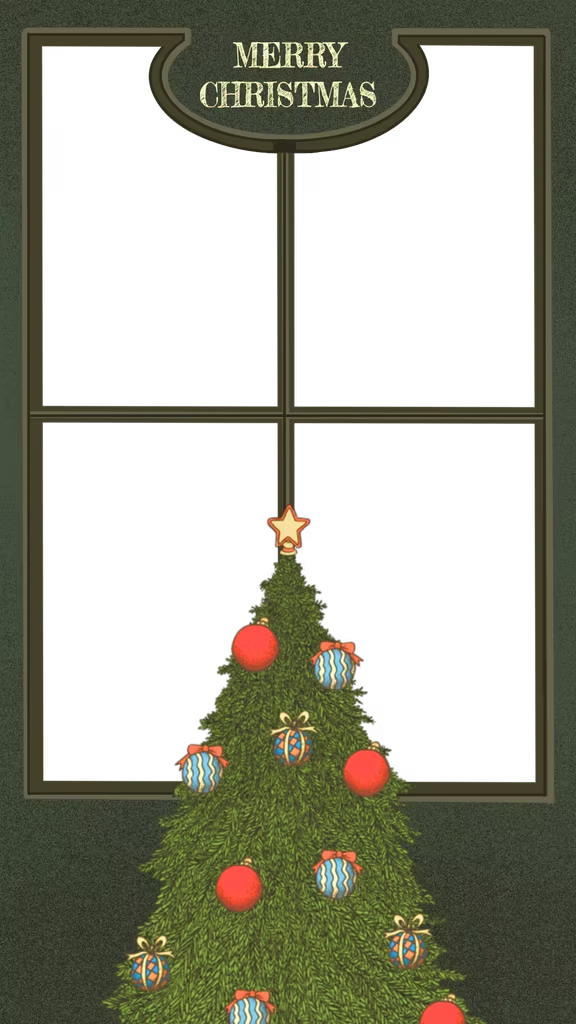
크리스마스 시즌
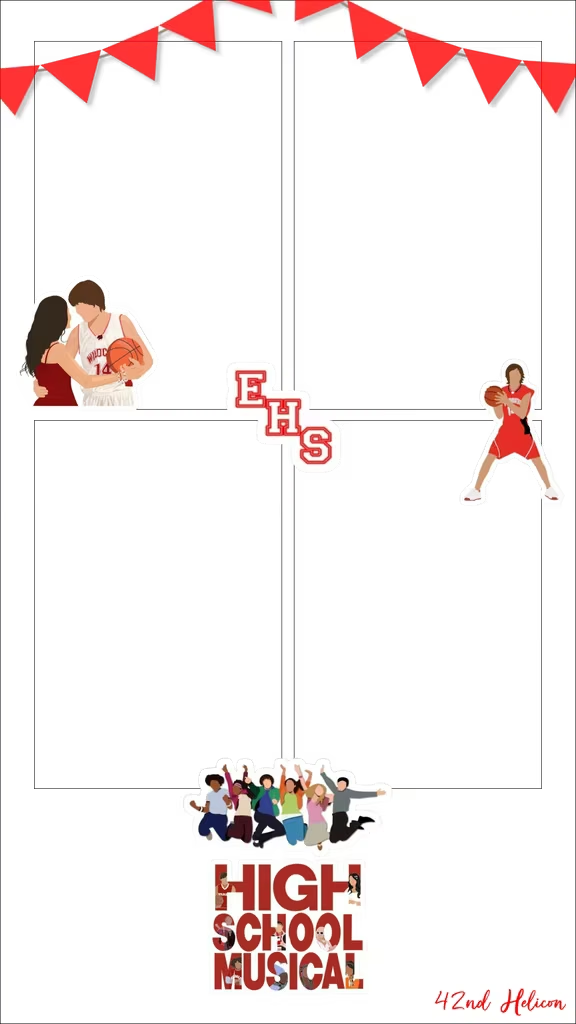
학교 뮤지컬 공연
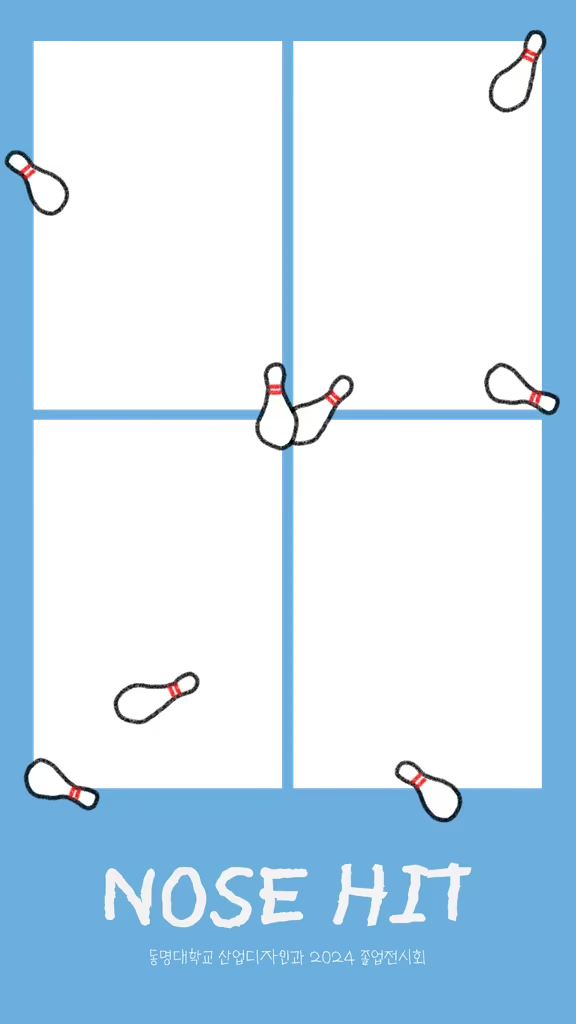
디자인학과 졸업전시
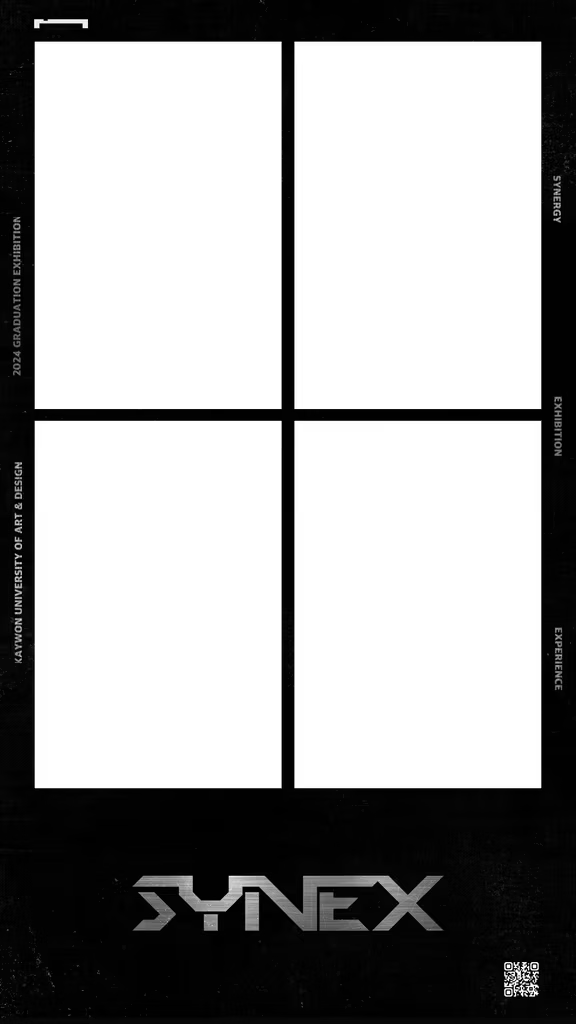
전시디자인 졸업전
대학 해커톤
박람회 부스
교회 수련회
청소년센터 오픈하우스
수어 행사
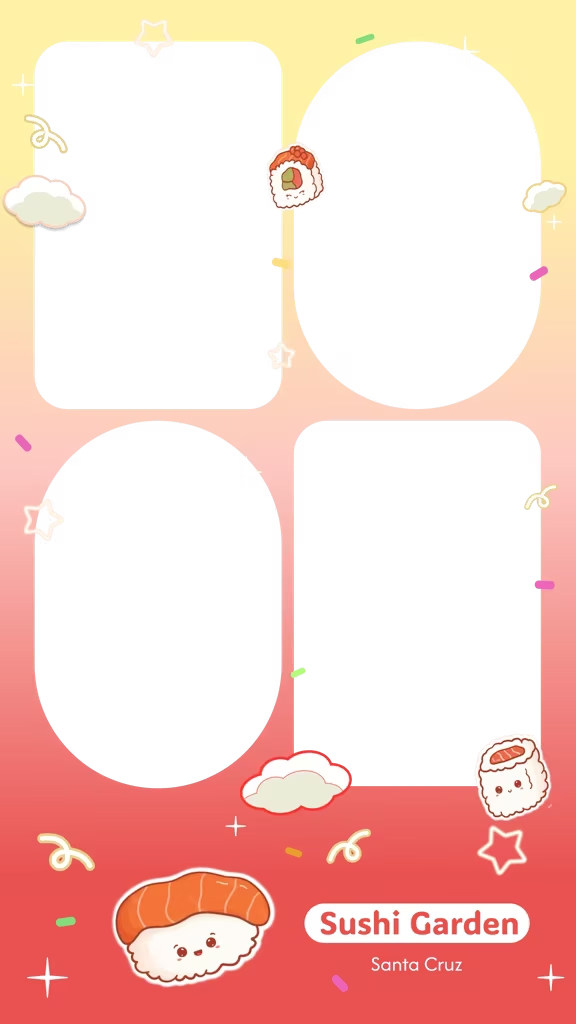
레스토랑 이벤트
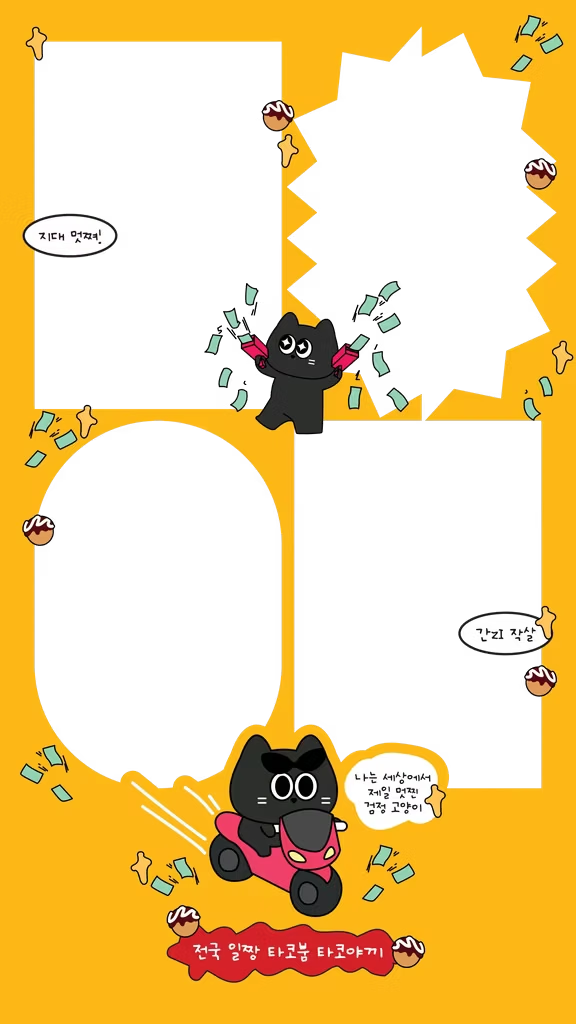
동네 가게
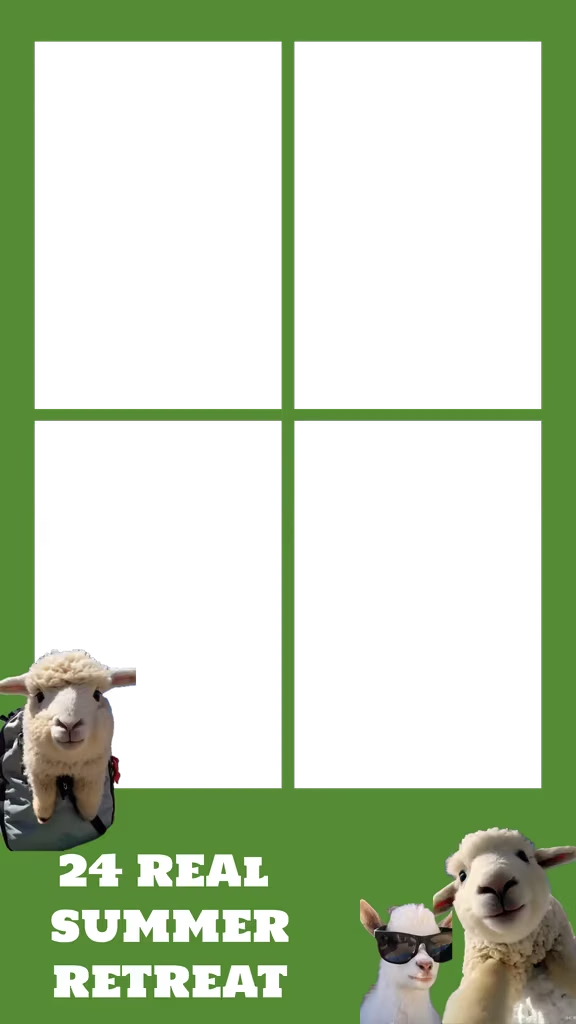
여름 캠프
도예학과 전시
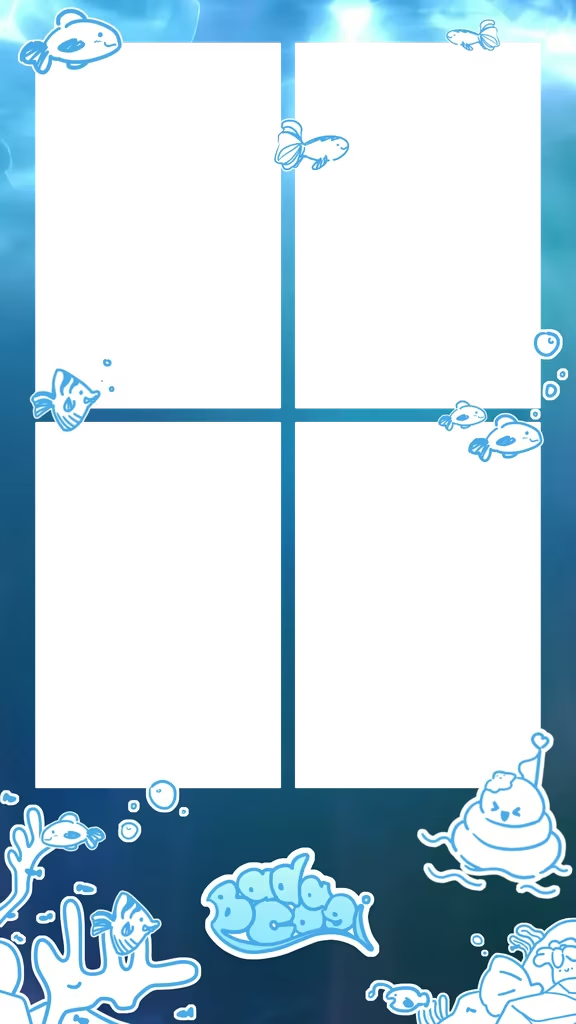
바다 테마 프레임
대학 동아리 공연
스크린야구 매장
행사 포토부스, 자주 묻는 질문
행사 포토부스를 준비하려면 뭐가 필요한가요?
태블릿(아이패드·갤럭시탭 등)에 나만의 네컷 앱을 켜면 돼요. 미니 부스에 끼우거나 스탠드에 세우면 테이블 한 칸에서 바로 운영할 수 있고, 삼각대·조명·별도 카메라는 필요 없어요.
행사 이름이나 로고가 들어간 프레임을 만들 수 있나요?
네. 앱이나 웹 프레임 제작기에서 로고·문구·이미지를 넣어 직접 만들고, 앱의 프레임 업로드에서 등록하면 바로 촬영에 적용돼요. 행사 당일에도 몇 분 안에 만들 수 있어요.
찍은 사진은 어떻게 나눠 주나요?
촬영이 끝나면 QR 코드가 뜨고, 각자 폰으로 찍어 바로 저장할 수 있어요. 앱을 설치하지 않아도 브라우저에서 열려요. AirPrint 포토 프린터(예: 캐논 CP1500)를 연결하면 현장에서 인화도 돼요.
미니 부스는 렌탈인가요, 구매인가요?
둘 다 가능해요. 축제나 팝업처럼 며칠만 쓴다면 렌탈, 매장·교회·동아리처럼 계속 쓴다면 구매가 잘 맞아요. 구성과 가격은 부스 구매 페이지에서 확인할 수 있어요.
해외 행사에도 가져갈 수 있나요?
네. 태블릿, 미니 부스, 포토 프린터, 인화지가 캐리어 하나에 다 들어가요. 도쿄 Venture Café와 샌프란시스코 펍·컨퍼런스에서도 같은 구성으로 운영했어요.