Storefront Photo Booth: A Haebangchon Bar Case
The short answer
A storefront needs only one spot for a photo booth. DALBAM, a solo-drinking bar in Haebangchon, put one at its alley entrance with a handwritten sign and a frame carrying the bar's name. Once it was plugged in, it ran for the whole business day.
What does a photo booth in front of a bar look like?
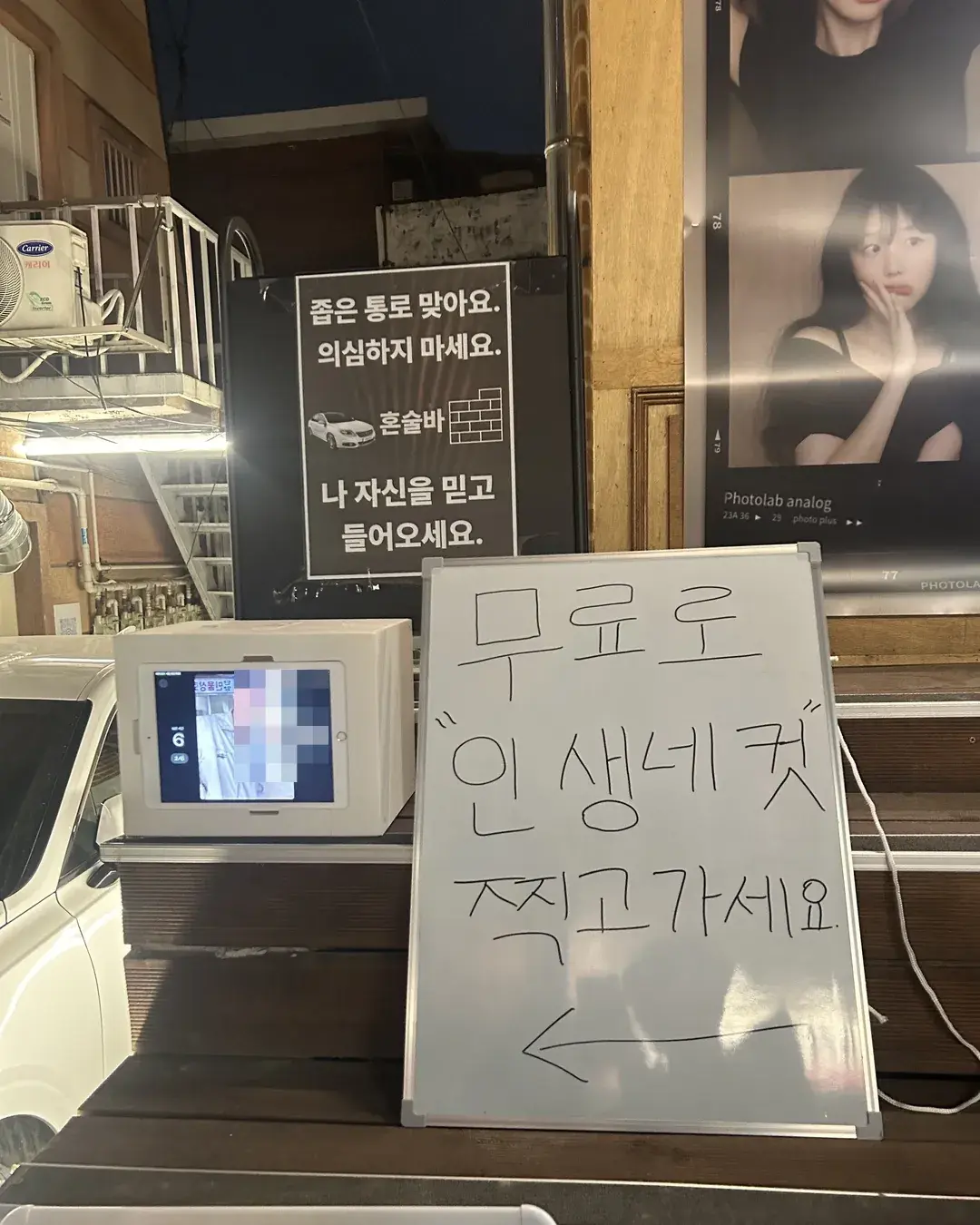
This is about DALBAM, a solo-drinking bar in Haebangchon, Seoul. The bar sits at the end of a narrow passage inside an alley. The sign out front says, in the owner's words, "Yes, this narrow passage is the right way. Don't doubt it. Trust yourself and come in."
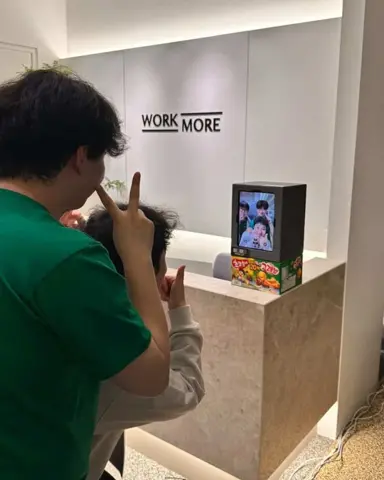
At the entrance of that passage the owner put the booth and set up a handwritten whiteboard sign: "Take a free four-cut photo before you go". There is a big arrow next to the writing and the booth screen is on beside it. The passage sign was already there. With the booth and the sign added under it, the entrance reads like a place to take photos.
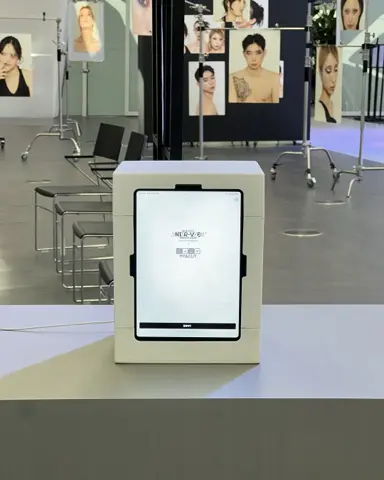
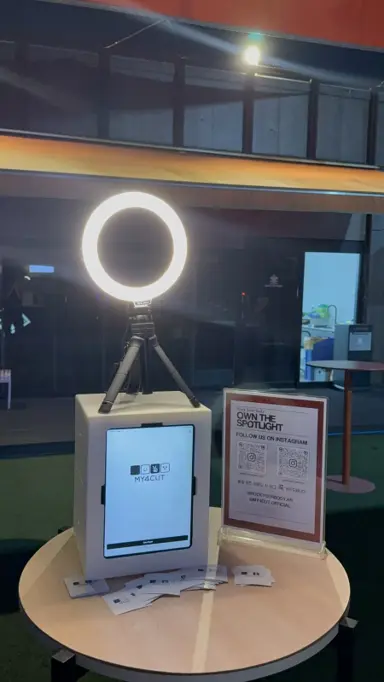
The booth is one box with an iPad inside. It does not need an event-sized space. One spot at the front door is enough.
Where in front of the bar did the booth go?
It sat on one spot at the front door, on the steps right under the passage sign, so people walking in see it first. A sign stands next to it, so even a first-time visitor knows what it is. Once it was plugged in, it ran the whole time the bar was open.
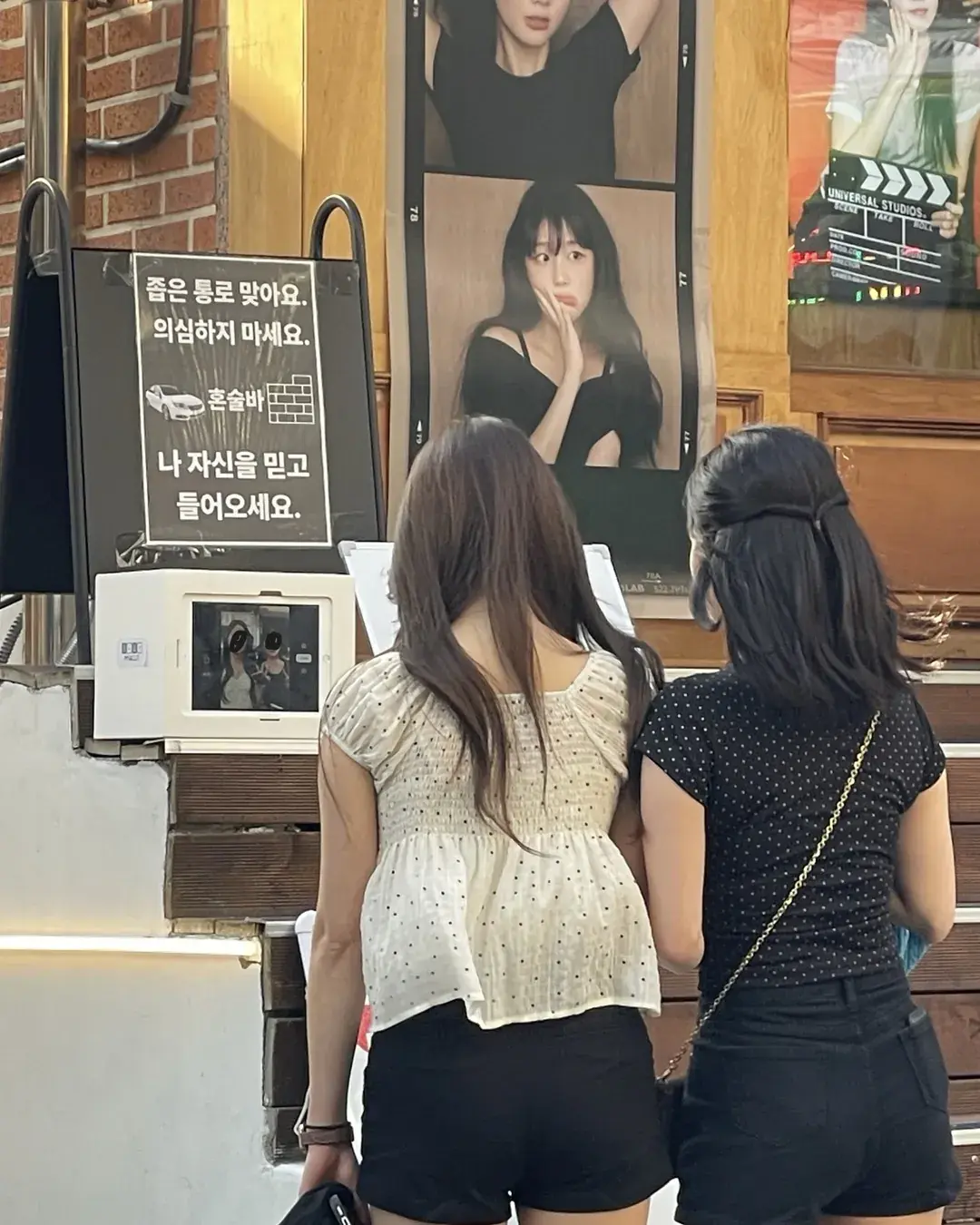
People walking by stopped to read the sign. The photo shows two people looking at the screen. They came to take a photo and ended up knowing the bar.
The shooting fee for guests was 0 won. That is what "free" on the sign meant. The bar offered the shooting itself as a gift to guests.
How did the owner let people know?
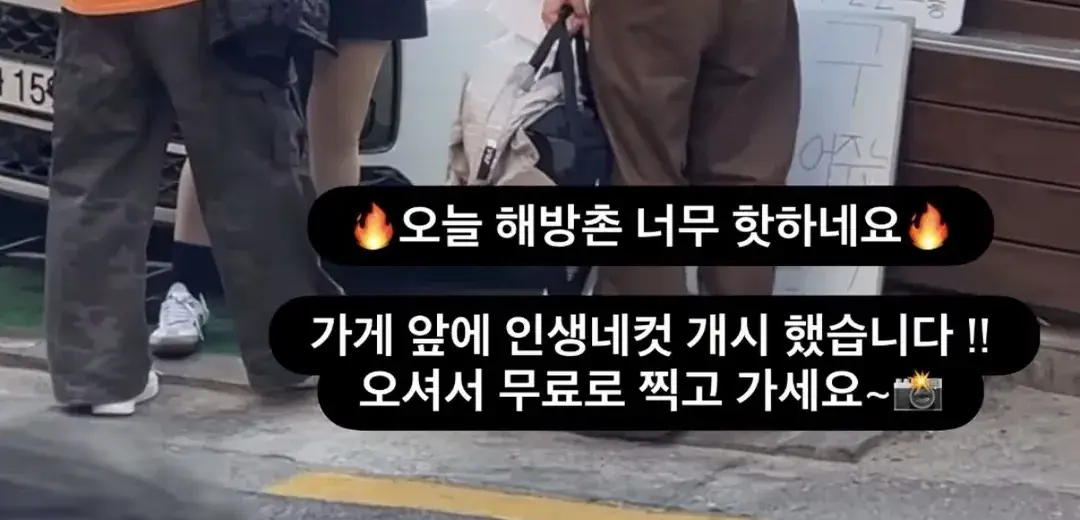
The same day the owner posted an Instagram story. It read, "We opened a four-cut booth in front of the shop!! Come take one for free~"
One more line followed: "Haebangchon is so hot today."
It is the first place people following the owner's account would look. At the door the sign said it, and on the screen the story said the same thing.
The word got out through one story and the sign at the door. Anyone who knew the bar's name could tell right away that a booth had appeared.
How was the bar's own frame made?
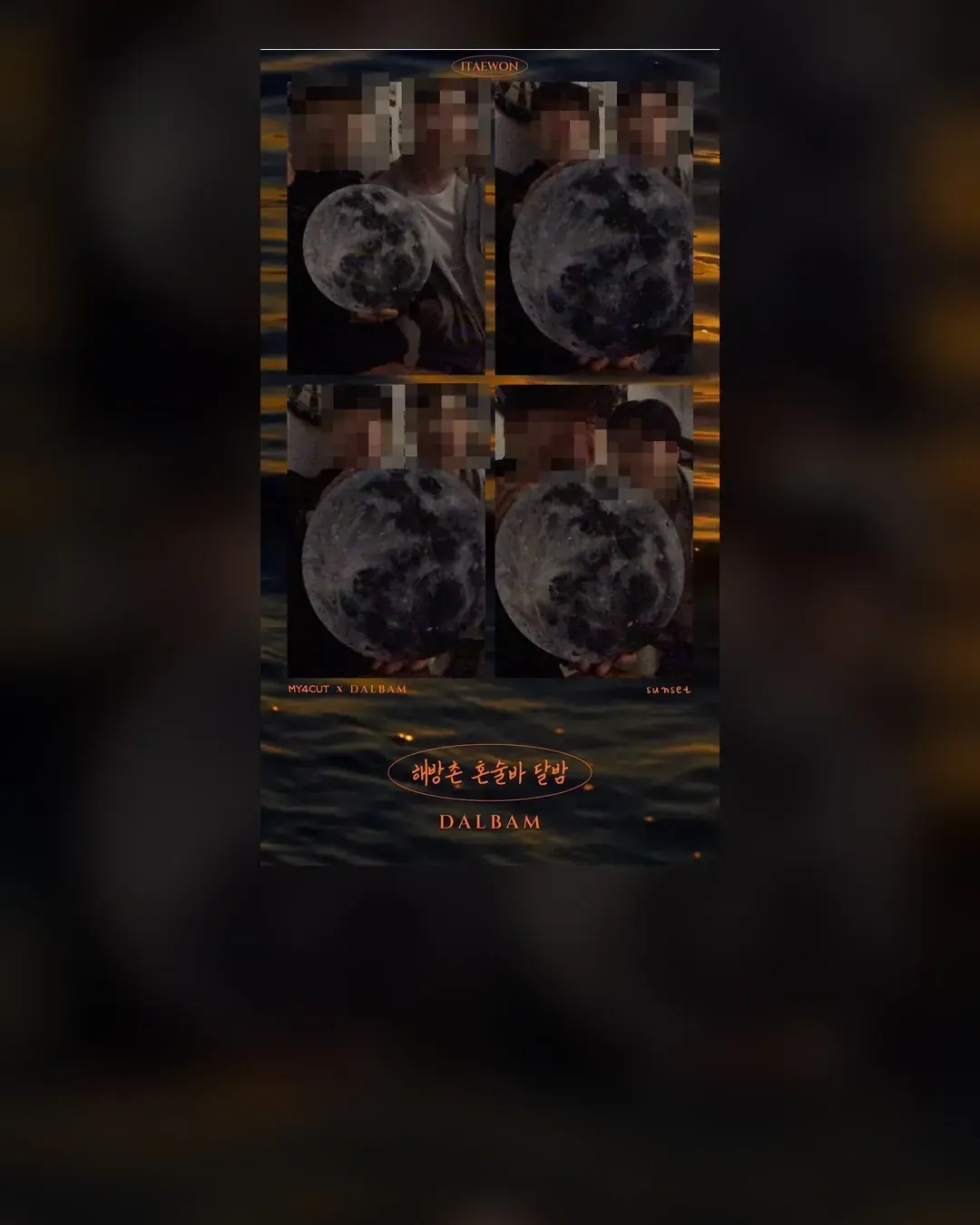
The frame is made only for the bar. A full moon rises over sunset-coloured waves, and the bottom carries MY4CUT x DALBAM and the bar's name in Korean. Because the bar name is printed on it, the name stays on every guest's copy too.
You make the frame in the app. If you send us your account, we can make a store frame the same day. To try it yourself, see custom frame.
How do guests get their photos?
After shooting a QR code appears. Scan it with a phone camera and the photos open on that phone. Nobody needs to install an app. In the app this is the QR code sharing feature.
So there is not much to explain about receiving photos. You point at the QR on the screen, and the booth runs on its own while the shop is open.
What should I decide before putting a booth in a shop?
Here is what I saw at DALBAM, in order. First pick the spot. DALBAM used one spot at the front door at the passage entrance. To keep it on all through opening hours it needs power, so look for the outlet first.
Next is the sign. With only a booth, a passer-by cannot tell if it is free or paid. DALBAM wrote "free" by hand on a whiteboard and drew an arrow. You can write it in the shop's own voice.
Then the frame. If you make a store frame with the shop name or logo in the app, the name stays on every photo taken. Logo customization and dedicated frames in the app are meant for this.
Last is how photos are received. QR code sharing is the default, and if you want paper prints you connect an AirPrint printer. What I confirmed at DALBAM was QR pickup. If you do not want guests touching the settings screen, use the admin password lock.
Can a booth live at a shop, not only at events?
It does not have to be an event-only booth. One spot in front of the shop keeps it running every day. DALBAM showed that at the front door. The booth stays in the same place and only the guests change. An event booth gets packed up after a day, but a shop booth just stays on for every day the door is open.
If you want to try it for a few days first, see the rental guide. The app's features are in the features guide, and the booth box is in the shop.
Frequently Asked Questions
How much space does a storefront photo booth need?
Can the store frame carry the shop's name?
Do guests have to install an app to get their photos?
How can a photo booth help promote a shop?
Does someone have to watch the booth all day?
Look into a booth for one spot at your door
If you want to try it for a few days first, the rental guide shows how.
See the rental guideSet up an event booth with your logo and frame
The MY4CUT app has logo customization, dedicated event frames and an admin password lock. Guests get their strip on their own phone by QR code.