
LOGO GUIDELINES · v1.0
Logo guidelines
Standards for using the MY4CUT logo consistently. Please check before placing our logo on banners, posters, or social posts.
01 — ANATOMY
Anatomy
The logo pairs a four-frame symbol with a hand-lettered wordmark. The four frames are one 4-cut strip; each frame is a face from the shoot.
01Hatch · pre-shutter
02Smile
03Peace
04Surprise
A
Symbol
B
Wordmark
02 — VERSIONS
Versions
Pick one logo for the context. Don't use several versions together on one layout.
Korean logo
Default for Korean promo, banners, and social
English logo
Global events, English materials and screens

Symbol
Tight spaces or where the brand is already clear (avatars, merch accents)
App icon
Only for app download prompts, next to store badges
03 — COLOR VERSIONS
Color versions
Use primary (gray hatch) or black on light backgrounds, and white on dark backgrounds or photos.







04 — CLEAR SPACE
Clear space
Keep at least half a frame's width (X) clear on every side. No text, images, or other logos inside.
X = one frame width ÷ 2
05 — MINIMUM SIZE
Minimum size
Below these sizes the faces and hatching blur. Use the symbol in small spaces.
Korean logoEnglish logoSymbol06 — BACKGROUNDS
Backgrounds
The logo needs clear contrast. On photos, place the white logo over a dark, simple area.
White + primary
Black + white
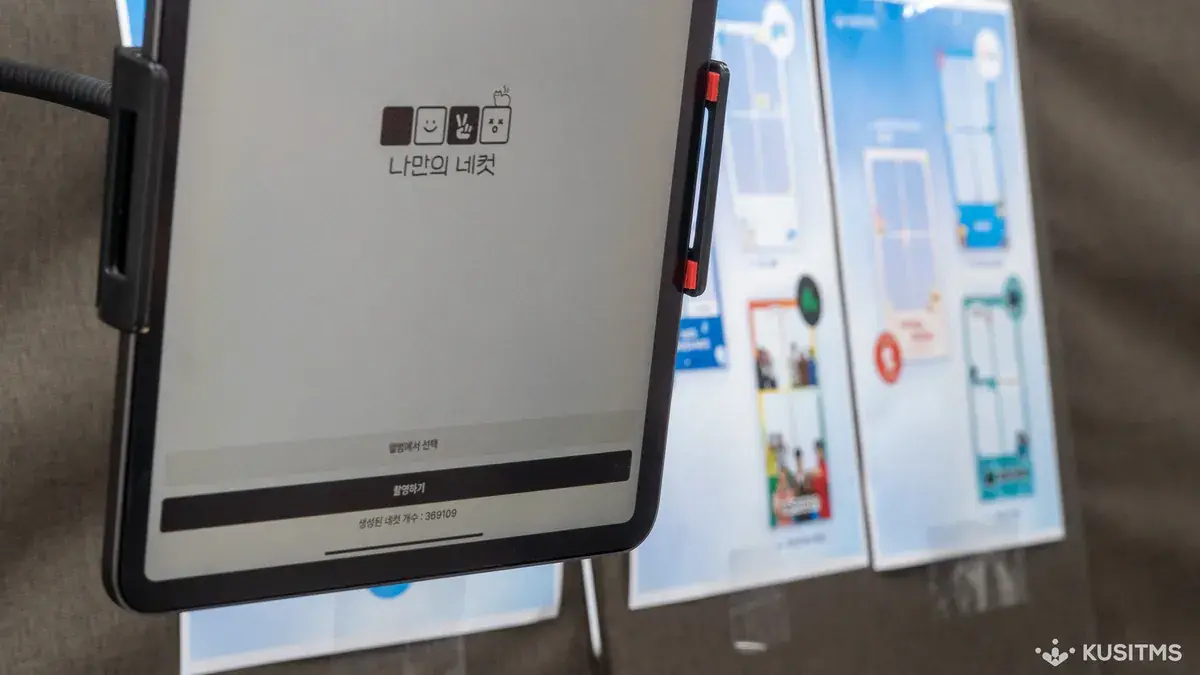
Dark area of a photo + white

Mid-gray — low contrast
Light background + white
Busy photo + black
07 — MISUSE
Don'ts
Use the logo files as provided. Don't alter the shape, color, or composition.
Stretch or squash
Rotate
Recolor
Add shadows or outlines
Mirror
나만의네컷Type it out instead of the logo
08 — CO-BRANDING
Co-branding
How to place our logo next to a partner's on sponsorship materials.
- Match the visual height of both logos. Don't shrink the MY4CUT logo.
- Separate them with ‘×’ or a thin vertical rule, at least 2X apart.
- In a sponsor row, use the same height and spacing as other sponsors.
Sponsor credit lines
Not covered here?
If you need a vector (AI) file or want to use the logo in a way not covered here, contact us first.