현장 사례업데이트 읽는 데 약 2분
대학 축제 포토부스, 작은 테이블 하나면 돼요
한눈에 보기
대학 축제 포토부스는 흰색 미니 부스에 아이패드를 끼워 작은 테이블에 올리면 시작돼요. 친구들이 직접 찍고 QR로 각자 폰 앨범에 바로 저장하니 인화를 기다릴 필요가 없습니다. 렌탈은 하루 50,000원, 배송비 5,000원이고 아이패드는 별도예요.
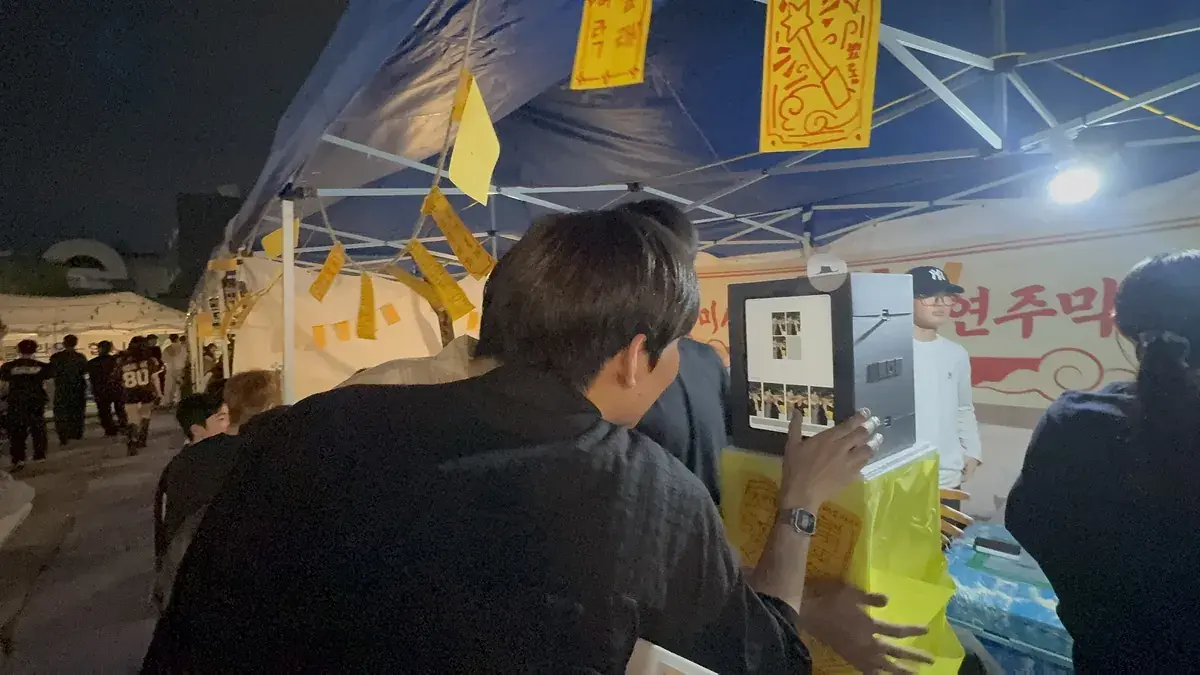
구경만 하는 주점 말고, 사진까지 가져가는 주점
축제 주점에 나만의 네컷 부스를 놓으면 다녀간 사람들이 그날의 네컷을 챙겨갑니다.
친구들이 직접 찍고, 완성된 네컷은 QR로 바로 가져가요. 앱을 깔지 않아도 브라우저에서 바로 열립니다.
학과 이름을 넣은 프레임
학과 이름이나 주점 이름을 넣은 프레임을 앱에서 바로 만들 수 있어요. 축제 기간에만 쓰는 프레임도 몇 분이면 완성됩니다.
웹 프레임 제작기에서 로고와 문구를 넣어 만들면 앱의 프레임 업로드에서 그대로 쓸 수 있습니다.
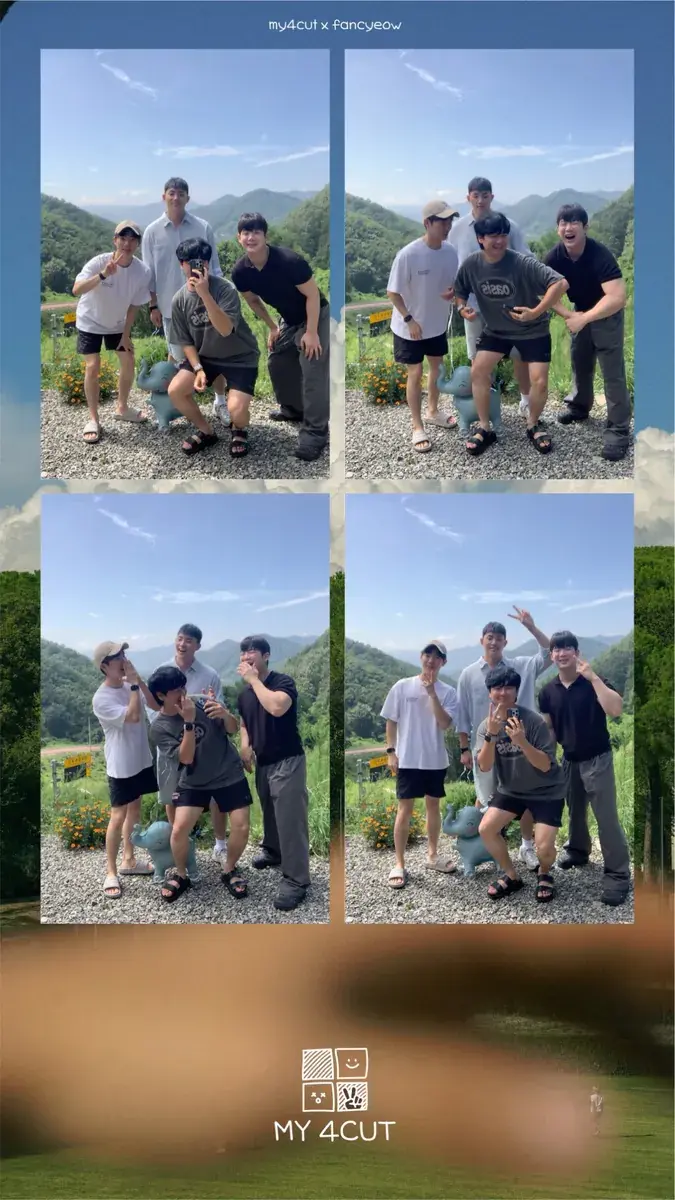
작은 테이블 하나면 충분해요
흰색 미니 부스는 아이패드를 끼우고 테이블 위에 올리면 끝이에요. 야외 잔디밭이든 실내 강당이든 자리를 가리지 않습니다.
축제 주점, 대학 MT, 동아리 부스 어디든 렌탈이 가능하고, 학기 내내 쓰려면 구매도 할 수 있어요.
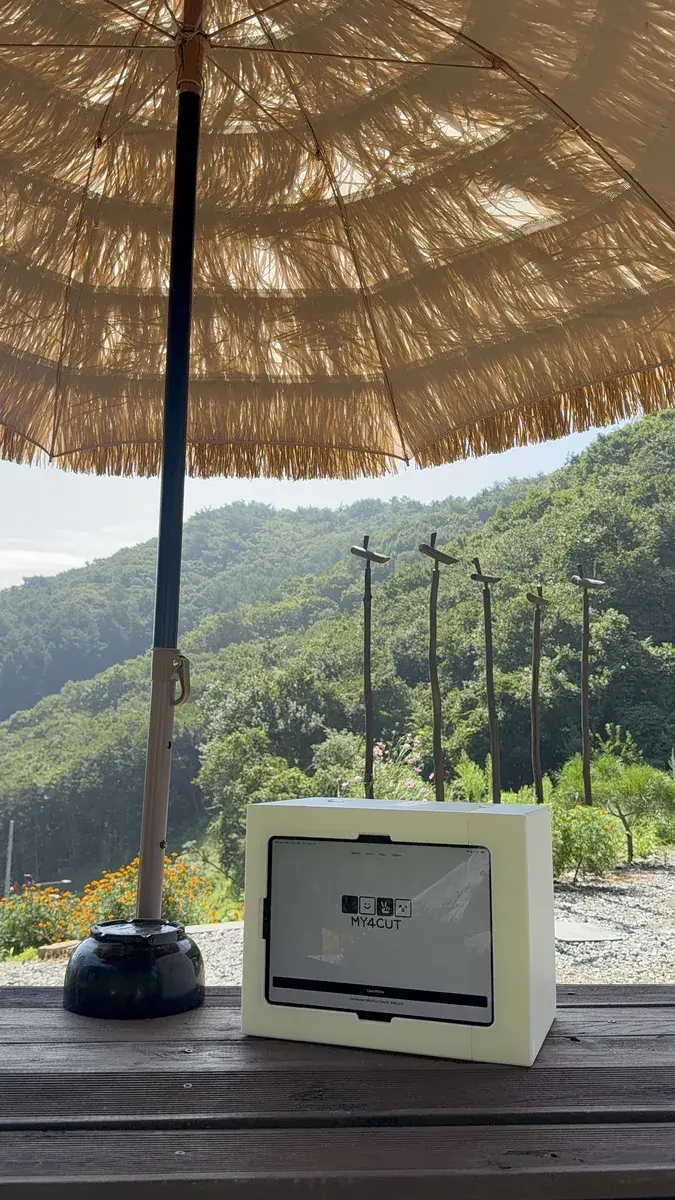
축제 주점 말고 어디에 놓을 수 있나요?
카드뉴스에서 꼽은 자리는 대학 축제, MT, 동아리 부스, OT·새터예요. 주점만 되는 게 아니에요.
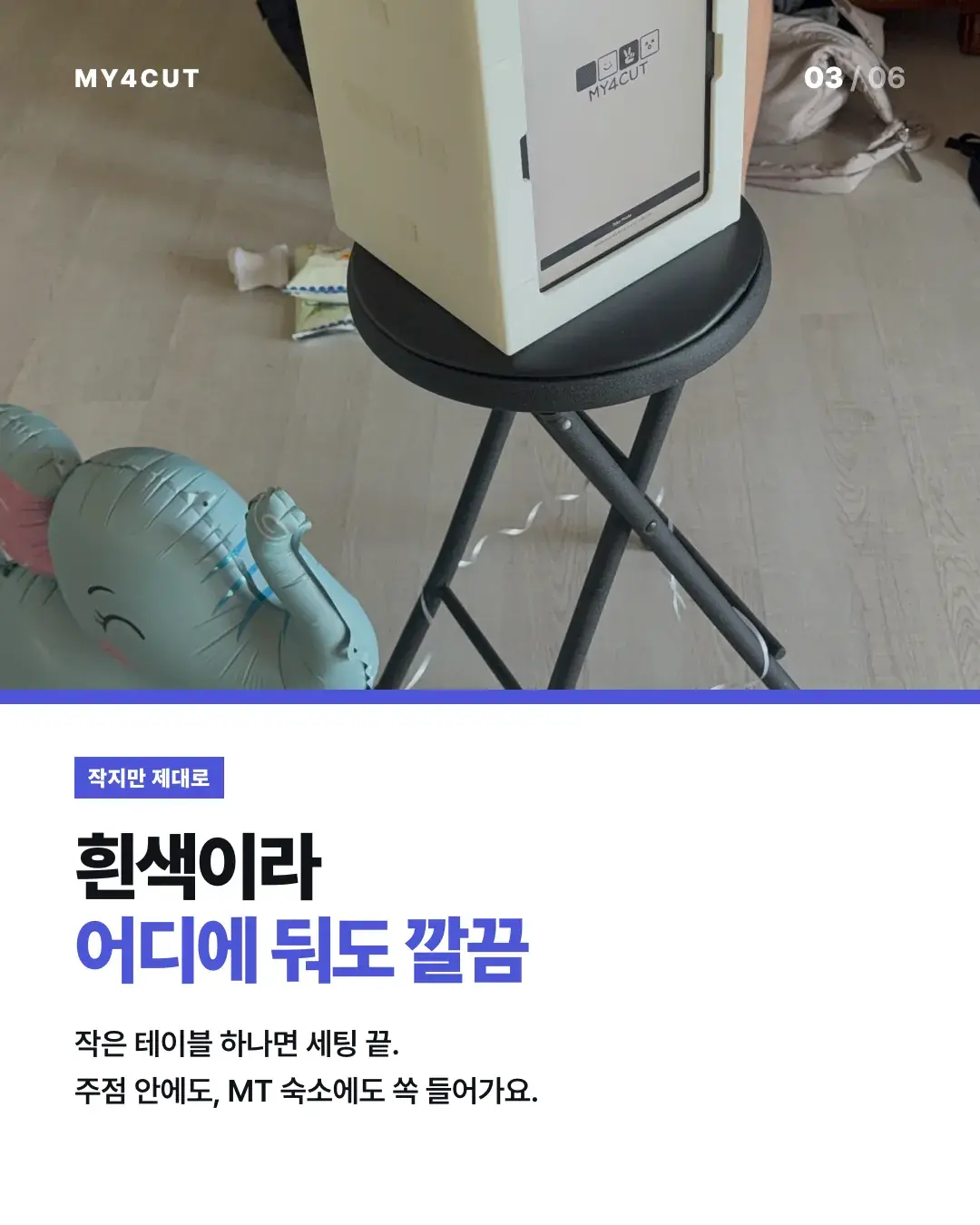
부스가 흰색이라 어디에 둬도 깔끔해요. 작은 테이블 하나면 세팅이 끝나서 주점 안에도, MT 숙소에도 들어갑니다.
필요한 날짜에 맞춰 렌탈할 수 있어요.
우리 학교 행사에 하려면 어떻게 준비하나요?
준비 순서를 네 단계로 적어 볼게요.
- 날짜와 자리를 정합니다. 필요한 날만 쓰면 렌탈이 편하고, 학기 내내 쓰면 구매를 알아봅니다. 렌탈은 하루 50,000원, 배송비 5,000원이에요. 서서 찍는 큰 부스로 학교 이름을 넣고 싶다면 대형 포토부스 Pro도 있어요.
- 11인치 아이패드를 준비합니다. 아이패드는 렌탈 금액에 들어 있지 않아요.
- 학과 이름이나 주점 이름을 넣은 프레임을 만들어 둡니다. 프레임 제작은 앱에서 로고와 행사 이름을 직접 넣으면 돼요.
- 당일에는 부스에 아이패드를 끼워 테이블에 올리면 끝이에요. 친구들이 직접 찍고, QR을 찍으면 앨범에 바로 저장됩니다.
자주 묻는 질문
대학 축제 포토부스는 렌탈만 되나요?
설치에 뭐가 필요한가요?
찍은 사진은 어떻게 받나요?
축제 포토부스 렌탈 비용은 얼마인가요?
MT나 OT·새터에도 쓸 수 있나요?
이번 축제에 부스 놓기
부스 구성과 렌탈·구매 정보는 스토어에서 확인하세요. 학과 프레임은 지금 바로 만들 수 있어요.
행사 로고와 전용 프레임을 넣어 부스를 열어 보세요
나만의 네컷 앱에는 로고 커스터마이징, 행사 전용 프레임, 관리자 비밀번호 잠금이 있어요. 찍은 사진은 QR 코드로 게스트 폰에 바로 들어가요.