현장 사례업데이트 읽는 데 약 2분
전시회 팀 부스 포토부스, 팀 아이패드 한 대로
한눈에 보기
전시회 팀 부스 포토부스는 팀에 있던 11인치 아이패드를 거치대에 물리고 앱을 켜면 돼요. 큐시즘 33기 전시회에서는 팀마다 프레임을 하나씩 만들었고, 화면에서 프레임을 고른 뒤 촬영하기를 누르면 카운트다운 후 네 컷이 찍혔습니다.
빌린 부스 없이, 팀 아이패드로
큐시즘 33기 전시회, 홍대 레드로드 실험센터. 전시 팀마다 자기 프레임을 하나씩 만들었어요.
빌린 부스는 없습니다. 팀에 있던 아이패드에 나만의 네컷 앱만 켠 거예요.
부스는 하나, 프레임은 팀 수만큼
앱에서 프레임을 만들면 그 자리에서 바로 촬영에 적용돼요. 시안을 뽑아서 부스 옆에 붙여두셨더라고요.
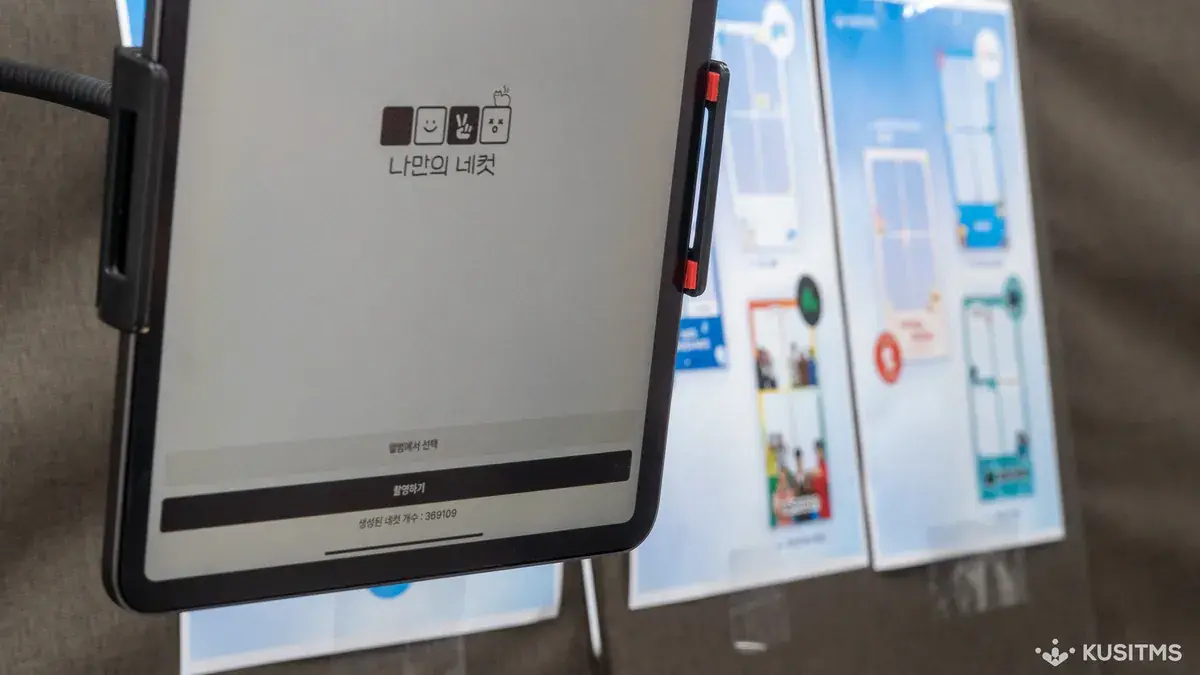
찍는 건 화면에서 프레임을 고르고 촬영하기를 한 번 누르면 끝이에요. 카운트다운이 뜨고 네 컷이 찍히니까 찍어주는 사람을 세울 필요가 없고요. 사진은 QR로 각자 폰에 저장됩니다.
그날 앱 화면에 찍힌 누적 네컷 369,109장
학회원만 쓴 것도 아니에요. 전시를 보러 온 분들도 팀 부스에서 한 장씩 찍고 가셨습니다.
학회나 동아리 행사면 단체 등급을 열어드려요. 팀마다 프레임을 따로 만들 수 있습니다. 11인치 아이패드는 팀에서 준비하시면 돼요.
아이패드 한 대로 부스를 어떻게 꾸렸나요?
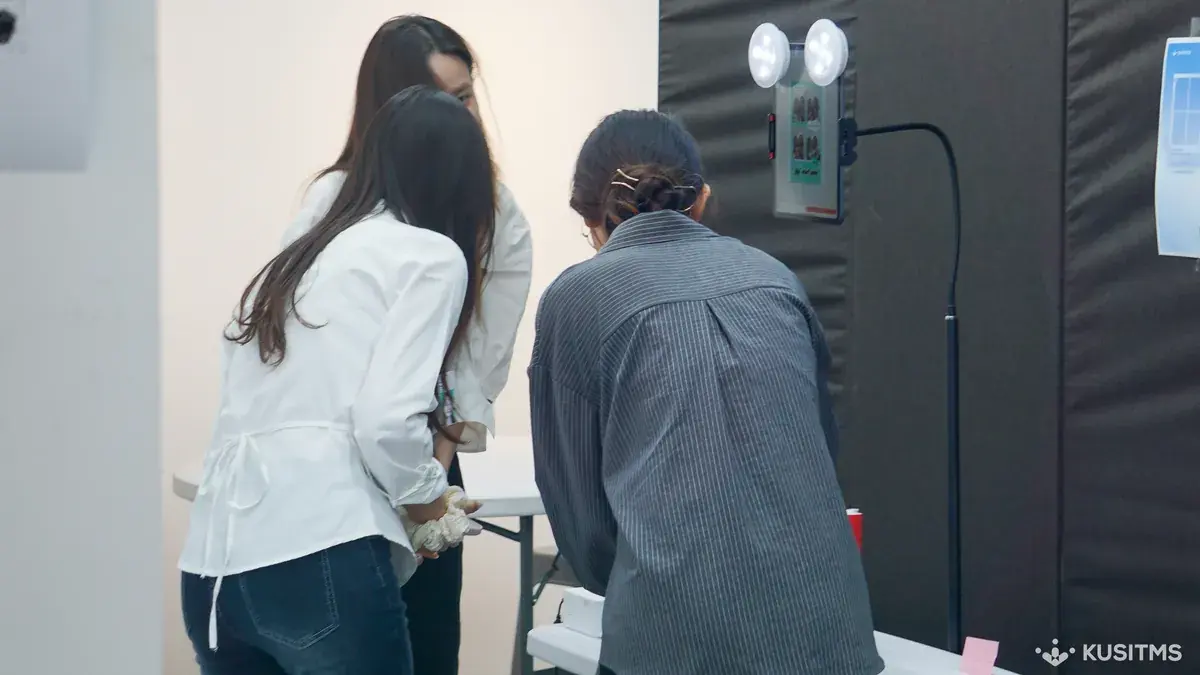
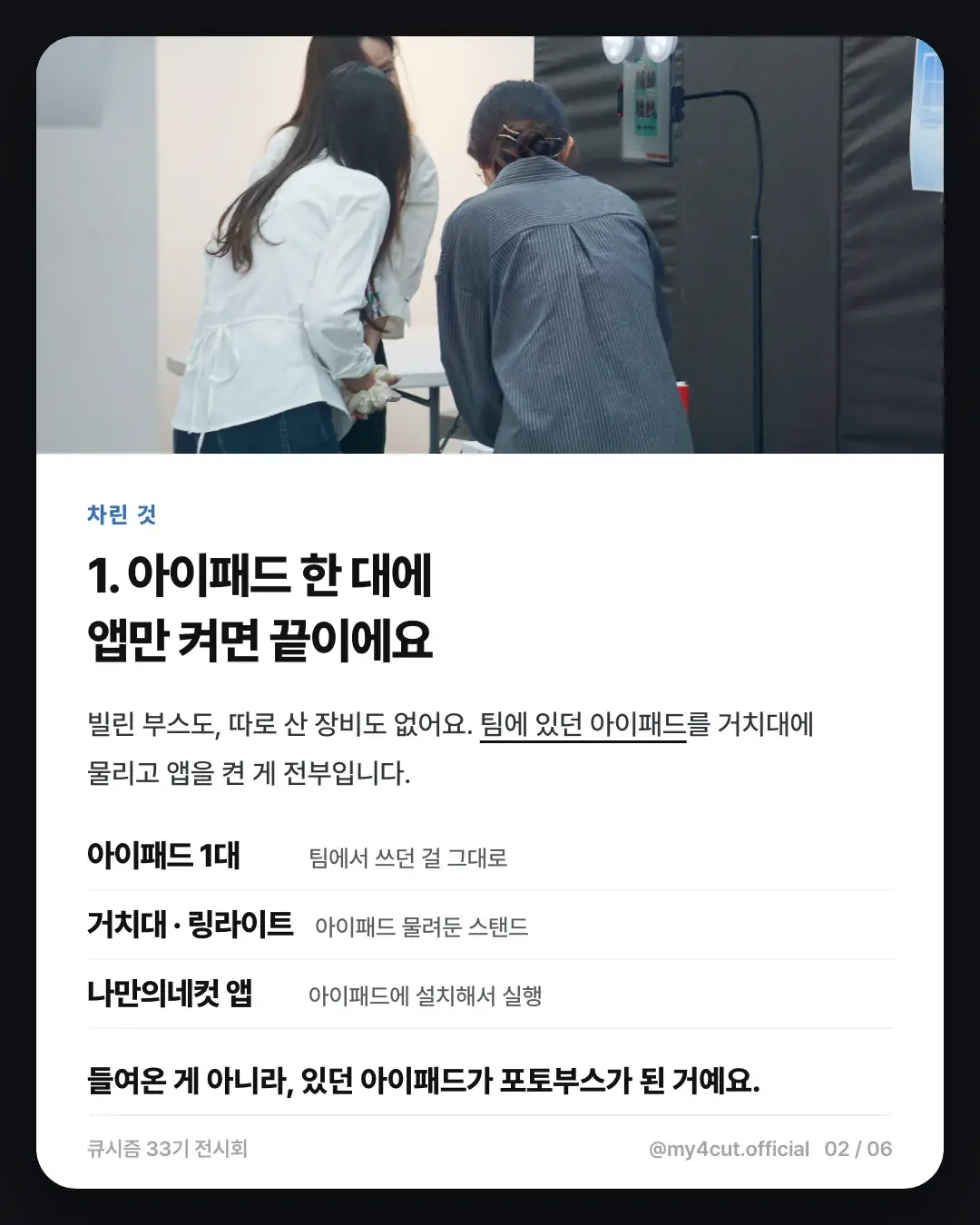
빌린 부스도, 따로 산 장비도 없었어요. 팀에서 쓰던 아이패드를 거치대에 물리고 앱을 켠 게 전부예요.
카드뉴스에서 정리한 구성은 세 가지입니다. 아이패드 1대(팀에서 쓰던 걸 그대로), 거치대와 링라이트(아이패드를 물려 둔 스탠드), 나만의 네컷 앱(아이패드에 설치해서 실행).
들여온 게 아니라, 있던 아이패드가 포토부스가 된 거예요.
팀마다 프레임이 다르면 현장에서 어떻게 고르나요?
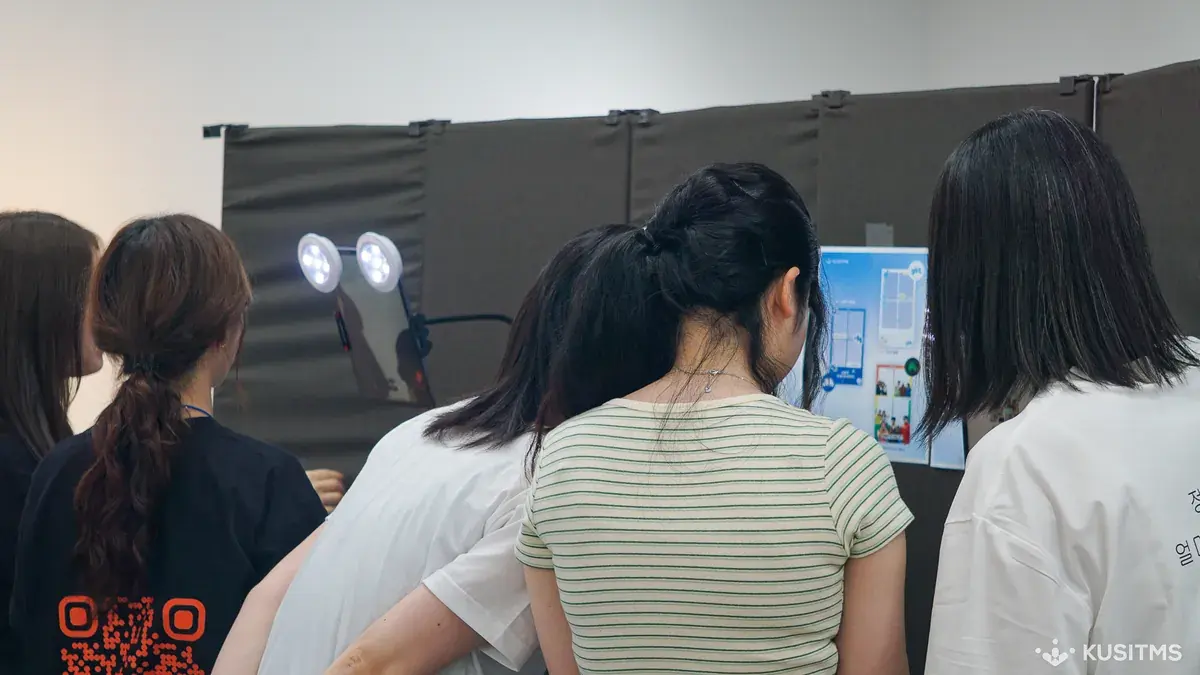
찍기 전에 프레임부터 고르게 되어 있어요. 화면에 팀 프레임이 뜨면 앨범에서 골라 촬영하기를 한 번 누르면 카운트다운이 시작됩니다.
전시 팀들은 프레임 시안을 뽑아 부스 옆에 붙여 두었어요. 옆에 붙은 시안이 전부 다른 팀 프레임이라, 부스는 한 대인데 프레임은 팀 수만큼 나온 셈이에요.
찍어 주는 사람을 따로 세울 필요가 없어요.
우리 학회·동아리 전시에도 하려면 어떻게 준비하나요?
큐시즘 현장을 기준으로 준비 순서를 적어 볼게요.
- 11인치 아이패드와 거치대를 팀에서 준비합니다. 아이패드는 별도라 따로 챙겨야 해요.
- 팀마다 쓸 프레임을 미리 만들어 둡니다. 팀별로 프레임을 따로 만들 수 있는 단체 등급 안내를 먼저 읽어 보세요.
- 프레임은 앱에서 만들면 그 자리에서 촬영에 바로 적용돼요. 만드는 방법은 나만의 프레임 직접 제작에 있습니다.
- 부스 옆에 프레임 시안을 붙여 두면 관람객이 고르기 쉬워요.
자주 묻는 질문
부스를 빌리지 않고도 포토부스를 운영할 수 있나요?
팀마다 다른 프레임을 쓸 수 있나요?
관람객도 찍을 수 있나요?
전시회 팀 부스에서 아이패드 말고 필요한 장비가 있나요?
팀마다 프레임을 따로 쓰려면 어떻게 하나요?
우리 학회 전시에도
단체 등급과 프레임 제작 방법은 스튜디오 안내에서 확인할 수 있어요.
행사 로고와 전용 프레임을 넣어 부스를 열어 보세요
나만의 네컷 앱에는 로고 커스터마이징, 행사 전용 프레임, 관리자 비밀번호 잠금이 있어요. 찍은 사진은 QR 코드로 게스트 폰에 바로 들어가요.