Party Photo Booth: Hongdae, Then a Seongsu Rooftop
The short answer
We started with an iPad standing on a table at a Hongdae party, then moved to a mini booth with a ring light right beside it at a Seongsu rooftop party. Faces come out dark at night, and the ring light kept them bright. Both times guests got their photos by QR code.
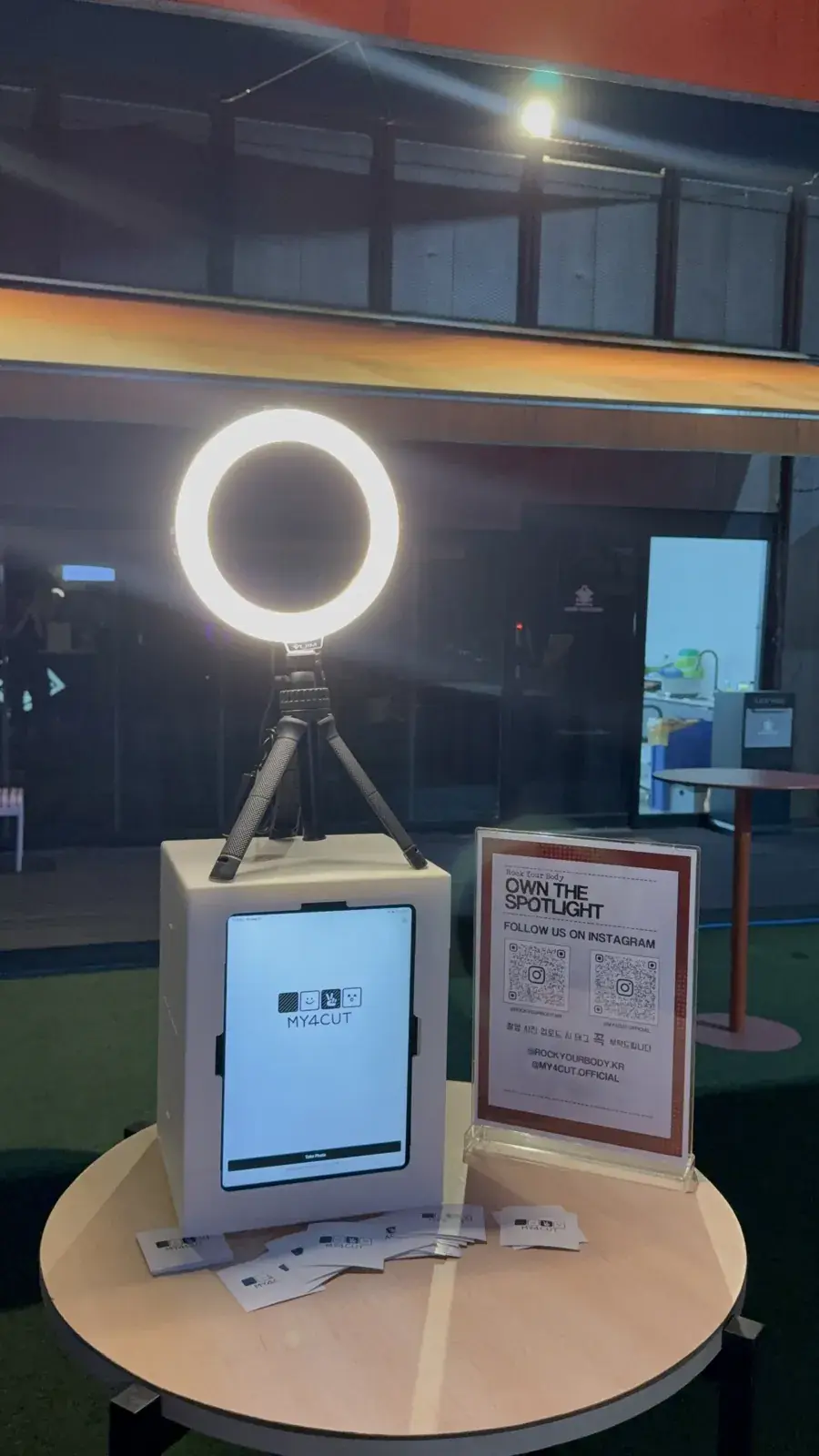
What changed between the first party booth and the second?
We ran a photo booth twice with the RYB party crew (rockyourbody). The first was the RYB party in Hongdae on May 9. The second was a DJ party on a Seongsu rooftop, Simsimbar, on Friday, September 11. We hired no booth company either time.
The first time, we stood an iPad on a table. The second time, we put the iPad in a mini booth and set a ring light right beside it. Even at night, faces stayed bright. This post is about that difference.
A party is not like a daytime event. People come and go all night. A booth that stays put can be used whenever someone feels like it, even without a constant line. About four months separated the two parties, and all we changed was one booth and one light.
How did we set up the first party in Hongdae?
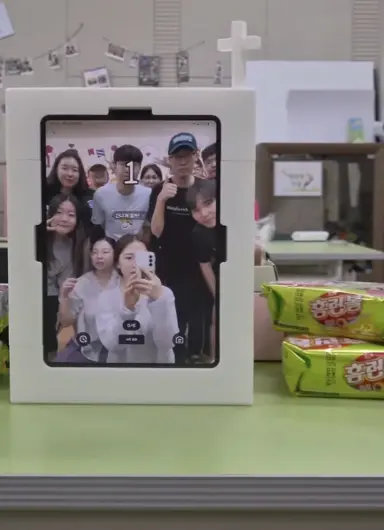
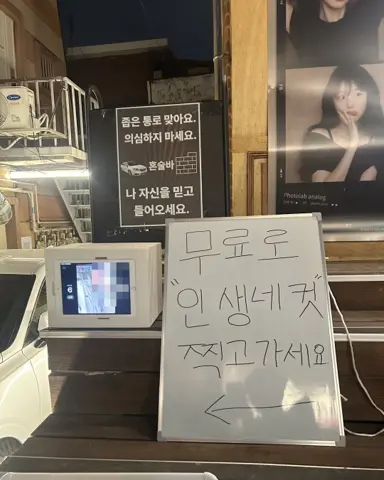
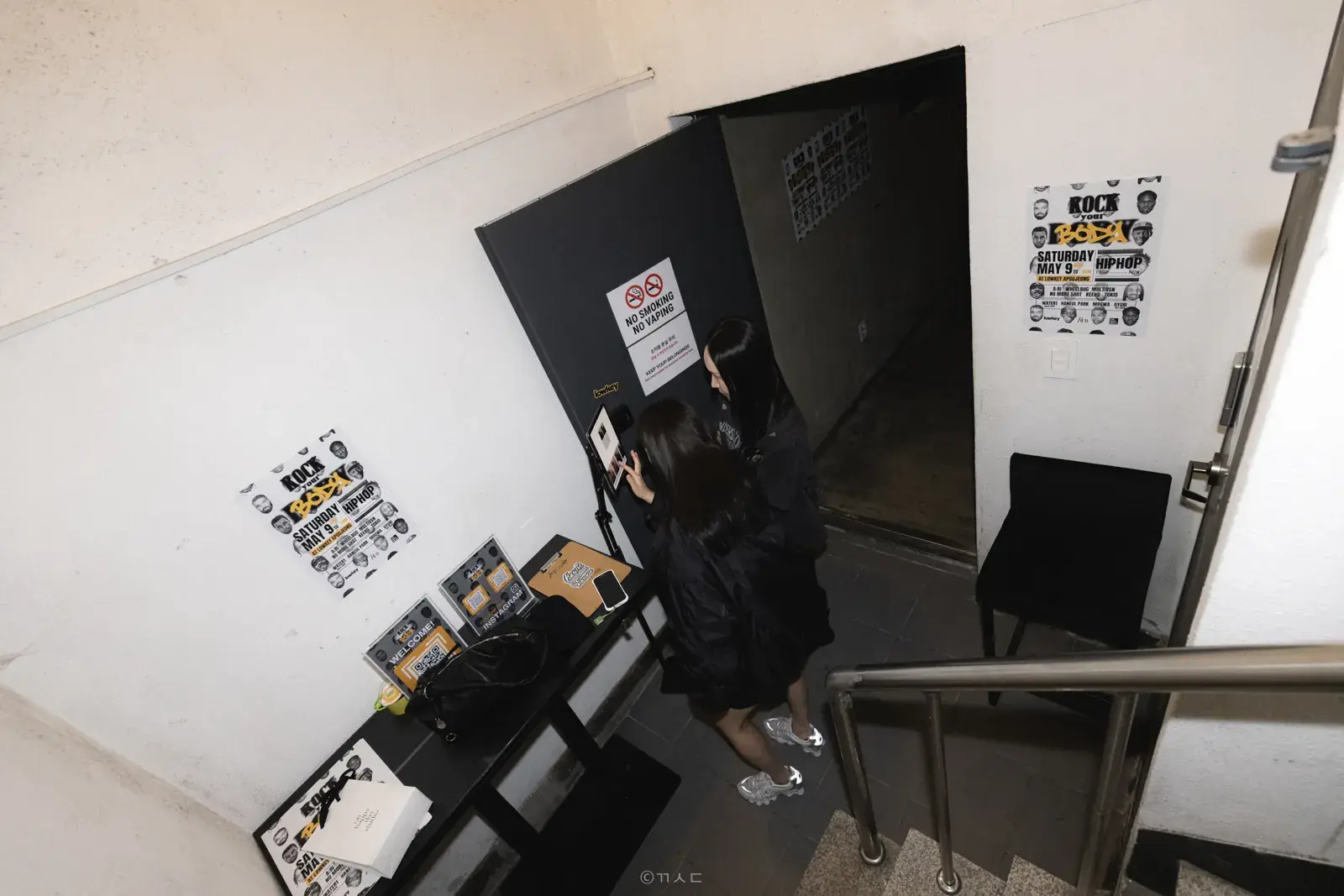
The spot was a corner next to the stairs. At 8 p.m. we set one table down and put an iPad and one light on it. When we opened the app, it was a photo booth.
No booth structure, no delivery driver, no rental fee. One table was all there was. That corner never ran out of people all night, and we had not called a vendor.
Because the iPad was just standing there, we had to adjust the screen angle and the light on site. That is what changed at the second party.
Because all it takes is an iPad, there was no booth to build. We did not post one person to shoot and another to hand out photos. One app did both.
In the photos the spot was a narrow space at the bottom of the stairs. In a tight place the smaller the footprint the better, and a table-sized setup fits even a corner by the stairs.
How did we make the party frames?
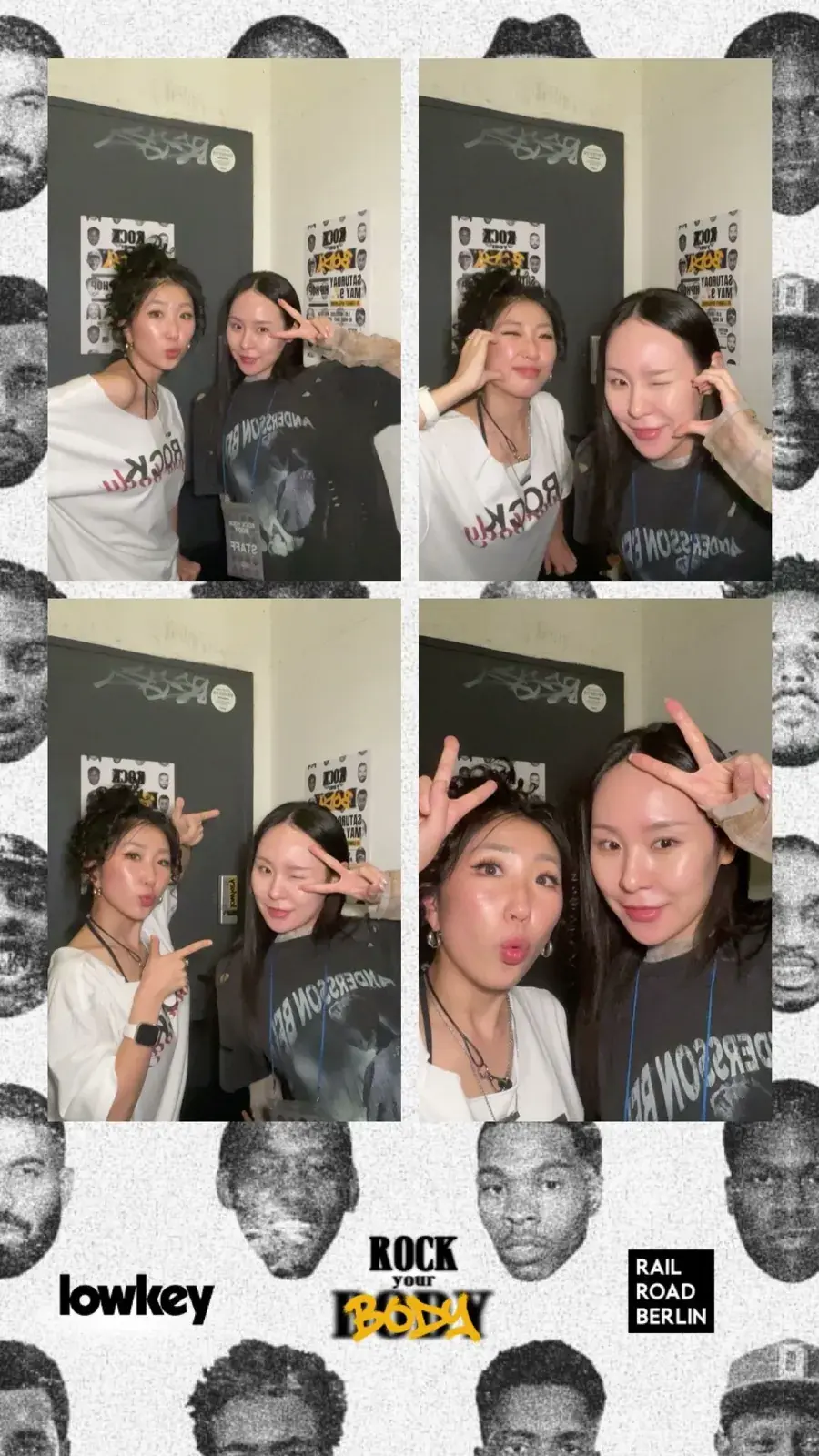
Both frames were made in the app. In Hongdae we used the party logo and the lineup as they were, as a frame for that one night. We hired no outside designer.
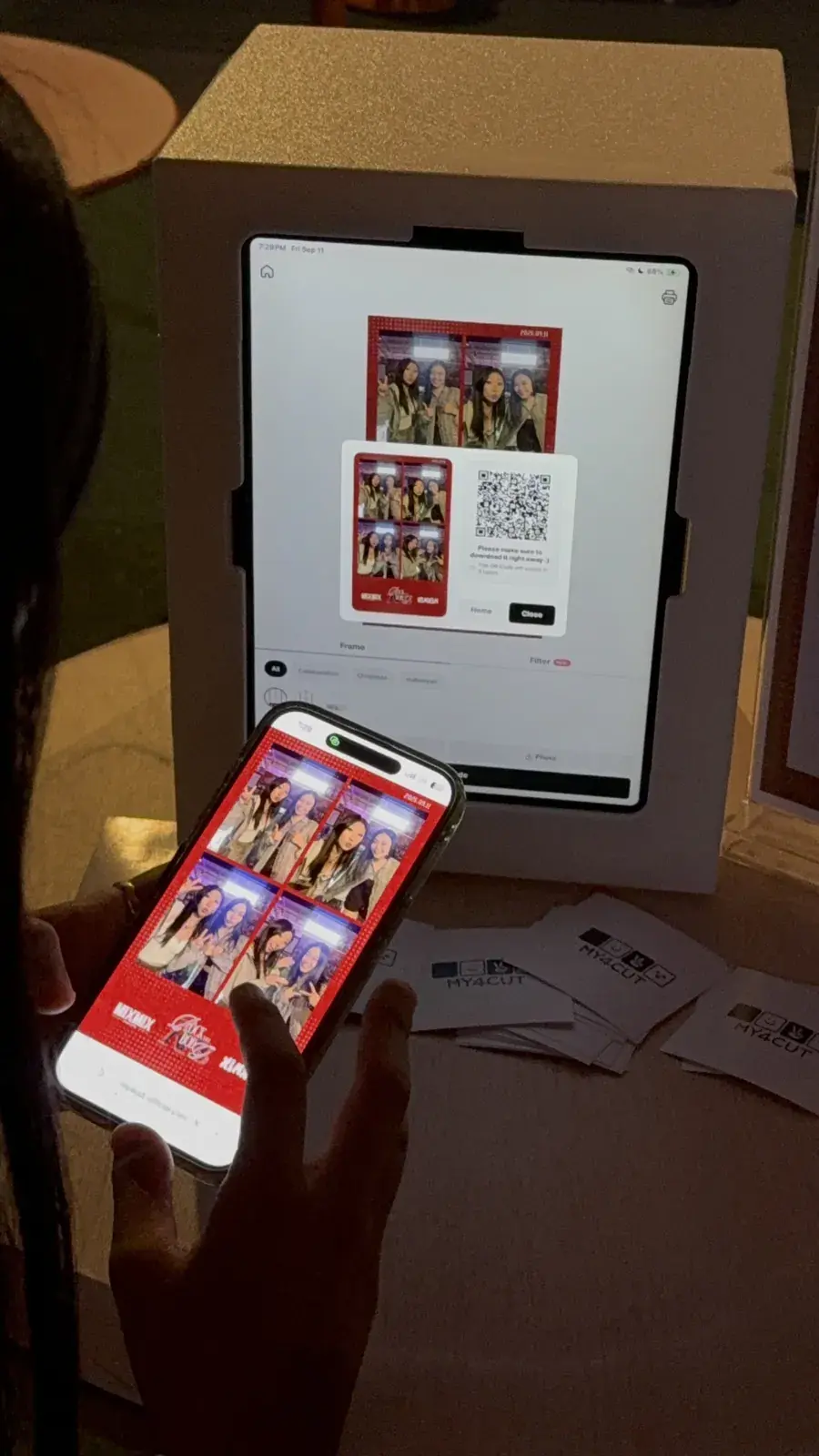
In Seongsu it was a red frame with the date and the crew logo, so it is clear at a glance which night the photo is from. We loaded three frames and let guests pick one on screen.
You make frames with the custom frame feature and add them to the app. With the event name or date on it, the photo still shows which night it was long after the party.
With the lineup on the frame, a photo takes you straight back to that party when you look at it later. People who went to the same party can compare photos. The frame is a one-night frame, so after the party you make a new one for the next.
Why a mini booth and a ring light at the second party?
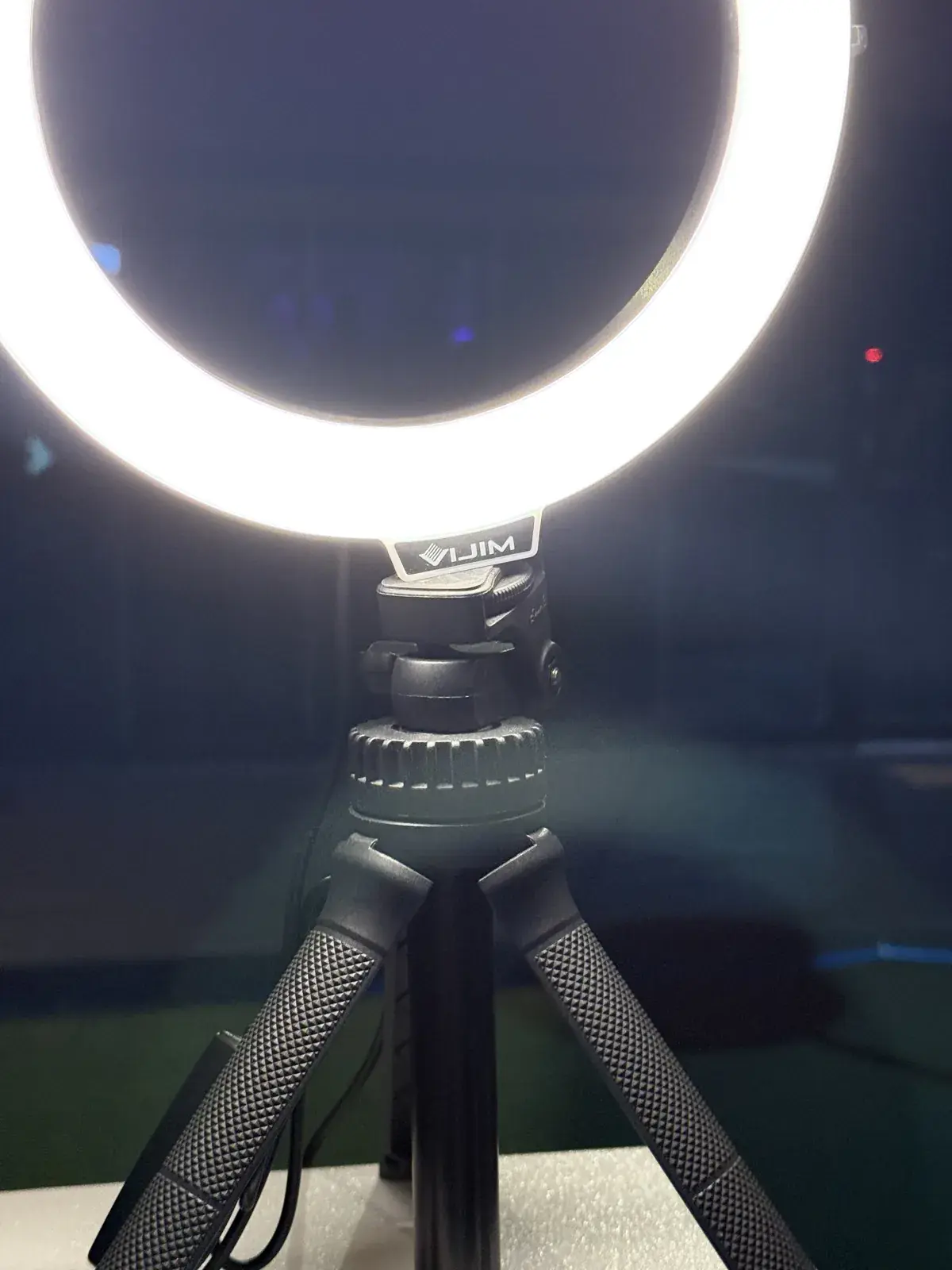
Because it was a rooftop at night. While the DJ set played inside, we put the booth on the terrace side. Faces come out dark at night, so the ring light always goes right beside it.
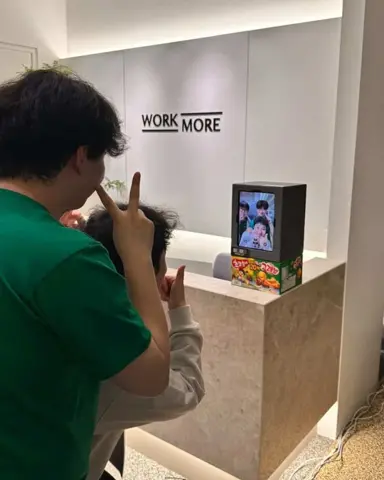
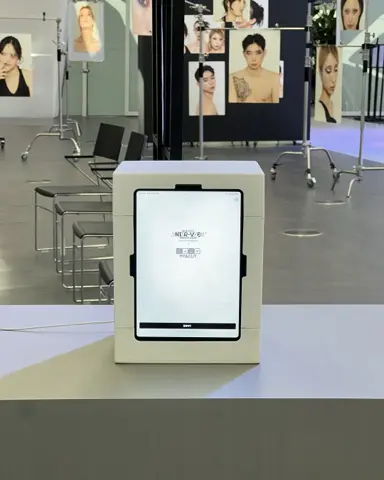
Putting the iPad in a mini booth fixes the screen angle, and a ring light next to the booth sends light to faces. In Hongdae we had an iPad standing up with a separate light. In Seongsu the booth and the light moved as one set.
The spot was a high table in front of a glass wall. One mini booth and one ring light turn any table into a booth.
With the booth on the terrace side, it sat apart from the people listening to the DJ set inside. It was an easy place to stop by and shoot when you stepped out for some air.
In Seongsu the lounge inside was lit purple, and we put the booth on a high table in front of the glass wall. A MY4CUT sign stood beside it.
- Hongdae (May): a table in a corner by the stairs, one iPad, one light
- Seongsu (September): a high table by a glass wall, a mini booth with an iPad, one ring light
- Same both times: no vendor, frame made in the app, photos by QR
How did guests get their photos?
By QR code both times. When the shoot ends a QR appears on the iPad, and a phone scan saves the photo right away. In Hongdae nobody had to send photos around in a group chat.
We did not use a printer in Seongsu. Nobody carries paper around at a party. Three or four people squeezed in at once, and seeing their own faces on screen, they laughed while lining up poses. The group watching went in next.
If your event uses a printer, check the event checklist for what to prepare first.
What worked about QR delivery was that people keep the photo after the party ends. Paper is easy to lose, but a photo saved on a phone can be posted or sent to a friend right away.
What should you prepare to put a booth at a party?
This is the order we settled on after two parties. Rental terms are on the booth rental page.
One more thing from the two parties: put the booth where people can see it. The corner in Hongdae never ran out of people, but with light and a sign, even a first-time guest knows where to shoot.
- For a night party, settle lighting first. Light has to reach faces or the photos come out dark.
- Check for a high table or a table spot, and an outlet, ahead of time.
- Get the party logo, date and lineup text for the frame before the event.
- You can load several frames and let guests choose on screen.
- Three or four people shoot at once, so leave room in front for those waiting.
Frequently Asked Questions
Can you run a party photo booth without hiring a company?
What if faces come out dark at a night party?
Do you need a printer at a party?
How do you make a party frame?
How many people can shoot at once?
Want to make your own party frame?
See how to build a frame with your logo, date and text in the app and put it on the booth.
See custom framesSet up an event booth with your logo and frame
The MY4CUT app has logo customization, dedicated event frames and an admin password lock. Guests get their strip on their own phone by QR code.